Server Version#: 1.18.6.2368
Player Version#: 2.1.3
I have a LG 55UK6090PUA 55" TV with the latest version of the Plex app, according to the WebOS LG Store.
I had my Plex server on IP Address 192.168.1.11 to start out with.
I was able to connect my TV/Plex app to the server with no issues and it’s been working great until i moved my server to a different IP Address.
Now when i launch the plex app on the TV i get this error message.
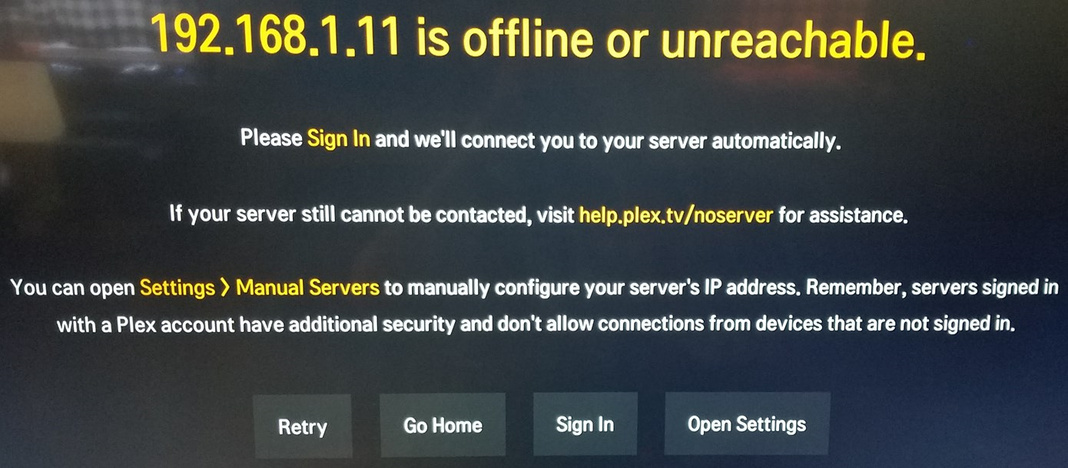
I am unable to select any of the options at the bottom, no matter what button i press on the remote, it just stays on this screen until i press EXIT or Power Off the TV.
I’ve tried uninstalling the Plex app… Turning off the TV… Re-installing the app… and when i launch it, it automatically goes back to this screen.
Uninstalling the app doesn’t Forget/Wipe the previous settings the app was using.
Please fix this flaw in your app!
And telling me to move my server back to the previous IP Address is not a resolution.
