The metadata on these files match similar files so I don’t think that is the issue.
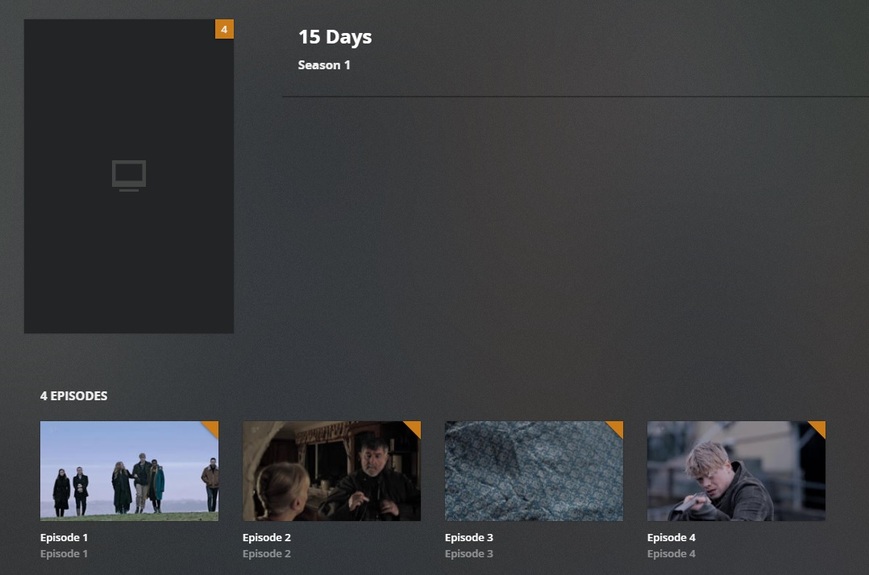
Another weird thing is that if I open the series, it shows pictures of each of the 4 episodes, however, it does not show an image for the series, or any information for it.
I have deleted from the library, scanned filed, exited Plex, rebooted my computer, added it back in, rescanned and still run into the same issue.
I am at a loss of how to correct this…Any insights would be appreciated…
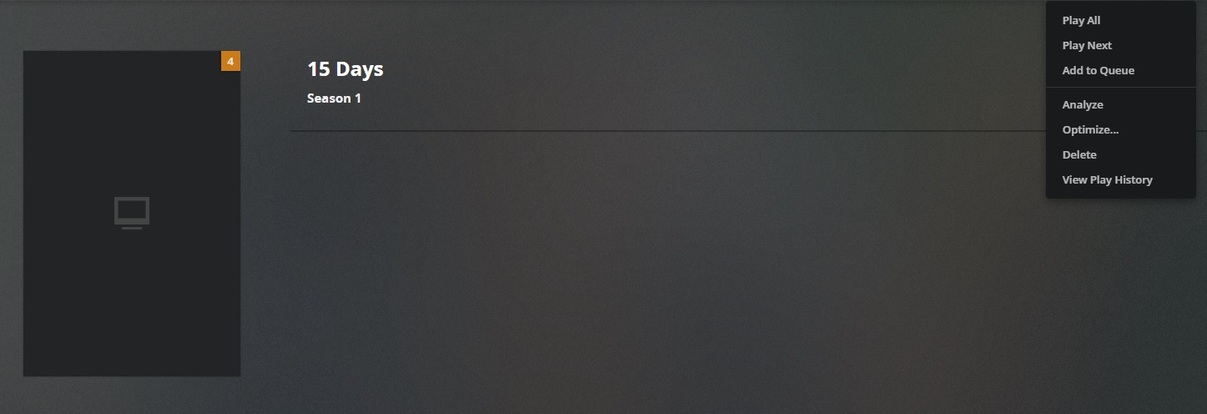
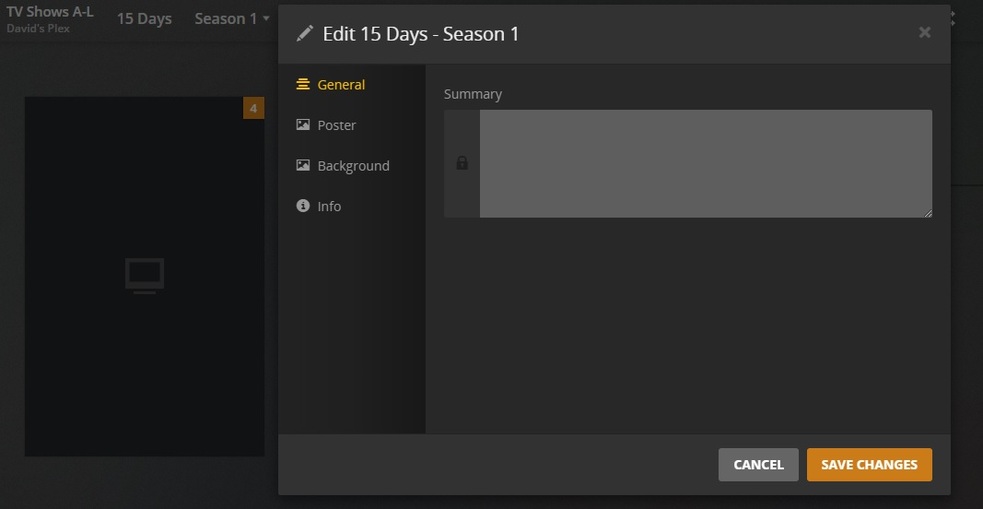
You can only Match/Fix Match at the show level, not at the season or episode levels. It looks like you may have been at the season level view of the show when you attempted it.
Also, it seems as though TheTVDB has the show listed twice for some reason, once for 2018 and once for 2019. Normally this wouldn’t be odd, but it is in this case because they appear to be referring to the same show. When you attempt to match it, pick the 2019 one (both IMDB and The Movie Database agree that 2019 is correct); Plex appears to be able to pull metadata for it, at least in my test.
Since it’s ambiguous on TheTVDB’s site, you’ll likely want to add the release year (2019) to your folder name:
TV Shows/
     15 Days (2019)/
          Season 01/
               S01E01 - Episode 1.mkv
Finally, the Plex Dance may be in order, depending on the state of the show after renaming.