Server Version#:PlexMediaServer-1.18.4.2171-ac2afe5f8-x8
Player Version#:2.12 (AppleTV)
I’ve recently acquired all of the various Star Wars movies, and added them to my Synology Plex server. The movies are named:
Unfortunately, when I go to view them only a few of them show up in my Library when I view All Movies by Title. Those that do show up are the following, and their titles are displayed as “Star Wars: Episode II - Attack of the Clones”, “Star Wars”, “Star Wars: The Clone Wars”, “Star Wars: The Force Awakens” and “Star Wars: The Last Jedi”, which is not as they are on disk.
If I may augment with an example which complies with the naming convention (using FileBot , which is an invaluable tool):
Star Trek Beyond (2016)/
  Star Trek Beyond (2016).mkv

Star Wars The Force Awakens (2015)/
  Star Wars The Force Awakens (2015).mkv

Star Wars The Last Jedi (2017)/
  Star Wars The Last Jedi (2017).mkv
[chuck@lizum movies.93]$
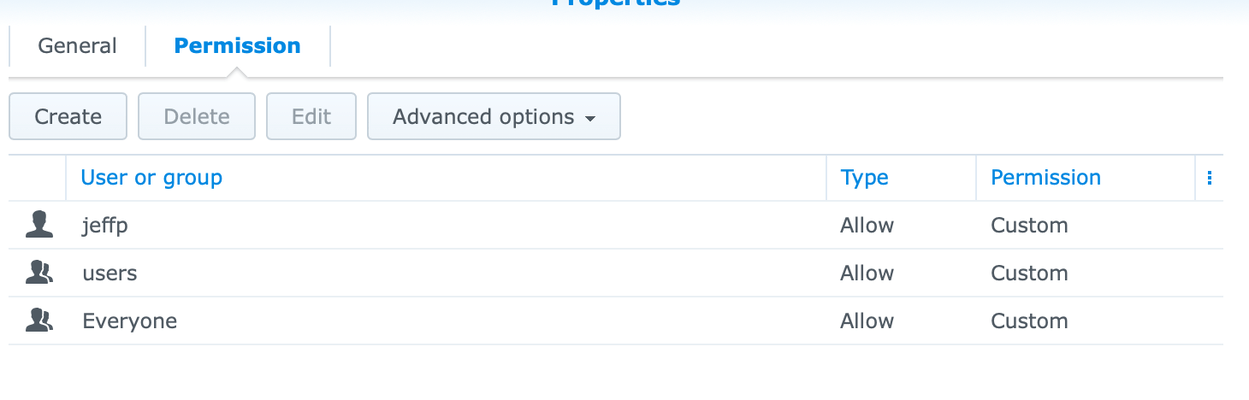
Based on how the files were added, does user plex have permission to read them?
Sometimes, copying over SMB/CIFS does not grant the appropriate permission.
Punctuation, inappropriate used, can easily result in failed matching.
Placing each in their own directory affords you the option of adding extras to it and having those extras properly associate with the film (Local Media Assets agent)
The work is done on the computer.
When FileBot does the renaming, the proper structure and names are done the first time as they are transferred to the QNAP ( NFS)
@ChuckPa
Yep, they’re all in the same movie folder, which Plex has the correct permissions for. I’ve added other movies more recently than the Star Wars movies, and I see and can play those.