Server Version#: Synology DS720+
Player Version#: Current (updated today 4/17) not sure to find version #
5 of the 50 files in my file folder are not showing up in my Library.
I have check filename to make sure compliant. Example: Wedding Part 1.MP4
I have run a Scan
@JaysPlex - I am tracking with you. I copied the 5 files, in question, into their own folder file and created a new library. Ran a scan and nothing in the Library. Interestingly, when creating the Library, I created it at the folder level. But, I could see the files in question when using the Library creation GUI.
Ok, just to confirm so we’re on the same page
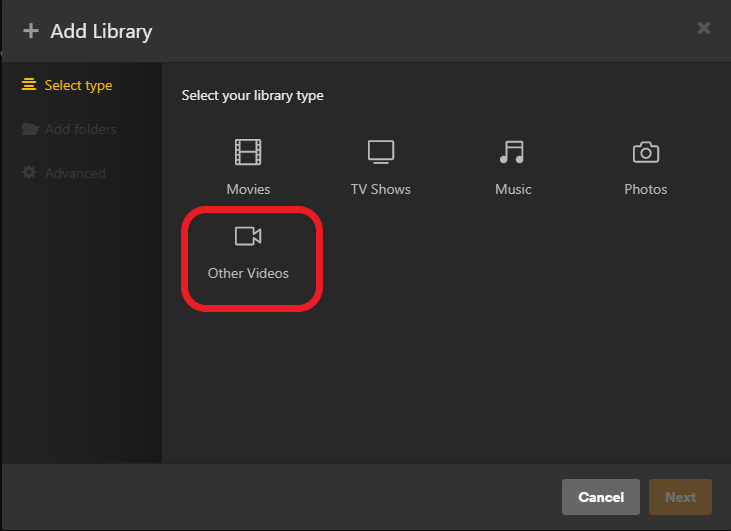
When you created a new library for these files you choose this type?
These 5 videos are home movies correct?
@JaysPlex - THANK YOU! Solution, my file names were too similar (Wedding Part 1, Wedding Part 2, Wedding Part 3, …) once I changed them to files completely different, they appeared in my Library. I have a solution and thank you for your valued input. I hope to pay it forward someday.
Yeah, I’ve seen this before. Unfortunately, “Wedding” is one of those keywords in a file name that can get accidently combined with any one of about 3 million movies or TV shows in a regular library lol