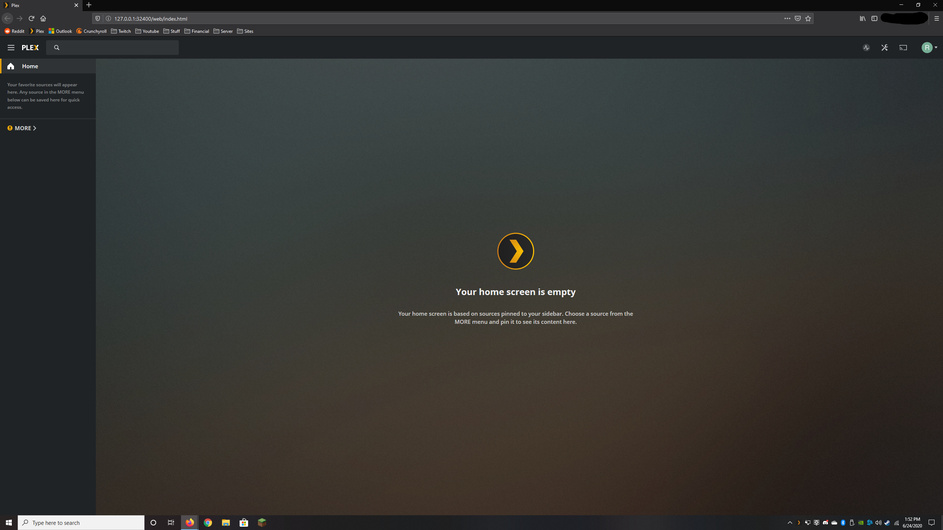
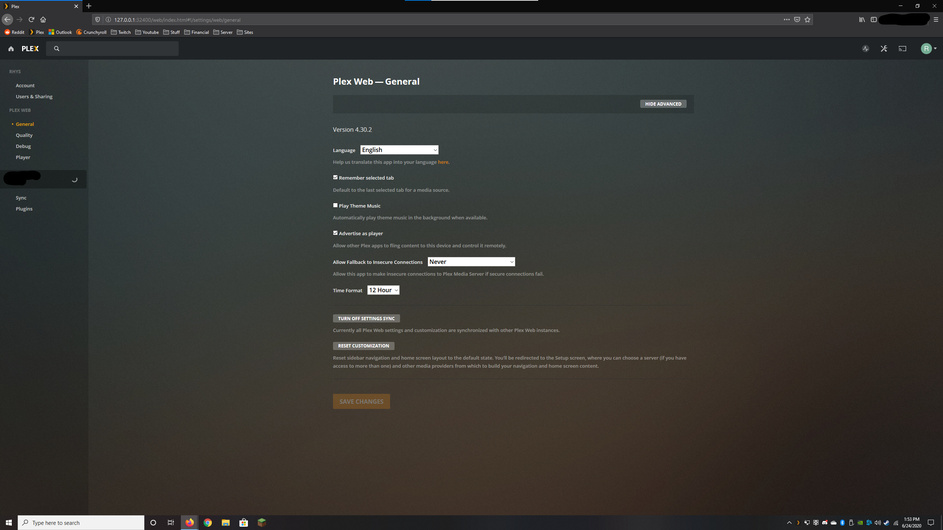
I recently moved out of a house where we were all using our roommates account to access his plex library. I also had a library on my personal machine that we would use sometimes so I also had PMS installed on my personal machine (Windows 10). Since moving out of that house I do not want to use his account information anymore and would like to use my own account with my own plexpass subscription. Every time I install PMS on my machine again it keeps reusing my room mates account. No matter what I do it always uses his account.
I have attempted to uninstall normally, uninstall using Revo (scans for leftover files and registry entries), I have uninstalled deleting all local appdata folders for plex and removing the registry key (HKEY_CURRENT_USER\SOFTWARE\Plex, Inc.)
I am also only logged into my new account on all my browsers and plex apps. I am hoping there is just some hidden registry key saving this info or some appdata folder that was missed somehow.
Also on a further more PISSED OFF note, why the hell is there no log out option in the PMS for windows. Who the hell thought that was a good idea to just have you permanently logged into one account and even on reinstall force you to stay logged in. Someone with less technical knowledge may just reset windows completely to fix this. On a bit research seems I am not the only one that seems to be upset by this issue as this was deliberately changed a while back for seemingly no reason?
Is it possible that you are judging by which libraries are shown in the web app?
Because the web app has a separate login from the server.
You should avoid using that. It does more harm than good.
As far as I can see, only one single device is using your new plex account. Your web browser.
If you use other devices with Plex as well, these appear to be (still) on a different account.
Is it possible that you have several Windows user accounts? HKEY_CURRENT_USER always points to the registry branch of the currently logged in Windows user account.
If Plex server is running under a different user account, changing anything under HKEY_CURRENT_USER has no effect.
Are you running Plex server as a Windows system service?
After selecting my profile I am greeted to a empty library. If I open the more sections I get to see my room mates server (that I do not want to use any further)
Please show me the log out button on this page cause I definitely don’t see it.
I am installing PMS for windows 10 and installing it by default from the windows executable.
I only have one user account on this machine.
I only use the web browser version of plex, I do not have the windows app for plex installed anymore.
He has his account restricted with a pin code and I do not have access to it. I have already attempted to uninstall plex and deleted the registry key specified. It did not change anything and it kept me logged into that account upon reinstall.
Looking at your screenshots you are selecting this user which is a Managed user under his account ( assuming his is the one with the 3d glasses avatar). You need to sign in with your own regular account. managed users cannot administrate servers.
if it keeps bringing you to that user selection screen in browser then you need to clear the cache/data/cookies for that URL so it brings you to the normal sign in screen where you can sign in with your regular account.
This was able to resolve the issue! I was not aware it was pulling cookies/cached data from the browser and was auto logging into that old account. Upon reinstall and deletion of that registry key it brought me to the new login screen.