Naming Conventions Don't Work

Server Version#: 4.129.1
Player Version#: 1.40.2.8395
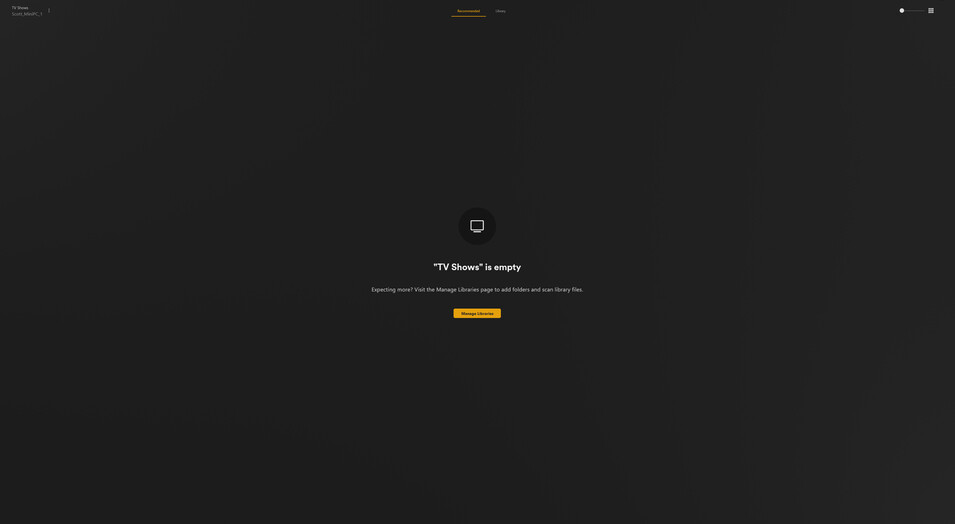
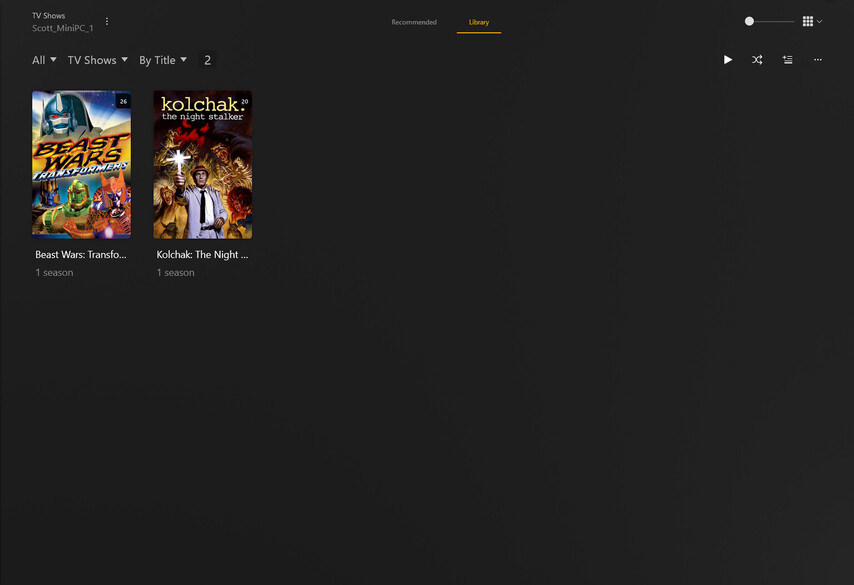
I followed the article, I watched videos, read other articles, and absolutely nothing works. My server refuses to display TV shows no matter how I organize them or name them according to everything I am told.

I also do not know how to find what Server or Player Version I am using. (Answered)

The server version can be found in:

  • SettingsServer_Name → General
  • Authorized Devices
  • The Plex Media Server installer file (ex: PlexMediaServer-1.40.2.8395-c67dce28e-x86_64.exe)
  • The top line of the Plex Media Server.log file (see server logs).

Plex DocumentationYour Media
Naming & Organizing Your TV Show Files
Naming & Organizing Your Movie Files

Follow the Plex documentation.

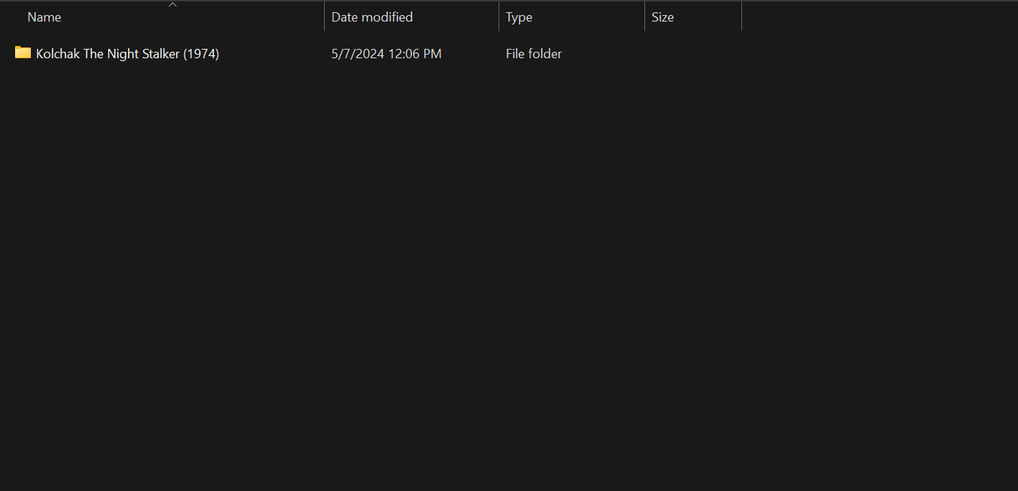
Please show how you have your files named and organized (screenshot, directory listing, etc).
Include the folder you added to the TV show library.

Responding to the first part of your post. I edited the OP for ease of future reference.

Next I will tackle the second part of your post.


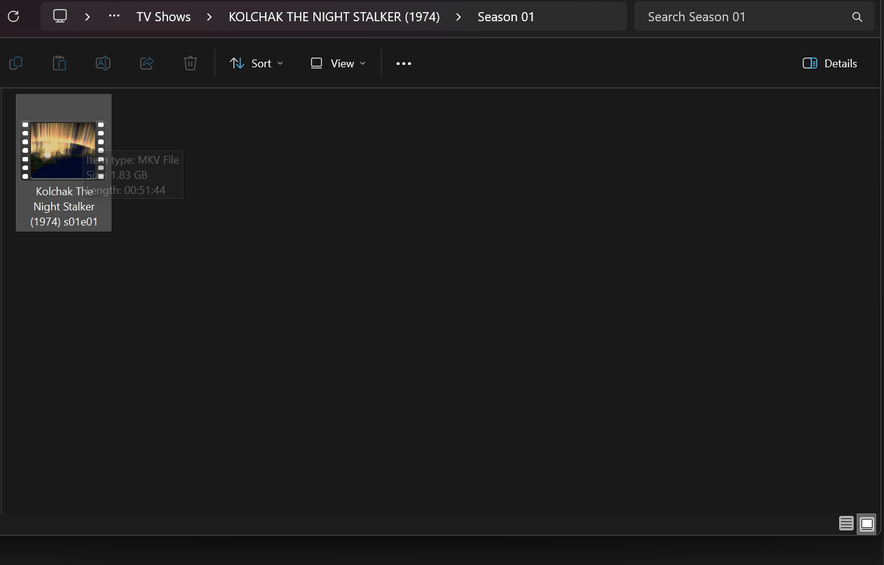
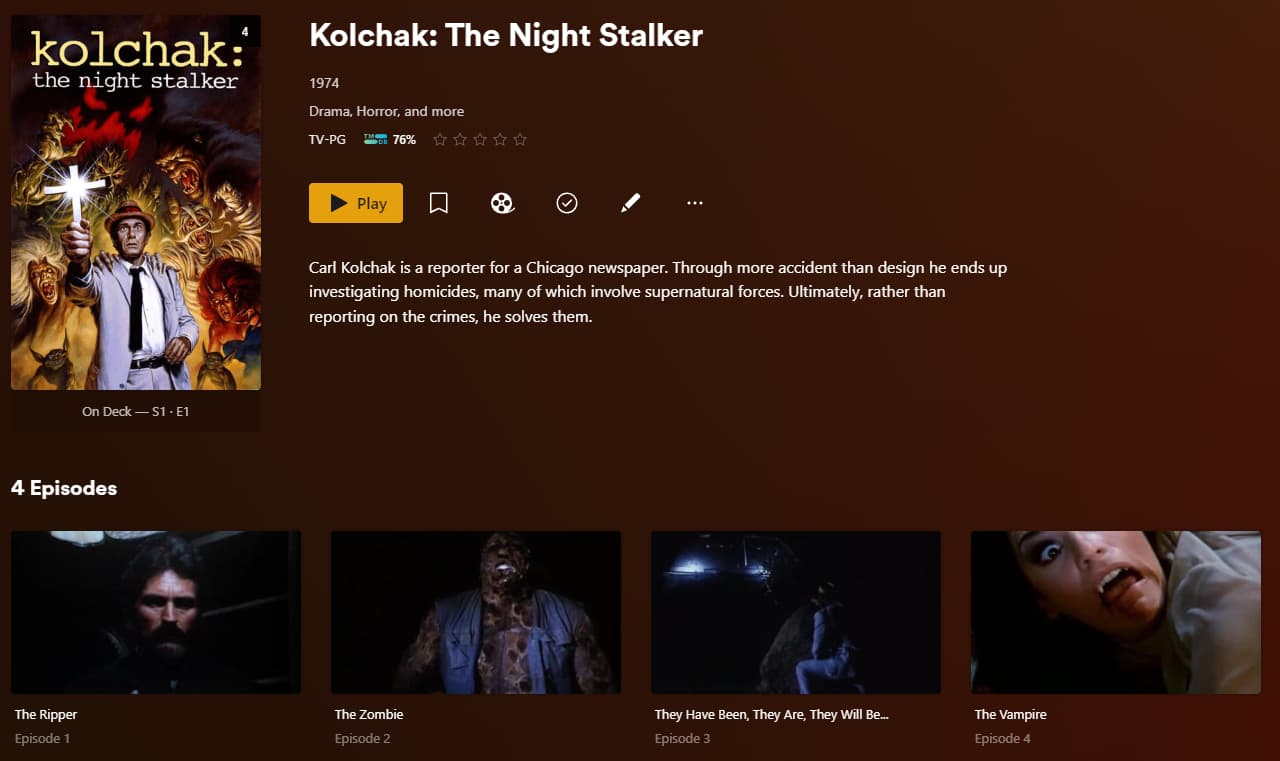
Here’s how it looks and is organized right now. I named only the first episode according to instructions so far. If it does not work then the rest would be a waste of time. If I get the first episode to work then I can adjust the rest.

You need to name them all correctly or move the incorrectly named episodes out of the view of the Plex scanners.

Then Plex Dance the show.

Which folder is added to the TV show library?

Given the screen shots, it should be:

.../tv shows  <-- folder added to tv show library, name unimportant
..../Kolchak The Night Stalker (1974) <-- showname (intro year)
....../Season 01
......../Kolchak The Night Stalker (1974) s01e01 The Ripper.ext  <-- ext = mkv/mp4/etc.

Tools to help with renaming:

Filebot is popular. The free version of Tiny Media Manager works quite well. There are many others as well.

TMM Renamer Patterns:

  • Show Folder Name: ${showTitle} (${showYear}) {tmdb-${showTmdb}}
  • Season: Season ${seasonNr2}
  • Episode Name: ${showTitle} (${showYear}) s${seasonNr2}e${episodeNr2} ${episode.title}
  • Movie Folder Name and Movie Name: ${movie.originalTitle} (${year}) {tmdb-${movie.tmdbId}}

PowerRenamer in Microsoft Power Tools is helpful for simple renaming with pattern matches or regular expressions. It makes quick work of tasks such as adding a year to file names, removing undesirable text from multiple files, etc

M:\TEST-TV\KOLCHAK THE NIGHT STALKER (1974)
\---Season 01
        Kolchak The Night Stalker (1974) s01e01.mkv
        Kolchak The Night Stalker (1974) s01e02.mkv
        Kolchak The Night Stalker (1974) s01e03.mkv
        Kolchak The Night Stalker (1974) s01e04.mkv

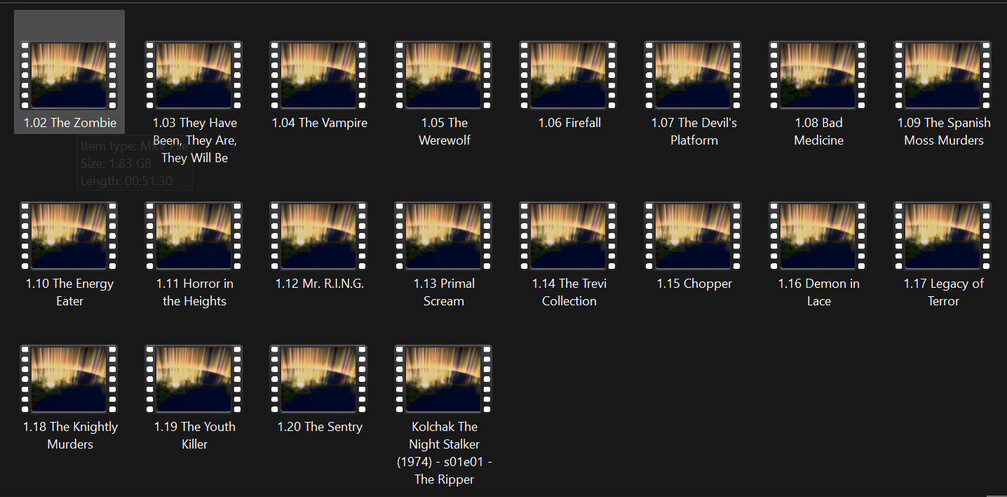


Can you post a picture of the library folders (IE where you add paths for plex to scan)?

Also, what is the file type - mkv, mp4, etc.?

If mp4/m4v, tell Plex to not use embedded metadata.

  1. Edit the TV Show library → Advanced → uncheck Prefer Local Metadata.
  2. Save changes and refresh metadata.


Sorry to leave you hanging. Busy weekend. It looks like things kicked into gear and now things are working. Thank you for your help.

This topic was automatically closed 90 days after the last reply. New replies are no longer allowed.