Server Version#: 4.87.2
Player Version#: Any (Currently using both Roku and Samsung TV
Tried adding TheTVDB for Shows but no change.
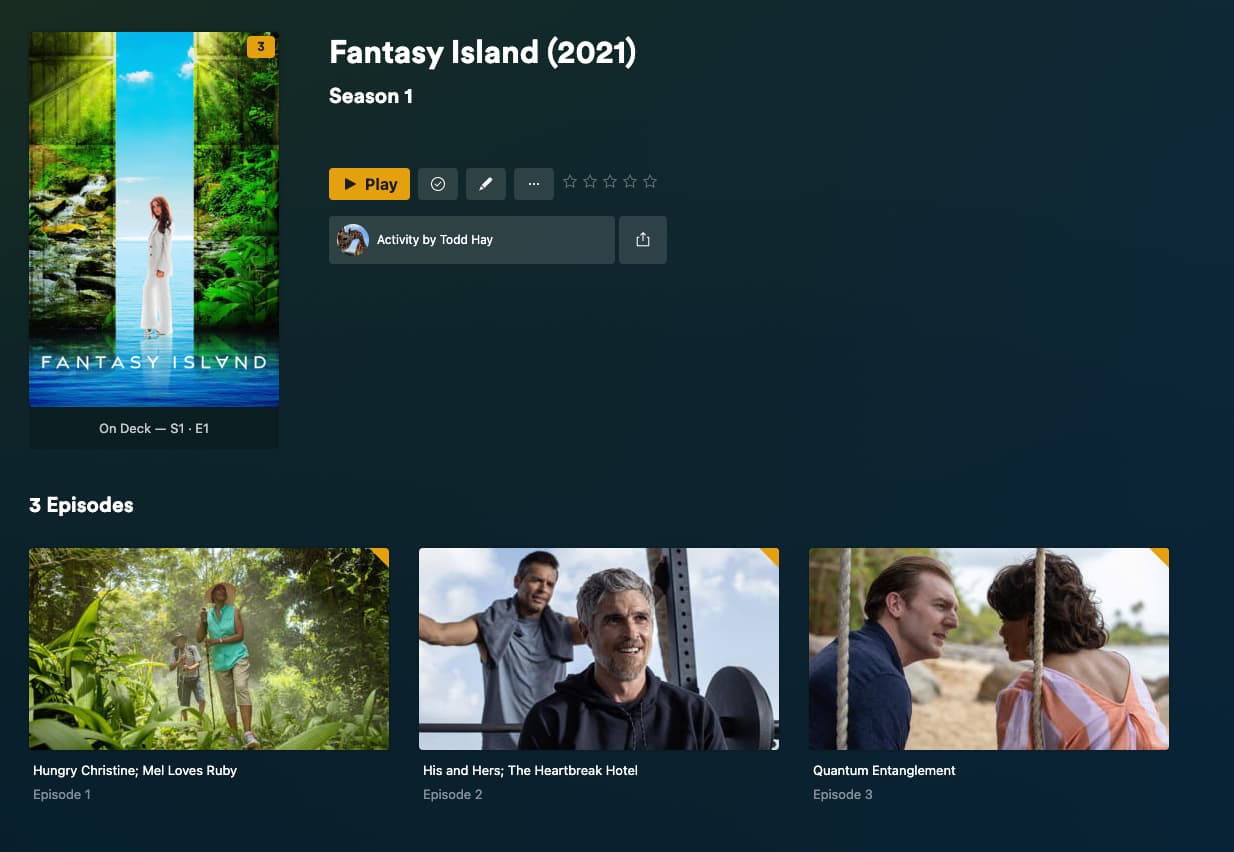
The episode poster is correct but all other data is from the 1978 show.
Server Version#: 4.87.2
Player Version#: Any (Currently using both Roku and Samsung TV
Tried adding TheTVDB for Shows but no change.
The episode poster is correct but all other data is from the 1978 show.
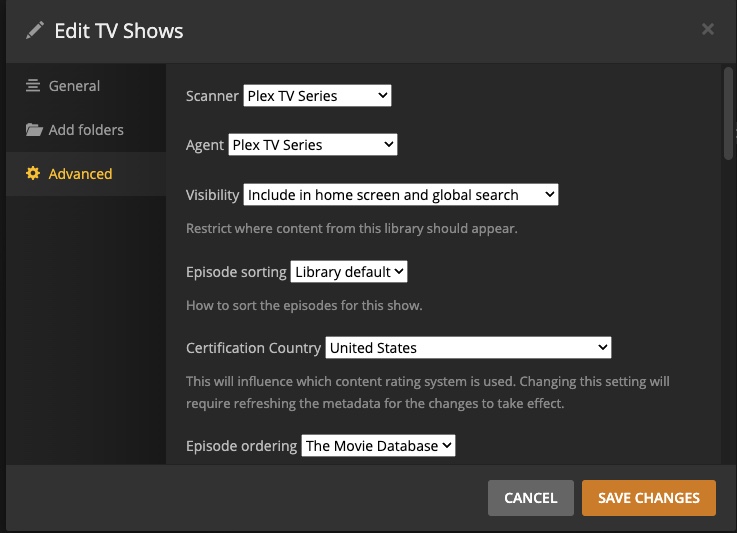
Which agent are you using? ( or episode order if using new Pex TV Series agent )
It all appears to be correct using defaults
edit the library to see which agent is selected and look at advanced tab. if using the Plex TV Series agent the the options for it are also in the advacned tab. That agents page of your screenshot is for the older agents.
Those are the defaults. Did you flip back and forth between agents in the past? if you view the plex media info xml it might have been matched with a different agent. You can try to do the Plex Dance on that show
Does step one literally mean move the media files to a different folder and then scan the now ‘blank’ library location?
Followed the Plex Dance for just the Show (folder) affected
No change

To add to BigWheel.
Per TheTVDB:
How do you have your media directory and files named ?
We ran into this same issue with “The Flash” and “The Flash (2014)”
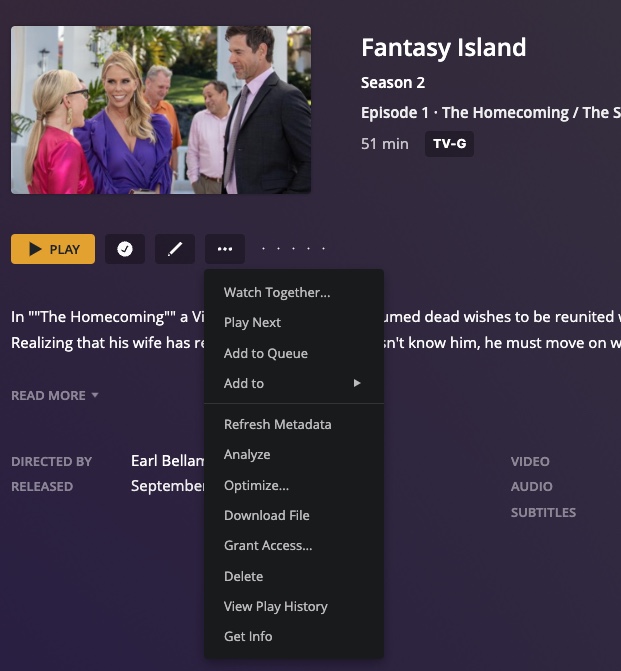
Please note: This screenshot is also showing the movie title
Since they mentioned part of the info was correct I thought it might be something else than naming but certainly never a bad Idea to double check it.
You can do a Fix Match and select the right one.
Putting the TMDB or TVDB id number in the folder name like Fantasy Island (2021) {tvdb-400823} will help as well
Folder snd Files are auto names by my recording software. Nothing I can do about that
then try to do a fix match. in fix match window hit search options to manually seach if it does not come up automatically

I don’t have that option when I select the series
Fantasy Island (2021) {tvdb-400823} ← main show folder
When you fix match something you can also put that tvdb number under the search options field for the title
As I said, I cannot change the Folder the media files are located in. It is auto-created by my recording software.
Find the main show poster in the library to use the fix match. Your screen shot looks like you’re trying to fix match an individual episode
I understand your naming is auto created. You said you did the Plex dance which requires you to remove the show folder from that directory.
It sounds odd to me that you can’t rename it at that point, but I also don’t fully understand what software you use or how this is actually set up
That screenshot is the individual episode detail page not the show as a whole. Click on the Title of the show on that screenshot to get to the show details page. There will be the fix match option there
This is the direction I needed. I was clicking on the Image of what was ‘displayed’ as the series not knowing it wasn’t taking me to the series/show details. Thank you. From there was able to manually match it to the 2021 show.
See my reply below.
I was clicking on the Image of what was ‘displayed’ as the series not knowing it wasn’t taking me to the series/show details.
I could rename it, but the software will just create another folder with the original name on the next recording. It goes by the ‘static’ naming of the show on its channel which is simply “Fantasy Island”. I cannot change what it does in that regard.
This topic was automatically closed 90 days after the last reply. New replies are no longer allowed.