I tested a couple of 4K HEVC Main 10 HDR
with TrueHD audio and experienced issues with direct play as other have mentioned, all were being transcoded rather than direct play.
As far as I can tell from checking the dnla logs it is because the plex tv app isnt picking up a profile so the server has no idea what the TVs capabilities are and what it can and cant direct play.
Nov 09, 2019 20:53:19.966 [0x7fddd19e9700] ERROR - ProcessFileRequest - request for unrecognized resource: /DeviceDescription.xmlml
Love the new look. One feature I’m missing is when showing the progress of a movie or
show playing it doesn’t tell you the time it will end anymore. That’s a feature I really appreciate and would like to see still be implemented.
Selecting a different audio/subtitle track in the pre-play screen is too complicated.
The “big jumps” (or chapter jumps if the file has chapters) with arrow up/down during playback don’t work any more.
I noticed that the autoplay functionality no longer works when you back out of an episode at the end of the playback. On the previous client, it would give a few seconds before playing the next episode. Now, it just goes back to the home screen.
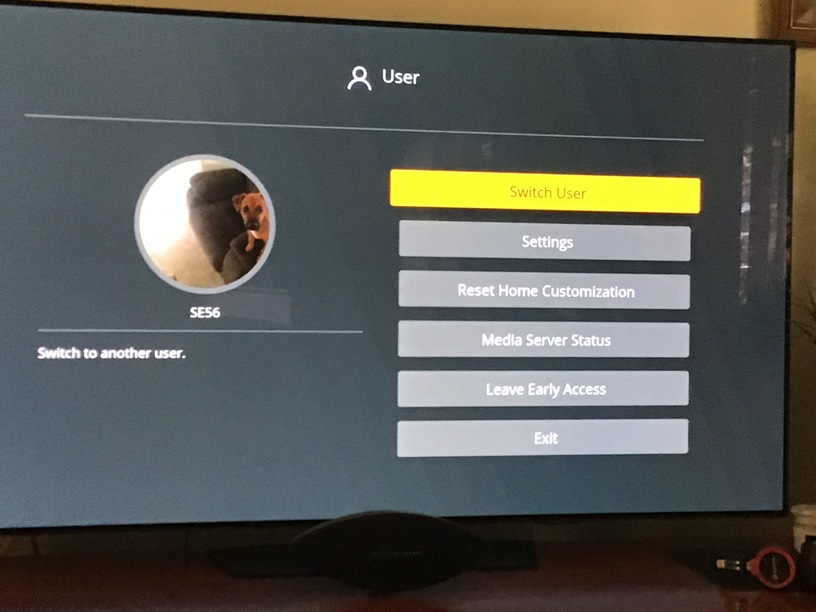
The resolution was broken when I selected early access. The content was greatly overflowed. And I couldn’t leave the early access because I couldn’t find the button for it due to the overflowing screeen. Could you help me to get back to the old plex app?
My device model is LG-HU70LA. The webOS version is perhaps 4.
TV Model: LG OLED55E9PUA
WebOS Ver: 04.80.03
Major issue:
4K HEVC HDR content seems broken (this caused me to leave the early access trial)
4k HDR was always somewhat less than optimal, different problems encountered while watching different videos, but usually I could find some combination of settings (direct play, direct stream, changed audio track) to make it work. However I can’t seem to get any 4K HDR titles working with the new version. No matter what settings I try it looks like the server is forcing a transcode which unfortunately does not support HDR tone mapping.
I believe another poster (above) speculated that this could be due to a lack of profile for the device, but it looks like that may be the case both in the old and the new client.
Working/Old: ERROR - Unable to find client profile for device; platform=webOS, platformVersion=4.8.0, device=, model=OLED55E9PUA
Broken/New: ERROR - Unable to find client profile for device; platform=webOS, platformVersion=4.8.0, device=webOS 4.8.0, model=OLED55E9PUA
Minor issues that were already mentioned in this thread:
The default for maximum h.264 level was lowered from 5.1 to 4.1
The information overlay seems to be missing
** UPDATE ***
Well now I’m not sure what’s going on… I wanted to test some more things and re-entered the early access trial. Now at least some HDR content is working for some reason, so I don’t know what’s going on.
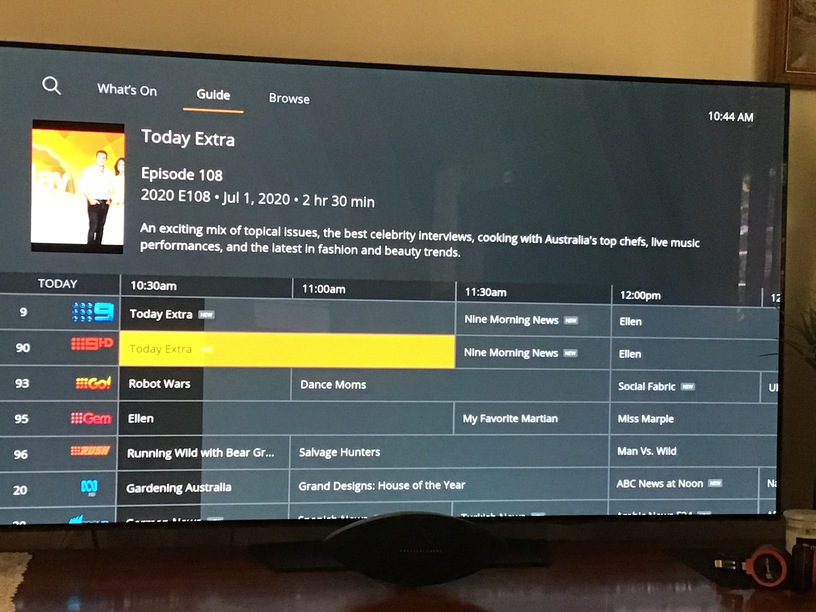
As noted by others, the screen size across the UI is very small. A setting to change the app resolution would be great, to enable more screen real estate when browsing for those with large TVs.
Option for transparent or light grey subtitle font would be also appreciated for HDR content on OLED.
I am also experiencing frequent buffering in the new version of the app. Everything works smooth without buffering on other clients and on old version of the app on the same TV.
TV: LG OLED B9, video fileas that are buffering - 60+ MB/s 4k HDR.
No option for grey subtitles.
markus101 said in this topic they are in settings: Subtitles but there is no ‘grey’ option for color.
Also, the subtitles size is much bigger than in the old app.
I use ‘tiny’ subtitles and choosing it in the new app gives me subtitles way bigger than in the old app.
I came here to make the same comment about the playlist view. Much harder to determine where to resume in a TV playlist, you have to pause on each list item till the image preview renders and then you look for the one without the bottom orange bar, which of course takes longer than just looking at the full list of preview images for the orange triangle as before. Please bring back an obvious “unplayed” indicator you can quickly scan through.