Server Version#: 1.21.2
Player Version#: 1.26.0.1531-92029e9e
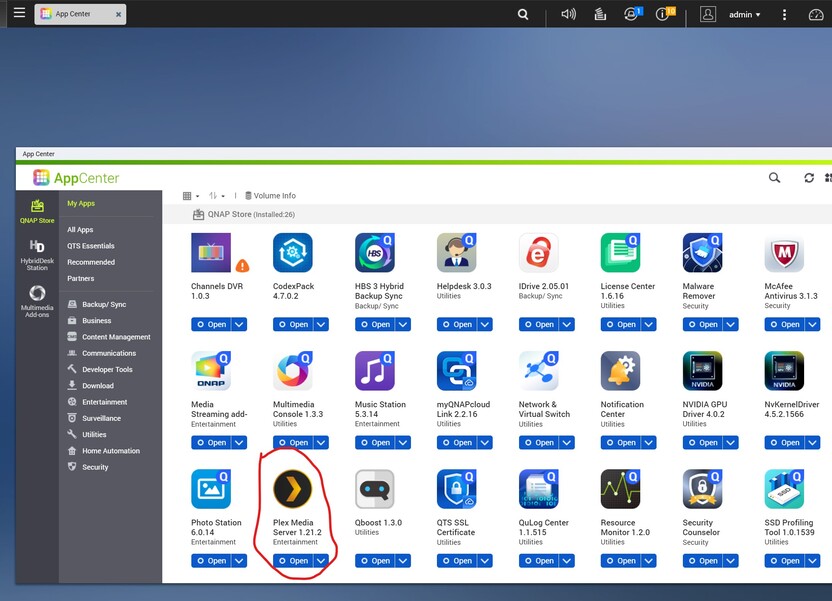
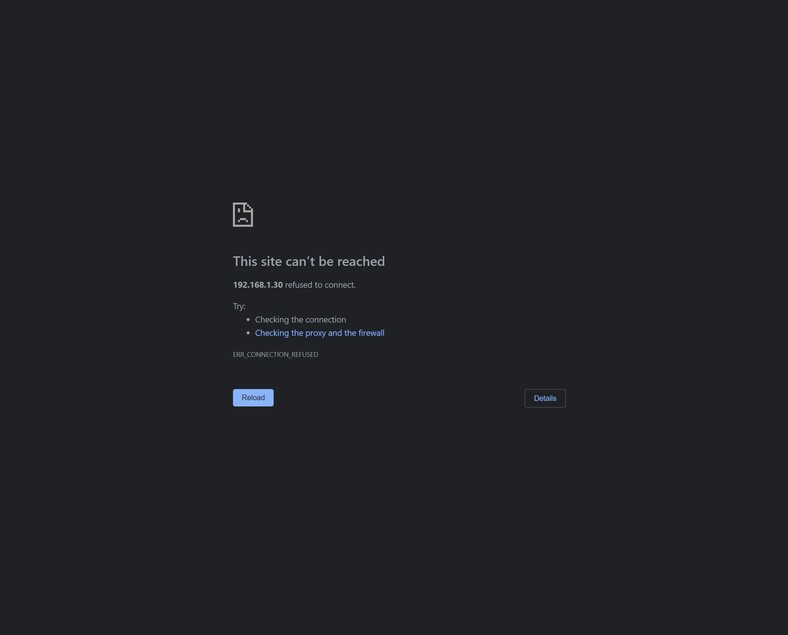
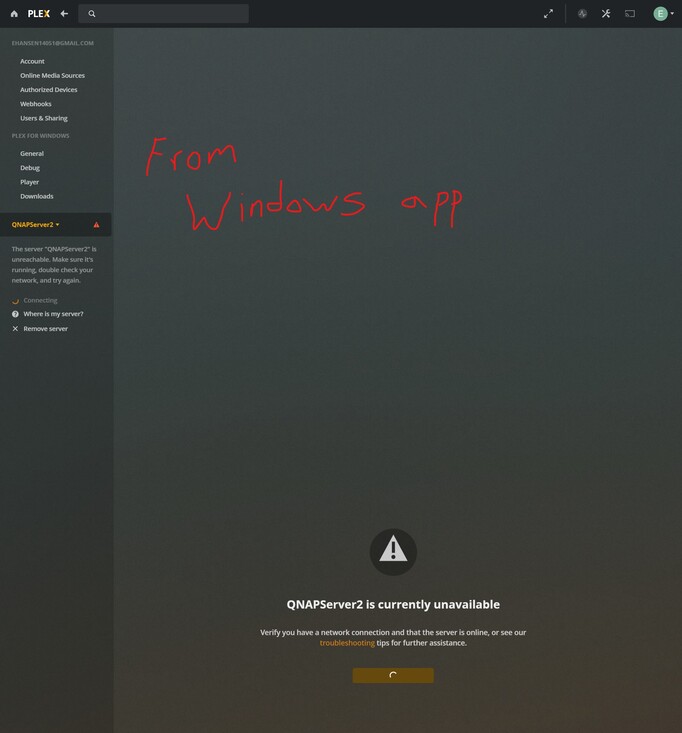
On 2/3/21, I updated the Qnap firmware on my TS-677 to version 4.5.2.1566 build 20210202. Now I can no longer load the Plex app on my Qnap server.
I upgraded to 1566 on my TS-453Be and had no issues and plex is running well.
Looks like stopping the Qnap app and then restarting Plex should do the trick. No need to uninstall. Everytime I update Qnap, something stops working.
Make an account and check out the forums here
https://forum.qnap.com/viewforum.php?f=142
Most QNAP firmwares should not be updated to as soon as they release. QNAP has a bad habit of buggy firmware.
I upgraded on my TS-453Bmini and all is well.
QTS v 4.5.1566
PMS v 1.21.2.3943
It’s been my expience…
For as painful as it is:
- Let the NAS reboot before installing the new firmware
- Let it reboot after installing the firmware
- AFTER it’s up from the second reboot and ALL apps started, THEN open Plex. (Network Connections & Virtual Switches often reconfigure when they upgrade the firmware)
That is my experience. I reboot my QNAP right before I update, I manually update the firmware and allow an auto reboot. I then do a manual down power and a cold reboot after that. This process has kept everything working on all my updates.
Per the release notes:
There are a lot of networking changes…
- Network & Virtual Switch - QVPN adapter
- Added support for Intel network adapter E810, except its iSER and SR-IOV features.
- Added support for auto-negotiation between various network speeds (1 GbE, 2.5 GbE, 5 GbE, 10 GbE) for the Intel X550 network adapter to provide backward compatibility.
- Users could not query DNS information in IPv6 after enabling NAS domain controller.
.. to reference a few
I always do a restart before installing the Qnap updated firmware but I never thought about rebooting a second time for good measure. That is a good idea and will give the applications, including Plex, some time to close out and then load up a second time. Cheers for all of the great responses.
This topic was automatically closed 90 days after the last reply. New replies are no longer allowed.
