OK, I noticed that the Movies backgrounds aren’t in the Screensaver.
1 from movies, after a lot of the others libraries.
Confirmed unplayed filter works! Appreciated!
The artifacting on the subtitles and the summary is back with this version.
@ParadiseLost13 @dr_raymond27
v5.0.13
UE55NU7093
1292.1
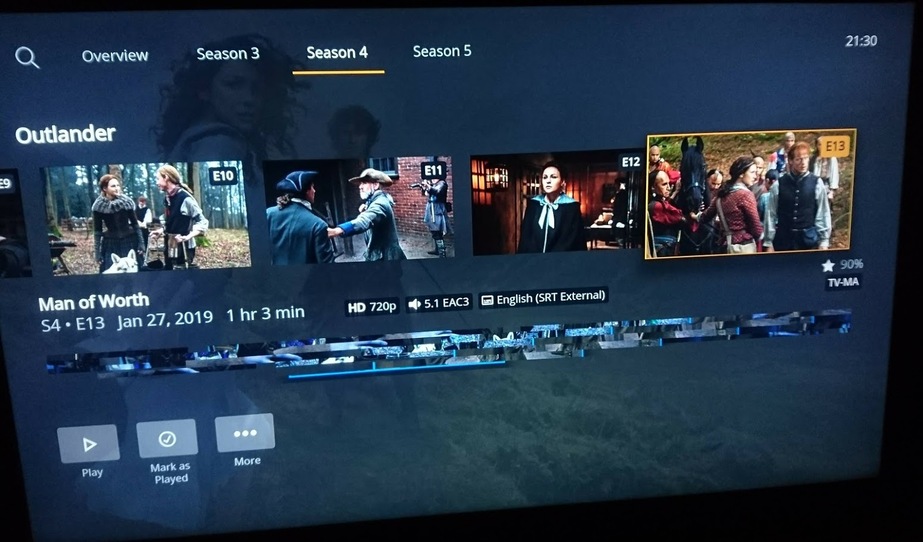
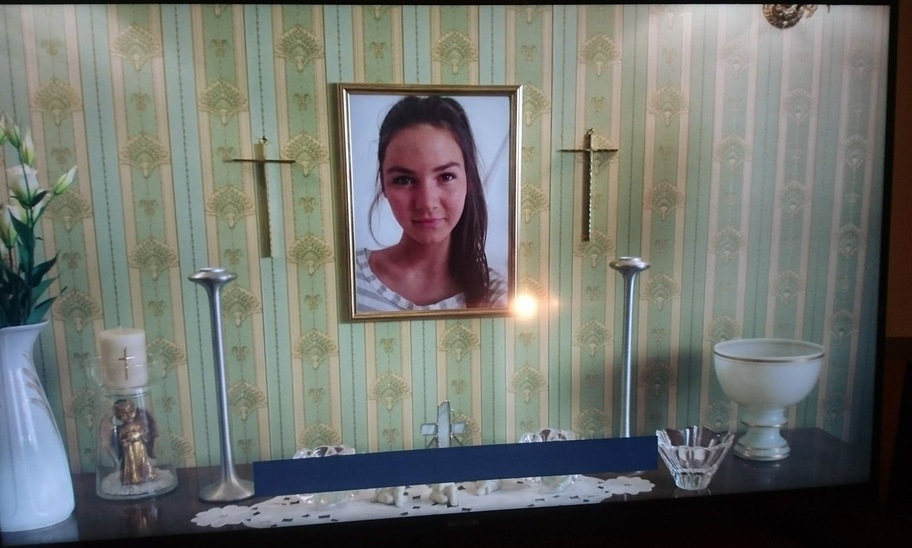
It’s same as the previous version. But the subtitles is fine.
Many thanks for the new update 5.0.13 and all the improvements.
I will continue to test.
Q85R - 2019 - 1356.2
Can we get the ability to filter Mature rated content from the Screensaver roll.
I’ve had some not appropriate stuff pop up while I’m watching Tv and kids are in the room.
1 Like
kkkkk, sorry, couldn’t hold myself.
Yes, @sLumpy mentioned that he’s investigating what happen with this issue, give him chance to figure it out.
1 Like
Really appreciate the continued efforts and updates.
For some reason, this last update has really slowed things down. There is a longer buffering both when loading the libraries and when starting a movie or episode.
Also, I noticed that the issue with Collections was not mentioned (no backgrounds, overview, shuffle, connected collection in other libraries). Can you assure us that it’s still being addressed?
+1 for adding this back as well, super useful to quickly see what time I’ll be going to bed 
2 Likes
+1 for me too. I just upgraded to the latest preview .13) and don’t see a Live TV option. I don’t have a DVR setup on the server, wanted to test out the new free TV that Plex just announced. It’s on my iOS player, not Samsung.
A feature addition to put on the long list:
The Samsung app bar seems to allow for some shortcuts to be shown for each app (Netflix shows suggestions, Amazon Prime shows on deck shows, etc).
Could the Plex App have the ability to do the same? And even better, could the options be configurable to show things like On Deck, unwatched from a specific library, or shortcuts to a particularly library/playlists/Live TV, etc?
3 Likes
That’s is a good suggestion.
I was just thinking this today.
Problem #1
Plex preview app is unable to load when i block streaming services to the TV. It indefinitely waits at PLEX logo. Had no issues with main stream app. I was able to watch content from Plex server on the local network although internet is blocked. But the preview app refuses to load itself! As soon as i unblock streaming services, app loads without any problem.
I have tested this in Samsung 2018 QLED TV (Q6FN Series) with firmware ver 1294.1
Problem #2
When i play time travel radio, songs always end up in the same sequence and same set. There is no randomization factor. I expect a new set of random songs when i start radio each time so that i can hear new set. This was with main stream app didn’t test in the preview app though!
And similar annoying behavior with Plex Amp app as well. When i switch between radios, some how it caches the previous state and try to resume from there.
Please think about how to throw a new mix 
Thank you
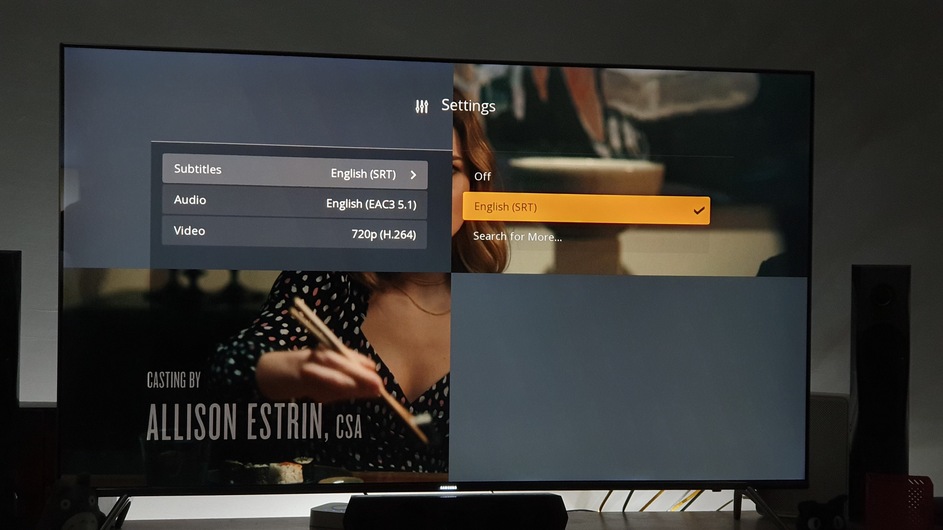
Unfortunately I snapped this a few days ago so I’m not sure whether I was on 5.0.12 or 5.0.13. Tizen 2.4.0 on a 2016 UE55KS7000. Appreciate it might not help the devs at all, but I got this when going to the settings once.
Hate to sound like a broken record, but whilst it’s great that there are new fixes, these are (with all due respect to those highlighting them) minor issues when compared to the HUGE issue that (perhaps on only certain models) the Samsung Tizen app is not playing HDR. If it were, the Picture Mode icon would indicate such. As seen on the actual HDR screenshot below-

Rather than this washed out Tizen version with no HDR indicator in the Picture Mode icon.

3 Likes
Please add the ability to remove the black bar for fit the image to entire screen. For the Samsung Q85R it not works with the menu of the Tv. I know that that some part of the image is lost and is streched but leave the choice to the user. It’s frustating. PLEASE PLEASE
Another minor enhancement request: a configurable delay before auto-playing the next episode. I’m sure some people like 15s but it’s a bit too long for me (and my 3yr old!). Netflix is only 5s or so, it would be great if Plex’s could be configurable or even disable. Thanks!
FWIW, the new interface is working great for me (low-level power user) although I do sympathise with some of the comments about spacing and over-simplifying of some of the buttons.
1 Like
Found a minor bug with the shuffle function for TV episodes:
- Select an episode from “continue watching”
- Select the “more” button. Observe that Shuffle isn’t presented as an option
- Go back out of “more” and immediately select “more” again. Observe that Shuffle is now present.
Related to this, when selecting shuffle from within an episode/season like this, could the app prompt the user whether to shuffle just the season or the whole show (as if shuffle were selected from the Overview tab)?
