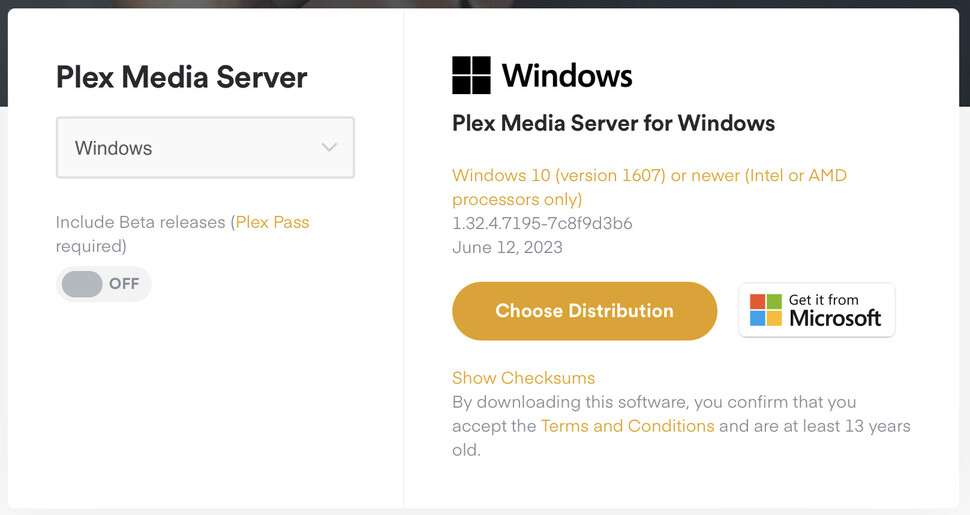
I created a few libraries, but had to delete them and start over, but now I can only select the type, but can’t select a language, or add files, or go to the advanced tab as they’re grayed out.
I’ve cleared cache, restarted the server a few times, and restarted my computer a few times. Additionally I’ve tried on a different computer and it’s grayed out there as well. Browser extensions are disabled.
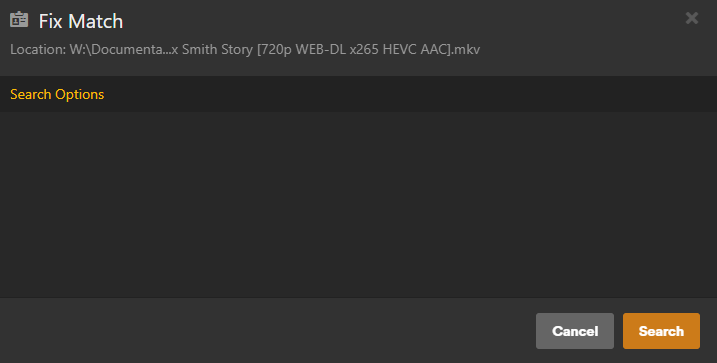
UPDATE: I also can’t manually identify items. When I click on Search Options, nothing is there to select. I feel like I must have inadvertently locked the server down from changes or something?
Additionally, I DO have a VPN running, but only on 4 apps specifically and not on Plex in any way. I also run Emby on this same computer as I’m thinking of switching full time to Plex, and Emby has no issues.
Stuff plays fine remotely and off network, it’s just the settings don’t work as described above and now I’m noticing plugins don’t work either and don’t even show up even though they were there upon initial set up when I installed them.
What plugins are you referring to specifically? I do hope you’re aware that plug-ins in general, other than just a select few, were sunset and discontinued as a feature of Plex Server years ago.
This is a bug someone is going to have to look in to. I’ve seen several people have this issue and I’m not sure there’s a one size fits all fix for it.
It happened to me on my NAS after installed Version 1.32.0.6973, but was fixed just by refreshing the browser
It’s not every day people create new libraries so people probably don’t even realize they have a problem
Is your player version Version 4.110.1 or do you use the local host in the browser?
Did you try what Kilgry suggested by installing Plex for Windows?
Plex for windows is what I installed in the first place, did I post this in the wrong forum? Sorry, if so. I’m not sure about the player version, but it’s all a fresh install as of yesterday. The playing seems to be fine, it’s only the issues I’ve noted. Thank you!
Plex Web (you access this using a browser at https://app.plex.tv/desktop) This is the “hosted” version through Plex
You can also access the local version like you see here
The terminology for these things is a bit confusing so I’m just trying to figure out where exactly this is failing
Open the settings in Plex and the version number is the first thing you see at the top
Disable any type of antivirus or extensions you have installed in the browser you’re using. You can also try an incognito window to see if it makes any difference
Ah I understand now. I tried all of that but still no go. So now 3 browsers and Plex for windows all show the same behavior. Thanks for the tip tho! I like knocking out things that may do the trick.
I uninstalled and reinstalled everything. it seems to only work on first boot up, but if i restart my PC or just the server, the issue immediately comes back.
Thanks, can you try removing any third-party plugins (it looks like you have at least SubZero installed), then restart. I would just like to remove that from the equation here.