I am having issues accessing my Plex Server through the Brave Web Browser. Chrome works fine and detects all my content but through Brave I always get the No Content error and says it cant connect to my server. My server is on a Synology NAS on my local network.
I’m using Brave while running Plex on a QNAP NAS without any issues. Shields up or down in Brave doesn’t matter. I use the LAN IP number.
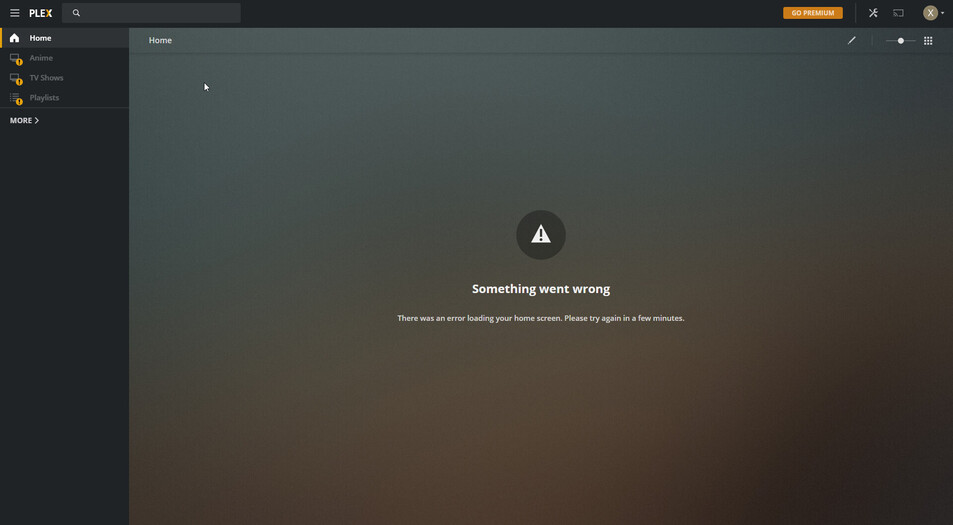
Are you signed in the same way on both Chrome and Brave?
Everything’s fine on Brave here too. Try incognito, if it works clean your browser data
Yes I log in the same way. I enter my email and password. It takes me to my users screen, I select myself the admin account and Chrome sees the server but Brave doesnt.
I tried Incognito\Private on Brave and it still doesnt work. I also tried taking down the Shield and that didnt fix anything either.
I have 2 other Managed Users I created and oddly those connect but the Admin account doesnt.
EDIT #3: I finally fixed the issue. Looks like there was some DNS issues. I recently noticed my account on all devices wasnt working. Managed users all worked. I went on the Synology and clicked on Quick connect by accident and noticed that it couldnt connect due to DNS. I manually set my secondary dns to 8.8.8.8 and BAM! I can now access my content again with the Admin account.
