Raspberry Pi4, OMV 5, docker with portainer as the GUI.
I am not a Linux or programming guru, so I am muddling my way through. I have checked permissions on the folders, and as the TV shows and Music albums are all OK I must have that right. (Assumption)
I have stopped PMS, then deleted the HTTPCookies files and all data folders in the “/Library/Application Support/Plex Media Server/Plug-In Support” folder that the config points to in the container, then started PMS. No dice.
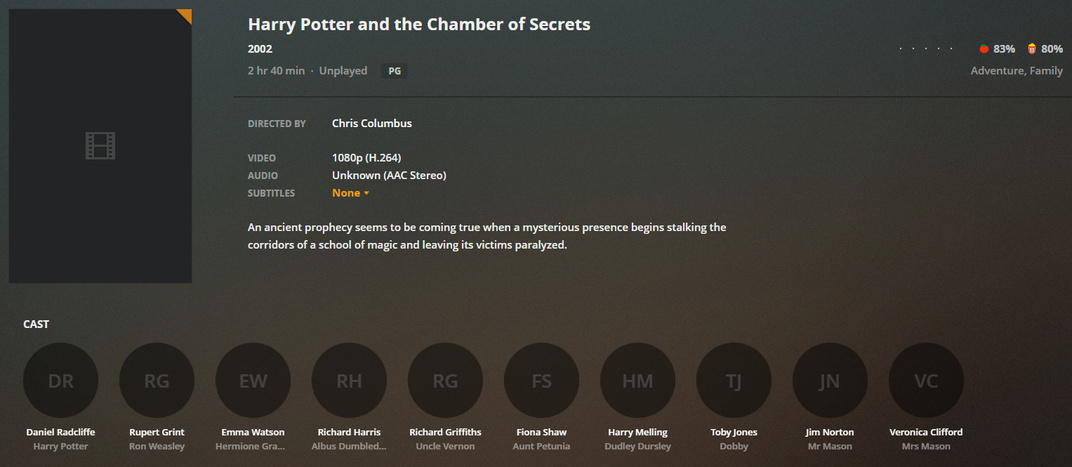
Some metadata is showing up, for actors, directors, synopsis etc. But only for some movies. The rest have nothing. I have left the server running overnight and nothing changes. I have refreshed the metadata a couple of times and get nothing new.
It is super-slow compared to my previous win-based server that went pop. Not slow as in ‘it’s a raspberry pi, what do you expect?’, but as in slow to download anything. Responsiveness for streaming the media in my house is quick, loading the library is quick. Just the internet connection seems to be the bottleneck. The connection shows as 1000Mb connection on the LAN.
I am not sure what else I can try to resolve this one minor issue.
Latest logs attached. From what I can see in the folders for the metadata it is downloading the information. (I think) it just is not able to parse it back to the PMS and show it. I might be clutching at straws here.
Deleted all the HTTPCookie files again and re-scanned the movies. PMS managed to download one movie metadata, missing the year released, poster or other information, then continued with the rest of the files, failing each time.
There seems to be a time-out or something stopping PMS from completing the download?
Latest log files after stopping PMS, deleting files and restarting.
OK… exec permissions allowed on the /config storage location.
Deleted the entire Plex container, old config files completely. Restarted everything, changed nothing on default setup.
I can get metadata for the movies on restart.
Edit: Going through the cat /etc/resolv.conf command in the container/docker it points to the home router as name server. cat /etc/resolv.conf in the home directory gives DNS 1.1.1.1 as expected
On the native Windows host , posters download and everything is fine.
Now, here’s the “Fry our brains” puzzle:
The code (Python) which does the retrieval and the C++ in PMS is the same source.
One last, “For Laughs” ?
Spin up a fresh container, use NAT addressing instead, leave all the PMS settings as defaults for the library section… Make the Agent to use the other one. Let me know which you switched from and to.