Server Version#: 1.19.4.2935, Unraid 6.8.3
Player Version#:4.30.2
I’ve been having this problem since about October 2019, ran Plex on OMV4 for about a year before then with no real issues.
Then, with no hardware or software changes, Plex would not download any metadata for movies.
After a lot of tinkering and trying absolutely everything I managed to get it working again in December 2019. This might have been a coincedence or something else but it only seemed to be working again after I changed my APN settings on my router (I live too far away to have fibre and use mobile 4G broadband).
This was very short lived and resorted back to it’s old ways of not downloading metadata for moves only.
In the end I put it down to OMV4 being corrupt and lived with it.
Until recently when I have built a new server this time using Unraid. But to my horror, the exact same issues are happening on a different build, different OS, and different Plex config!
So I would now officially welcome any and all advice I can from anyone suffering with the same problems.
Things I can rule out:
All the files and folders I am using to test this out have been named by Plex’ naming conventions, using FileBot. These films have all been on my old Plex library from when it worked and I haven’t changed anything with them so they should all be okay. (all mkvs with no inbedded metadata)
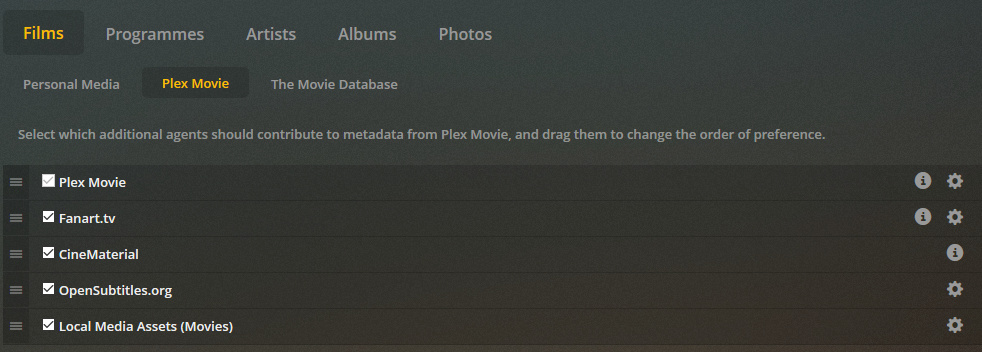
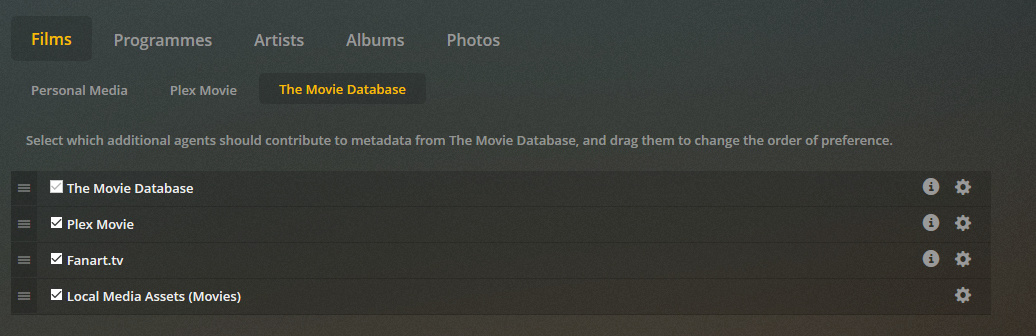
I have reordered and removed the Agents in all kinds of different ways to see if this was effecting it (with no luck)
I have disabled IPV6 support via Plex settings, pfSense, and Unraid itself.
I have removed PiHole (for now) to help with troubleshooting and to rule out any DNS/blocking issue to TMDB/IMDB. (Only have Windows Defender for PC, Only other blocking software I have is the pfsense firewall itself).
I’ve reset permissions (to the best of my knowledge) on the SSD that the Plex metadata and docker files are installed.
I’ve tried using Firefox and Google Chrome with the same results (Didn’t think browsers could be a cause of the problem but someone suggested it on these forums).
I’ve done the Plex dance countless times whilst troubleshooting these last few months.
And for the real kicker, I have tested using the exact same films/TV files on PMS for Windows with no issues. Movie and TV metadata loaded instantly with no problems.
So the only information I can determine from this is:
That the issue isn’t happening on my Windows PC (on same network as everything else) so it shouldn’t be a problem with my APN, DNS, or Firewall rules to my understanding.
TV shows metadata is unaffected. So is likely to be something preventing my server from accessing IMDB/TMDB.
The problem is kind of intermittent. Although I have not really managed to fix the problem, it isn’t downright refusing to download any metadata. Instead it will sometimes match a few movies, and out of them sometimes the movie poster downloads. But almost never the IMDB cast pictures at the bottom.
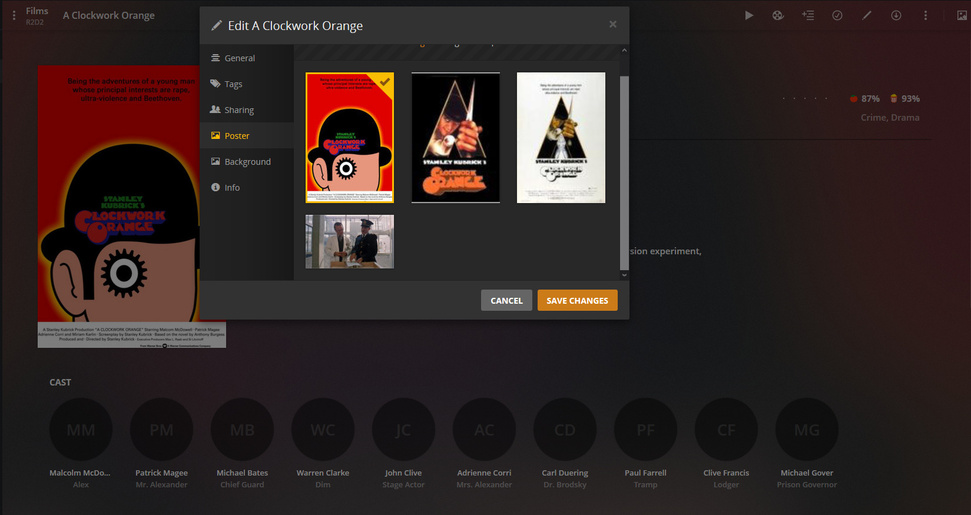
Lately I seem to have gotten it to improve somehow. Now it is matching about 70% of the time, and quite a lot of the movie posters are downloading but there are a lot less of them (when you go into Edit > poster you used to be able to select through loads of varients now only a few) and they seem to be lower resolution a lot of the time.
When I add films, it will automatically match sometimes, and when it does it takes a lot longer than it does for a TV show to match. But often enough if I try manually matching without changing any settings and staying as default then it comes up with a match anyway.
Make sure your Plex server has permission to write to the locations where it stores metadata. Could you think of any reason why your Plex server might lack such permissions?
Are you running any realtime snapshot/file system management snafu that might interfere with Plex metadata scrubbing? I.e. Could you think of any reason your Unraid server might be moving/removing the new files (metadata) Plex is writing to your storage devices?
Removing Pi-Hole is a good step. Could you think of any reason your router/modem might be blocking a surge of connections to IMDB/TVDB servers? I have Pi-Hole on my NAS/Plex server. When you scrub your library for the first time, it’s a lot of connections.
i can actually confirm this behaviour on unraid and pms in docker (from plex)
here its since ~ 2 - 3 month, so 1st i pushed it on the covid inet connection issues that the site may be oberloaded etc …
but meanwhile, as other media servers have no issues i also wonder.
tvshows, all fine
movies - are recognized, but no posters are loaded …
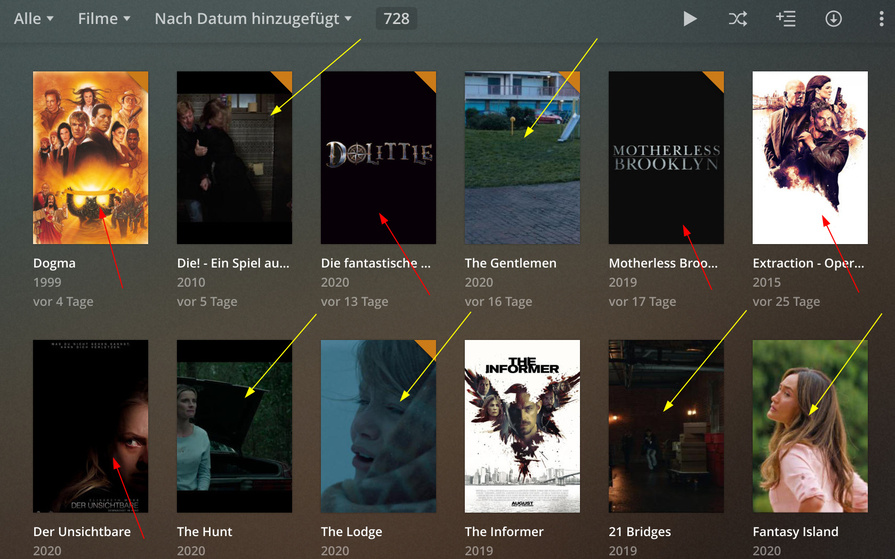
sample
yellow pointers, posters still missing, refreshed x times by 3dot menu, refresh metadata or try to reassign
red pointers, posters are meanwhile there, but also when added there where no posters … came either by refreshing x times or due the daily task.
everything 3 mont or older i almost never had this issue, meanwhile i almost always have this issue.
I’ve tried my best with permissions on Unraid, but I’m still very new and learning it - Not sure how familiar you are with it but I’ve gone to Tools > New Permissions and set that. But I’ve moved all my Docker appdata and vdisk to an Unnassigned Drive SSD. So I’m not sure if there’s something I’ve missed, but then TV shows metadaa works so I assume that everything is getting written/read just fine.
There’s nothing I can think of that could be working like this, other than the fact I’m running on two data drives with one parity that will be rebuiilding every month or so?
There’s nothing I know of regarding pfsense that would be causing anything to be blocked. I’ve set up a firewall rule but not sure if that could cause any issues. (still trying to wrap my head around pfSense) I’ve also been testing Plex on my new build using a test folder with about 10 films in it (all that have been known to work before) as to not overload Plex with hours of metadata to download.
no ipv6 here, also disabled in plex long time ago.
and as it works flawlessly in series with tvdb and sometimes with movies i would say there is something else going on.
unraid perms are pretty sure correct here, again, its not a total fallout, just almost all movies meanwhile.
may a sample when i check the console for errors
Error bringing media local (metadata://posters/com.plexapp.agents.themoviedb_1f5d9914373158a3649d17280210e75bba937d67).
Error bringing media local (metadata://posters/com.plexapp.agents.themoviedb_2dd5eb515b57fd4b209ed8fa7d89a5390cc2c2ac).
…
Sadly not much luck for me there but what you’re describing is the Plex dance. Have you tried going into appdata/plex/Library/Application Support/Plex Media Server/Plug-in Support/Caches and deleting your cache?
Have heard that’s helped some others facing similar problems
So I’ve been looking at my logs the best I can and have come across these errors
ERROR (model:205) - Cannot read model from /config/Library/Application Support/Plex Media Server/Metadata/Movies/c/da5dfa3c0d47793cc47d1b7f438bbed79cb4319.bundle/Contents/com.plexapp.agents.imdb
INFO (__init__:107) - Error fetching JSON from The Movie Database: http://127.0.0.1:32400/services/tmdb?uri=%2Fmovie%2F380931%3Fappend_to_response%3Dreleases%2Ccredits%26language%3Den
I haven’t found much on the web about an answer for it but I did find this thread where someone was having the same symptoms and found a short fix for it was to deactive “Package Acceleration” on their FritzBox.
The only time I’ve fixed this issue for me was when I changed my API settings on my 4G Modem from 3 UK - Three.co.uk to 3 UK - 3internet
Although this was only short lived, it seems similar to the above threads as they mention Vodafone blocking something their end.
thanks alot for the link, actually i do have cable internet connected via a Fritz 6591, so it would fit in terms that plex has a issue with this combo.
sadly, while making these changes in the Fritz (disabling hw accelarated pacckages) it seems to slow down internet badly (cut to half), so not really a option to me.
i ll wait for the next fritz update and see.
thanks again for the link and may pointing to the direction, still a shame its only plex with issues here
sample for my workflow why i say plex
files are handled via filebot (tmdb), then scraped by plex (tmdb issues), emby (tmdb fine), kodi (tmdb fine) …
I’ve made some more progress my end and have found that the reason metadata was unaffected on my Windows machine was because I had NordVPN set up on there.
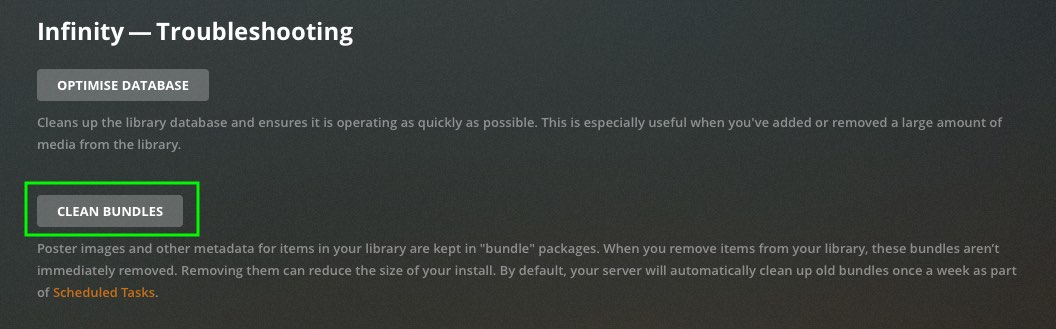
After disabling it, I deleted my test library, emptied trash, cleaned bundles and then added the same test folder which caused the same result as my Unraid server.
I then re-enabled NordVPN, did the same process and metadata downloaded fine and no problems.
So not really a solution but perhaps a workaround is to connnect through a VPN and see if it fixes your problems?
I’m trying to contact Three UK about any reason why they could be blocking me access to imdb or tmdb but I’m not getting very far.