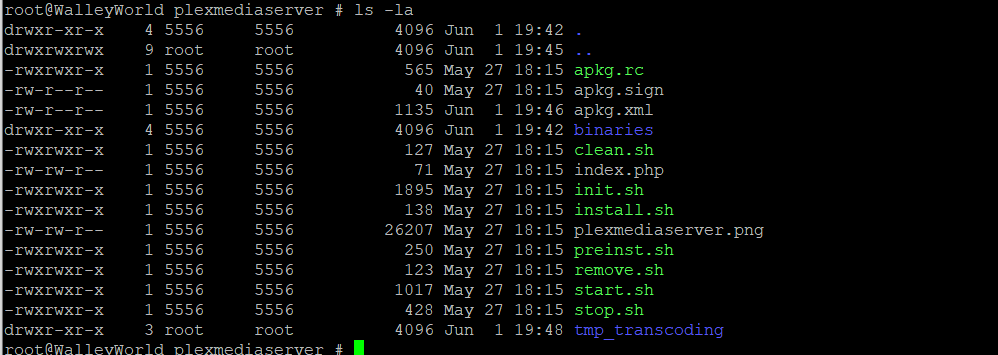
Maybe the second folder was created by the last update. And it create the problem we have
I found crazy solution. I stopped Plex in WD dashboard, then renamed the plex folders in /mnt/HD/HD_a2/Nas_Prog/. After that updated to latest version in WD dashboard. Then started the server. This wants to make new settings. I removed new plex_conf and renamed back the old plex_conf folder. After that, I see plex on this address: http://192.168.1.200:32400/web/ but I see new server :-(. There is everything same as the old server, but I cannot remove the old server  (see image)

The second folder is ok, I mean that’s a bunch of things missing in it. I also have that folder but there other files inside
That’s what I was going to propose.
Go to settings and you’ll see your unavailable server there. You can remove it there
1 Like
You renamed the folder “plex_conf”?
Both:
mv plex_conf plex_conf_x
mv plexmediaserver plexmediaserver_x
1 Like
It works. Thanks guys
1 Like
This topic was automatically closed 90 days after the last reply. New replies are no longer allowed.
