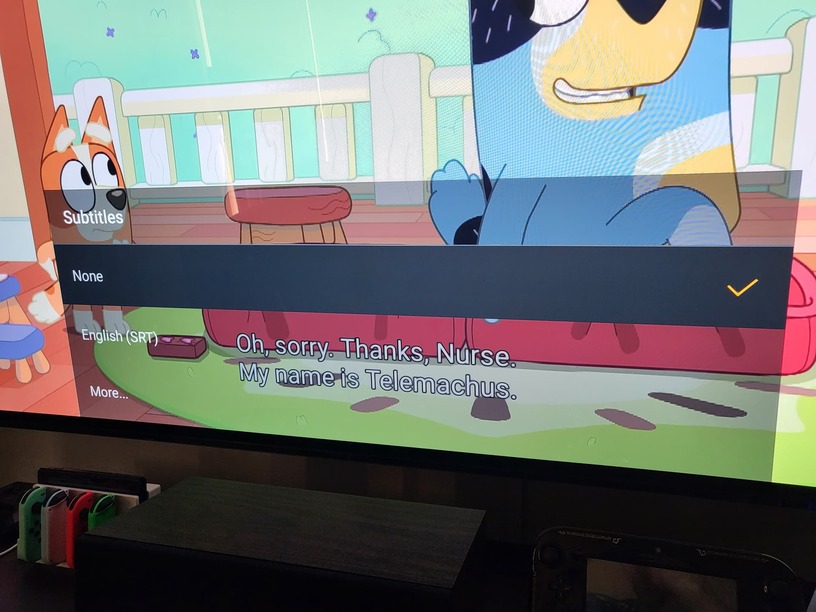
Server Version#: 1.28.0.5999
Player Version#: 9.6.3
When watching a show, occasionally subtitles will display despite the option not being selected. This particular show I’ve noticed this on watching with my daughter are MKV files with SRT subs. This usually occurs after watching a couple of episodes, and doesn’t consistently happen with the same episodes (i.e. I go back to the individual episode later and the bug doesn’t occur). Enabling and disabling the episode subtitles also doesn’t change the issue if it happens.
An important (maybe?) distinction, this doesn’t seem to happen when skipping back and forth between episodes. It only happens when an episode finishes and another episode plays automatically afterwards. This might not be an accurate description, but seems to best reflect the behavior.
The profile’s language settings are set to only automatically select subtitles for foreign audio, which these files do not contain. Screenshot of what this bug looks like in action.