Hello everyone,
I am running 3 separate Plex Media Server instances (all on Docker).
-
Admin account: I can see and access all 3 servers perfectly.
-
Managed User: Can only see one server.
The Issue: I am trying to give this Managed User access to the other two servers, but I am stuck in a UI loop:
-
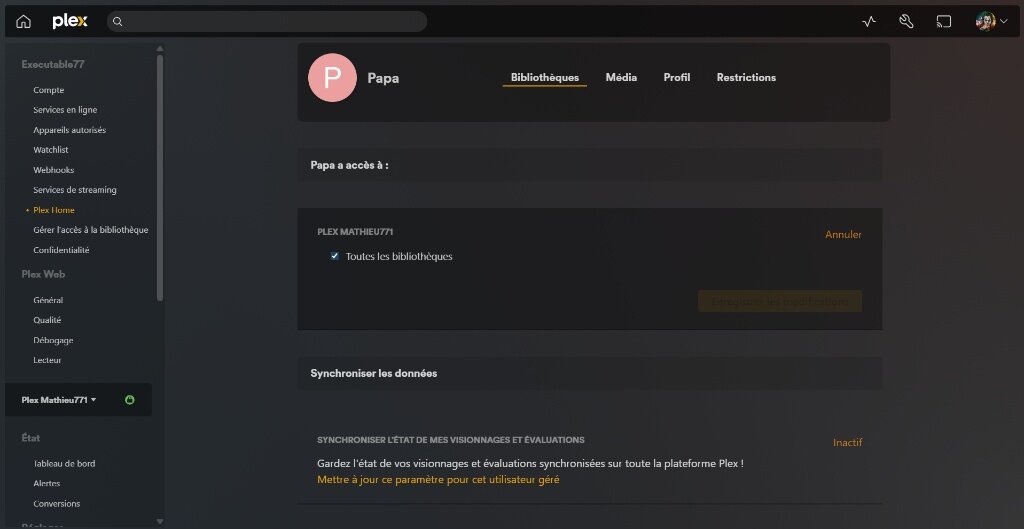
When I go to Settings > Plex Home > [User], I only see the libraries for the current server.
-
When I click “Edit” on the sharing line, the popup window does not show the sidebar to select the other servers.
-
If I switch the server in the bottom-left web menu and refresh (F5), the “Plex Home” menu still doesn’t allow me to add libraries from this new selected server to the user.
-
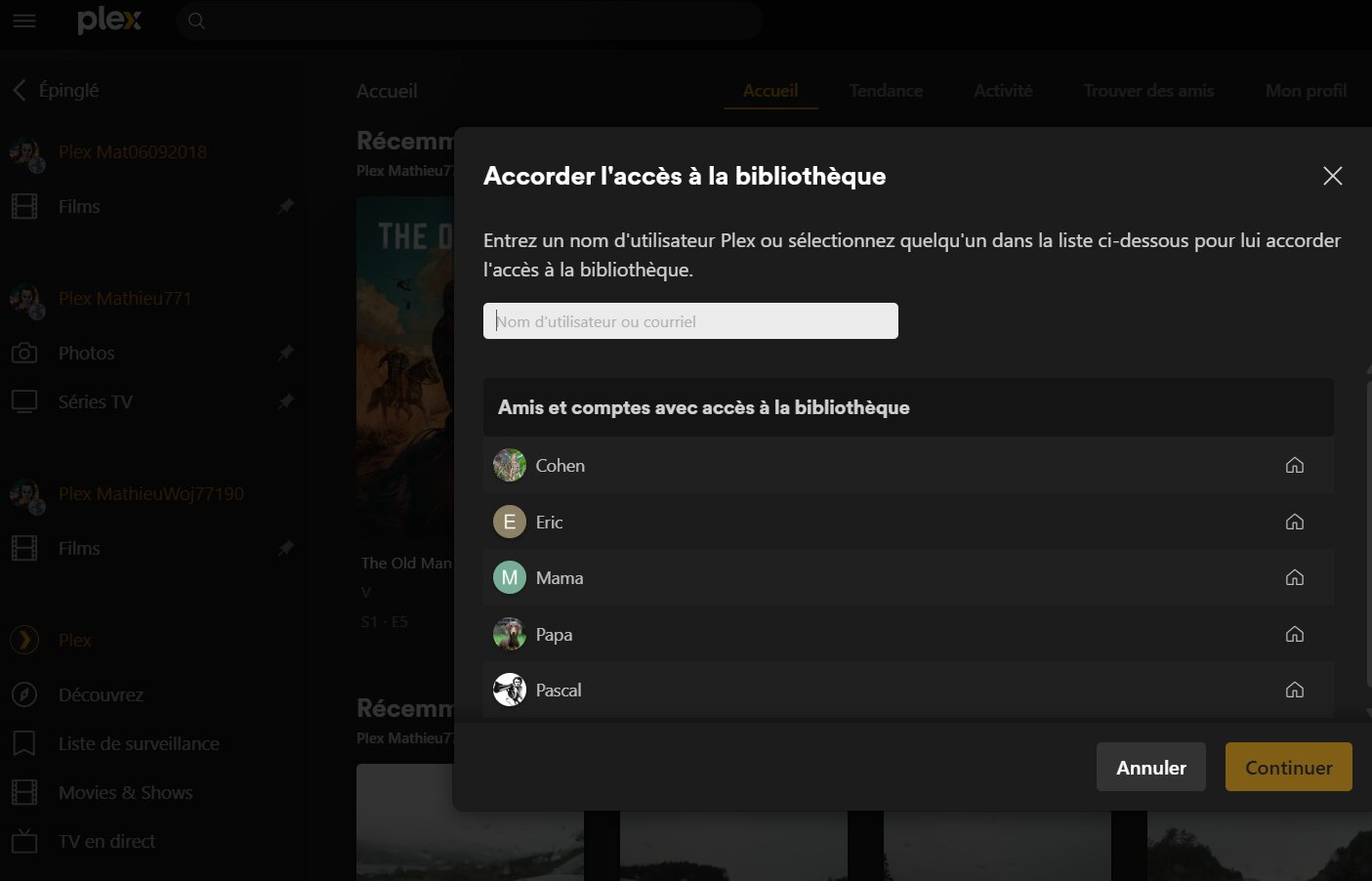
If I go to “Grant Library Access” on the specific server, I cannot find the Managed User in the search bar (which is expected behavior for Managed Users, but leaves me with no options).
Setup:
- PMS Version: 1.42.2 (Docker)
Does anyone know how to force the interface to show all servers when editing a Managed User’s access?
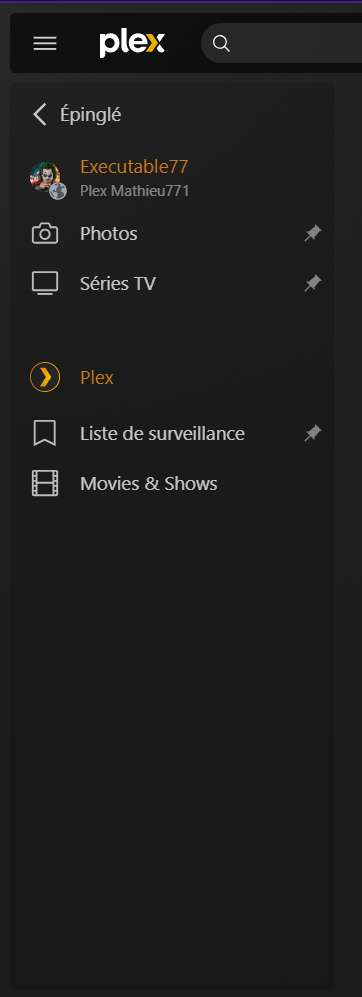
as admin

as a managed profil:
in plex home:
they are granted to have access:
Thanks for your help!
