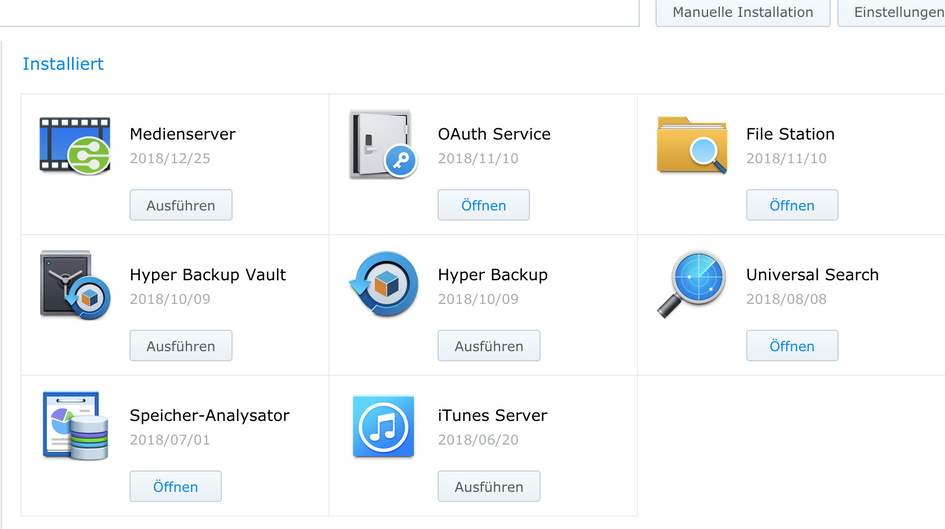
[quote=“ChuckPA, post:11, topic:358084, full:true”]
Having reviewed the thread, I would like to take the following steps
- Do not be concerned with anything at the command level at this point. It will only complicate things
- Control Panel - User - Delete the Plex user there if it still exists. DONE
- Control Panel - Shared Folder - Delete the Plex share if it exists DONE
- Package Center - Uninstall Plex DONE
- Restart DSM DONE
- Package Center - Manual Install of the downloaded 64-bit package SPK. Report if any errors OPERATION FAILED