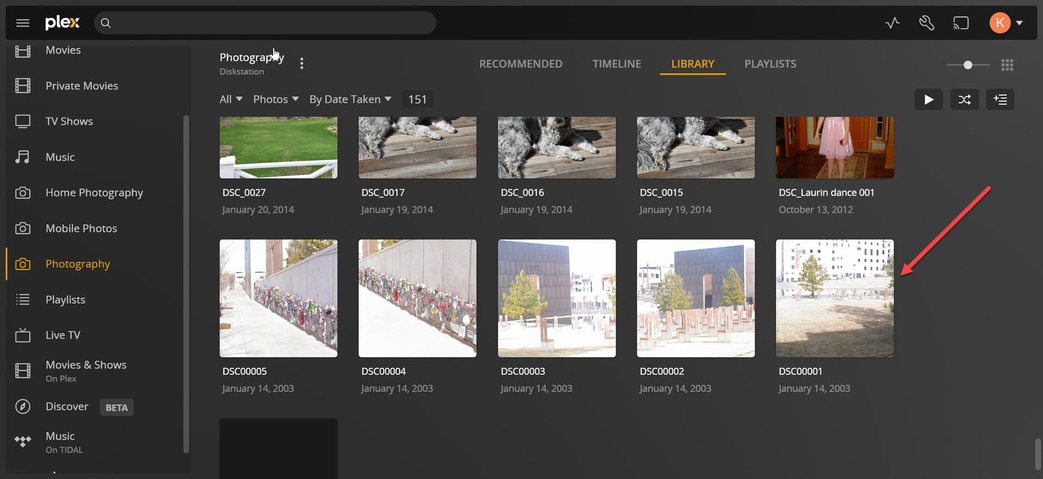
Server Version#: Version 1.29.0.6244
Player Version#:
Hello,
@ChuckPa
I have three photography libraries in my Plex server running on a Synology 1821+.
The libraries are based on the type of photography being used. For example one of the libraries used is for DSLR Photos, another for photos uploaded from mobile devices and the for another type.
Two of these libraries correctly show the photographs housed on the server share.
However, one library in particular won’t load photos even though the the files are present in the same server share.
When you click on a photo and try to display it, PMS responds with “Unable to Load Photo”.
This only happens with a library I named mobile photos.
I use a application on both my android phone and ipad called photosync.
Since Plex did away with mobile photo uploads I had to find something that would take it’s place.
This software copies the photos from the mobile devices and creates a subdirectories under the server share.
Previously this all worked. If I upload a file from my phone, the application would place the file in a sub-folder created by device name and Plex would see the new file and display it.
This not working anymore, the files are transferred and new files created but the library does not see them.
Lastly, all three libraries suffer from a timeline issue.
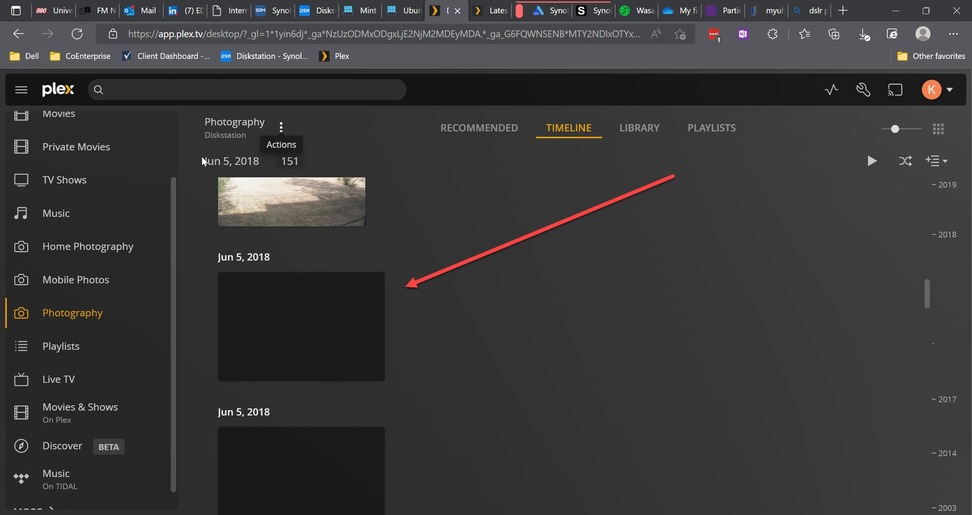
As an example, I can go to the library and see a file created three years ago but when I view the library time line a black square is all that is displayed even though there is a photo present in the library.
Before I start suggesting courses of action, might you be able to download the PMS logs (Settings - Server - Troubleshooting (left panel) - Download Logs)
Attach that zip (let it upload fully) so I can see if PMS is complaining about the usual things?
First, Please turn VERBOSE logging back off and keep it off unless requested.
When enabled, it only provides about 2 minutes of elapsed time due to the extreme volume of output in addition to making it harder to read.
For your issue, which is as I suspected, I see a permissions problem. These are very common because of how strict Linux (what DSM is based on) is about guaranteeing privacy between users (your username/account and the Plex system account)
On DSM, Plex has no special privileges. Everything it indexes requires you give it access.
Where this goes a bit sideways is when, after granting the permission, new files are uploaded. Those uploading apps aren’t always aware of how strict DSM is.
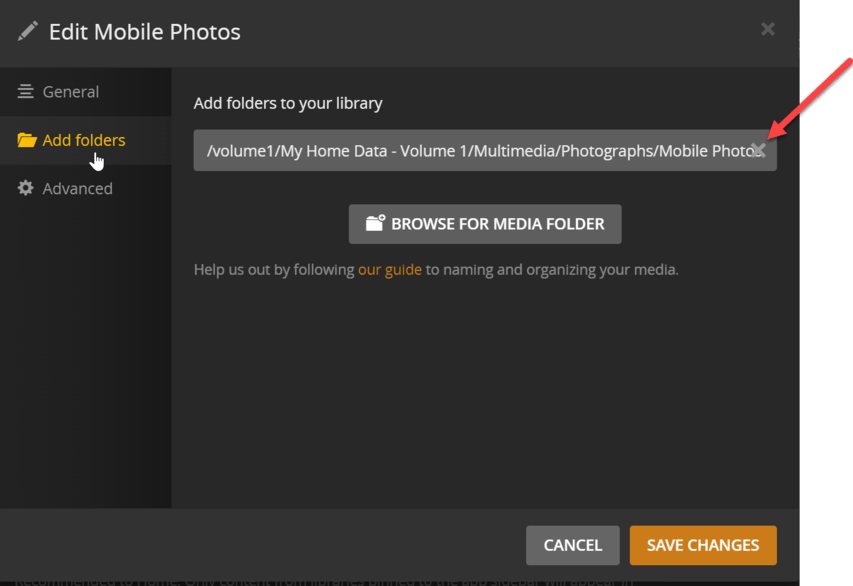
The solution is very simple. – Reapply the permission to everything in the shared folder.
In this FAQ,
I show the full sequence.
If you’ve done that to grant top level permission, Skip down to step 10 where you “Apply to this folder, sub folders and files”
This propagates the permissions down again and sets everything in the shared folder.
I am using my library for dslr as reference.
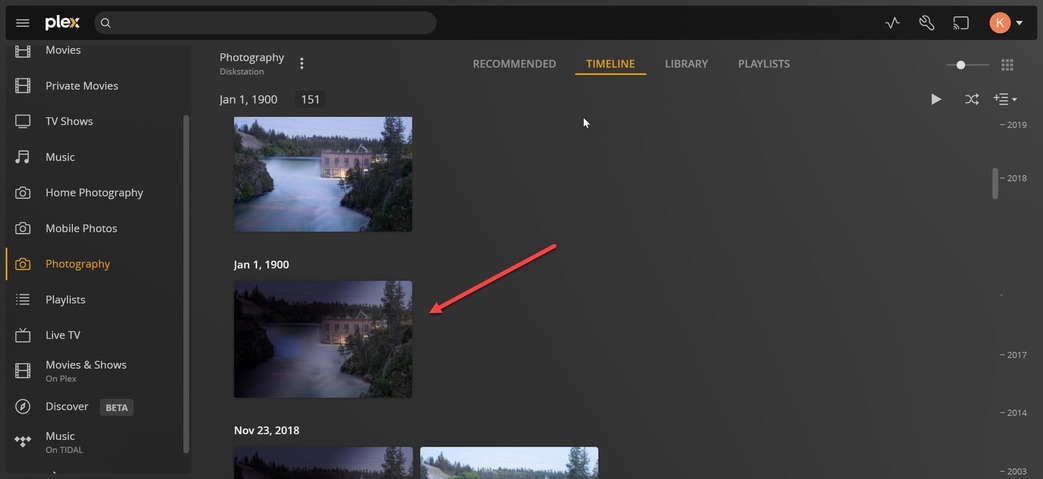
The first date in the timeline is showing as 1900, which is incorrect.
There are several photos using that date and they are inaccurate and were taken with a dslr camera that filled out the date and other information.
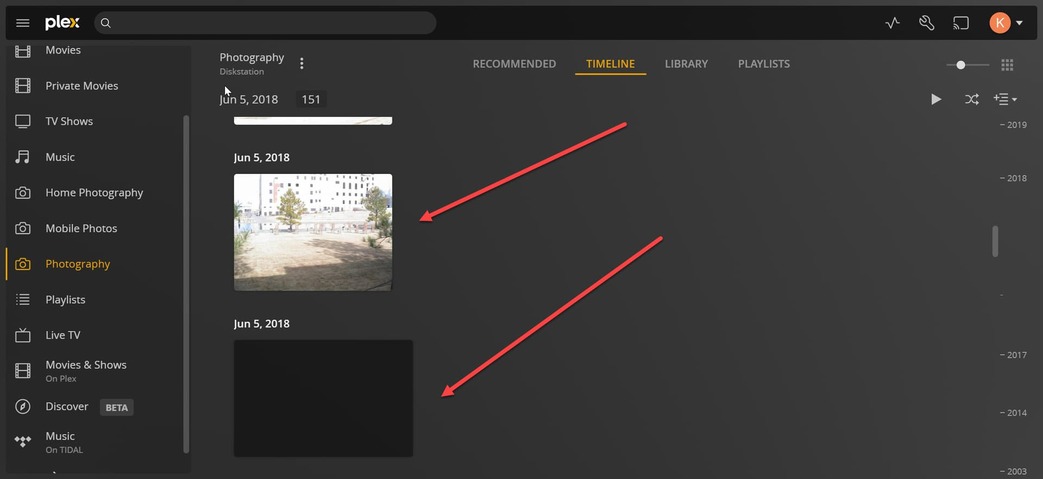
From that being the first date until June 5th 2018, the timeline is populated with images.
After June 5 2018, the timeline shows black boxes even though in the library the images are there.
I have included some screen shot for reference.
The timeline issue has been there for a while. Probably 2-3 months since I first noticed it.
We will see if it gets any better with the new PMS release.
AND you keep them in a lot of directories (thousands of them)
It would make sense to adjust a table in the Linux kernel
Normally this isn’t an issue for folks because the default table size is 8192 directories on older kernels and 65536 on newer kernels
It does have direct impact on “automatically detect changes” which uses that specific kernel table to track changes in the filesystem.
From what I’ve seen so far, and given you’ve had it a while, I suspect a PMS issue.
Please do keep in mind I’m more of the Platform/OS guy (Linux side) than I am with a deep understanding of PMS. For me, I have about 30,000 total pieces (including music) and that’s it.
Yes, I think this is a PMS issue as well. One thing I noticed is one of PMS versions seemed to have corrected the problem, then the next release the problem was back. I did not write down which version did what but I guess it’s mute unless I can get a developer to address the issue.