Server Version#: 4.66.1
Player Version#: N/A
So until we get the feature of “Oh, you have multiple versions of the same movie? Which one would you like to play?”, I have a problem.
Stored on my NAS are two versions of the same movie: a “regular” release, and a “sing-along edition”. Each reside on two completely different volumes (my regular editions are stored on the primary NAS, and the alternate versions are in separate directories in the NAS extension unit). I’m playing the “regular” release, but when I stop it, I’m seeing both the “regular” and the “sing-along edition” under Continue Watching.
Further details:
The “sing-along edition” is named as such under “Title” and “Sort Title”, and the files themselves reflect this as well, so there should be zero(?) chance that Plex would think it’s the same movie.
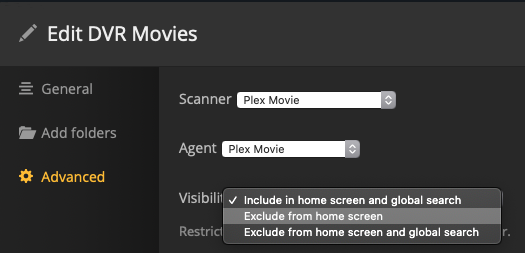
For the library information, I have the regular edition under a library type of Movies, the library named “Feature Films”, and while I have the Scanner and Agent both as Plex Movie, I do have “Use local assets” and “Prefer local metadata” both checked.
Same parameters above for the alternate version, except the library is named “- Sing-Along Editions”. This helps me navigate which version I would prefer to watch when I look at my categories:
Feature Films
- Director’s Cuts
- Extended Editions
- Sing-Along Editions
(and so on)
I’ve done the Plex Dance but both versions are still showing up under “Continue Watching”.
Thoughts as to how to remedy this, aside from not having multiple versions?
Thanks in advance