Server Version#: DSM 7.2
Player Version#:
Hello
I have a PLEX SERVER installed on a Synology, which has been upgraded to 7.2 version of DSM.
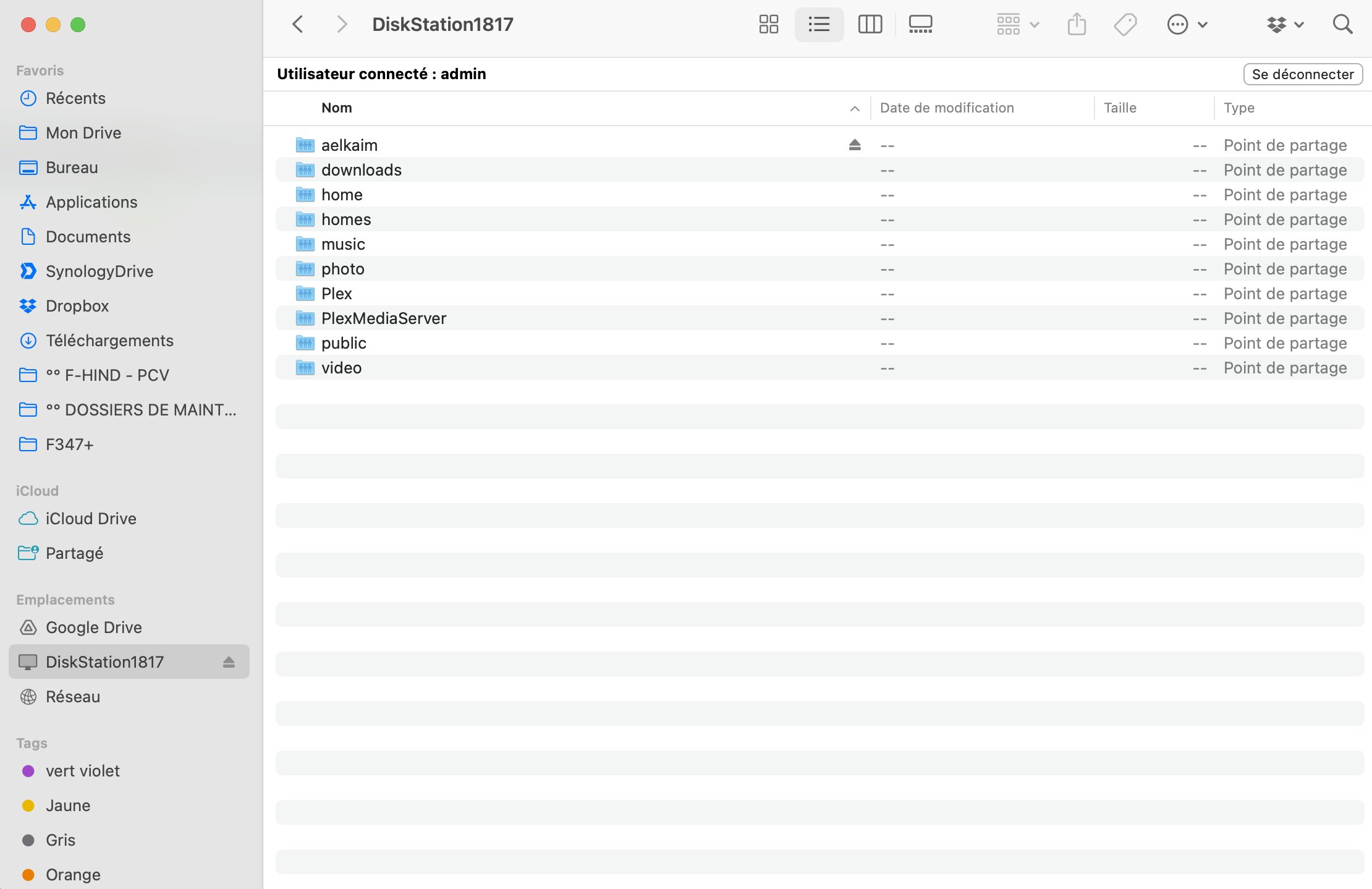
I have now two share points: Plex and PlexMediaServer.
Is there one I can delete ?
Server Version#: DSM 7.2
Player Version#:
Hello
I have a PLEX SERVER installed on a Synology, which has been upgraded to 7.2 version of DSM.
I have now two share points: Plex and PlexMediaServer.
Is there one I can delete ?
Yes, Plex. But if you had Plex before and want to keep your library, copy the needed files too PlexMediaServer.
(Plex should have done this i think during the update, but im not sure)
What was the previous version of DSM, 6.x or 7.x?
DSM 6: Plex uses the /Plex shared folder.
DSM 7: Plex uses the /PlexMediaServer shared folder.
If you updated from DSM 6, did your libraries migrate? If not, your server is still in the /Plex shared folder and can be recovered if desired. See FAQ 27 - Migrating an existing PMS from DSM 6 to DSM 7.
COPYING the files to the PlexMediaServer shared folder WILL NOT WORK
The migration procedure must be followed.
The migration procedure takes about 3 minutes for each 1000 media items you have indexed into PMS.
See SYNO FAQ #27 as linked above by FordGuy
I would have done it automatically, like I’ve done for all previous upgrades, but DSM 7 took away ALL privileges.
I no longer have privileges when installing. They do the installation not I.
Hello
Thanks for your answers. I have been using plex for a while, not sure if it started with DSM 5 or 6. I upgraded to 7, 6 months ago. I don’t remember what I did. I think I had to create a whole new library (as I didn’t perform the migration process as described).
How can I be sure Plex uses a new library in PMS, and not the old one in PLEX share point ?
In DSM 6, we used User: plex and Shared Folder Plex.
DSM 7 required we use new names. We decided to use PlexMediaServer.
Because of how DSM 7 works, we do not have any privileges on DSM 7.
The new name PlexMediaServer was chosen.
You can’t see PlexMediaServer in FileStation because, as administrative user, you’ve not granted yourself permission to see it.
Shared Folder Plex and user Plex have been abandoned.
The only Shared Folder you need is Plex Media Server
You can safely delete Shared Folder Plex and user Plex.
Shared folder and user safely deleted.
Thank you for your help.
To make the PlexMediaServer folder visible in FileStation, open Control Panel > Shared Folder, highlight the PlexMediaServer folder and click on Edit.
On the Permissions tab, make sure your Admin User (the one you sign into the NAS with) has Read/Write access to the folder.
That should make it visible in FileStation and accessible from your PC etc.