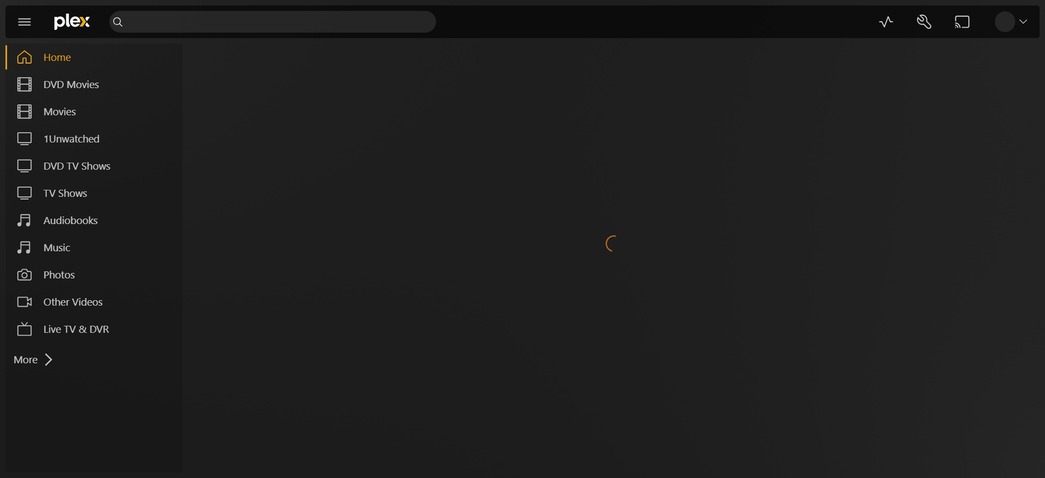
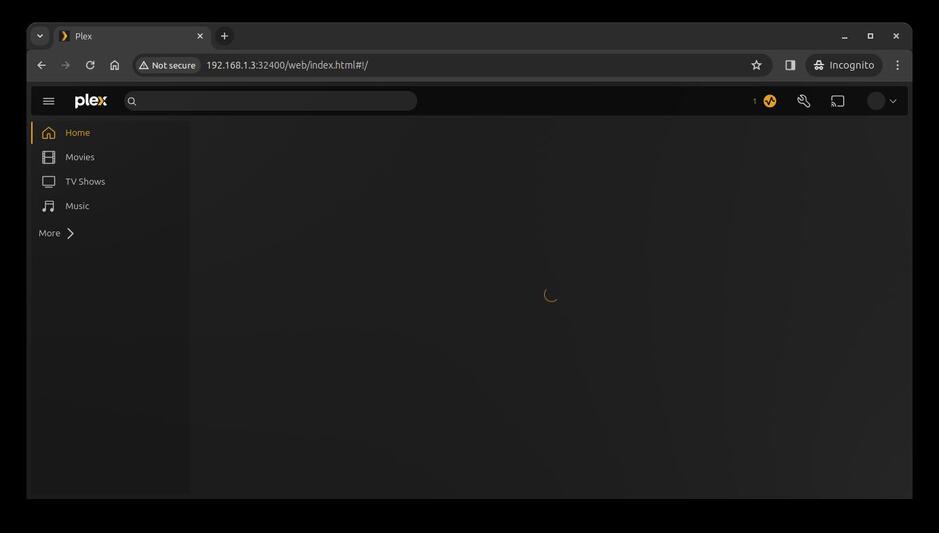
PMS Docker updated to v1.40 overnight. Woke up to the home page not loading
Reverted to v1.32 and homepage loads without issue
Homepage works when logged in via app.plex.tv, but not over local connection
I can access all libraries, play media
Any help is appreciated
Try signing in if you haven’t done so already. Have the same happening on a non-Docker Synology Plex Media Server install, since installing Plex Version 1.40.0.7998-7000, while connecting via local URL with a web browser (Brave). Get a spinning circular arrow when on the Home page. See attached image. Signing in fixed the issue and the Home page loads correctly in the web browser. Didn’t have this issue prior to updating Plex earlier in the week.
@Atomatth for what its worth, I’ve noticed a similar problem when accessing the local embedded client. For me, if I try and access 192.168.1.3:32400/web/index.html WITHOUT signing in, my plex content never shows. If I sign in then it does.
I have Secure connections set to Preferred and List of IP addresses and networks that are allowed without auth set to 192.168.1.1/24 so local access on my network does not require login.
Up until Version 1.40.0.7998 with client Version 4.123.2 was rolled out this was not a problem.
I also downgraded my server to Version 1.40.0.7997 with client Version 4.118.0 and this problem does not happen.
I just tried with individual IP’s and 192.168.1.1/24 and both worked. Make sure there are no spaces between commas or at the start of field else it will fail IP1,IP2,IP3/24 should work IP1, IP2, IP3/24 will not
Unauthenticated or have you signed in and are you using the embedded client or plex web ? Sorry, want to be specific and sure we are talking about the same steps.
ah ok. I clicked around fast and did not leave it on the home screen. Individual libraries pages load but there does seem to be something wrong with Home screen loading when unauthenticated
Thanks for being persistent with me and the report.
Joining the thread to keep watch. When unathenticated (LAN connection) on Win 10, the Home screen never loads. If I select movies, etc., all is good… just not “Home”.
I have a weird issue,
If i use the latest tag then the home page doesn’t load, but if i use the 1.40.1.8227-c0dd5a73e tag the home page loads just fine