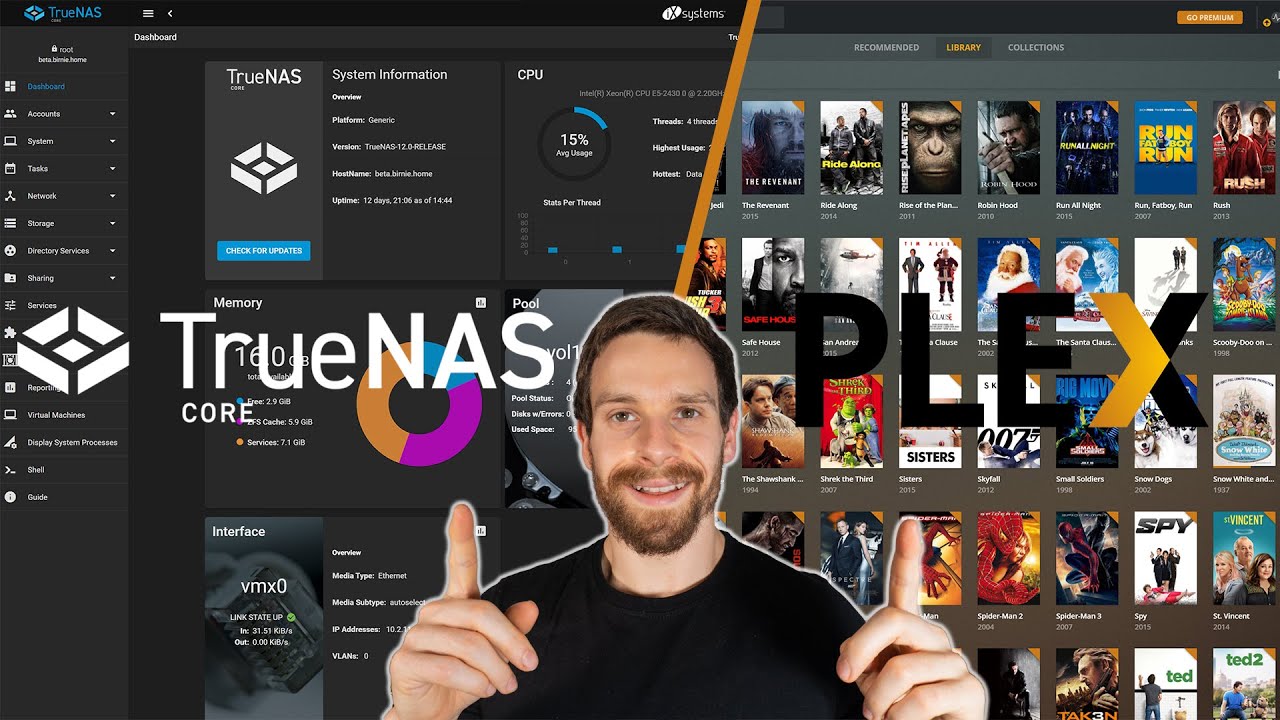
Server Version#: 1.25.3.5409 (not sure how to update manually)
Player Version#: 4.69.1
Also Plex Pass.
Hi team,
Something is not right… and I’ve looked everywhere for a solution e.g. “the forums here”
I’m fairly new at own sever/NAS and Plex. Setting up. I’ve watched every major walkthrough for TrueNas and setting up Plex.
I don’t believe its ACL permissions - I have the ability to access the files, can copy across the content into the right folders…
Have plex user, and userid as 972 etc. Believe proper permissions for plugin, and jail setup properly.
Have set them up as shown everywhere, and in particular here:
The issue is at 11min → 11:49, I can add these folders I have (with content in them, movies in folders etc. named properly, music and folders, photos, etc.) HOWEVER, unlike the clip where it then pulls the movies in and starts loading the metadata… mine does nothing.
I am not sure if I am meant to be able to see any more sub folders, like actually see the movie folders names themselves… it does not actually show those.
I am under the impression that having a SMB setup; that Plex doesn’t automatically update. Despite this, thought I had the manual update settings as 15min etc. but none of this has changed anything either.
You should see them and should should be able to traverse the entire folder structure. If you don’t, and cannot, it is almost certainly a permissions issue.
It’s been quite a while since I’ve run Plex Media Server on a TrueNAS (FreeNAS) server, but I recall there being a requirement to propagate the ACL permissions recursively. I believe there’s an option for that when configuring your ACLs. I could be mis-remembering that though. You may want to wait for feedback from someone who uses Plex on TrueNAS more regularly.
Here are my ACL settings for Plex, and yes you need to apply the permissions recursively.
And here is how Plex looks when adding a folder to a library.
You can clearly see the movie subfolders inside the main Movie folder.
Oof, I can see your mounts are in the iocage… mine are not. Is that possibly it? I have a folder Plex media made outside the iocage one. Pools. But I am properly referencing was source etc.
But also my only mount is the main folder, which then shows the sub folders (movies, photos, TV shows etc)… but doesn’t allow anything within those folders to show.
So I will look to add the mounting points for those actual folders (movies) etc. as well.
That quite possibly could be it. Stop the jail and redo your mount points to match mine, even just as an experiment. Restart the jail and try again. If that doesn’t work you can always revert your mount points since no data is actually changed.
Once I had the source and destination paths found, at the end of the destination path I just Added a “/Video” or “/Music” or “/Pictures” at the end of the destination line. This created those specific folders in the destination path.
That was it.
Rather annoyingly simply mistake, or not clear comms about. Being able to make a new folder by right clicking etc, option should be available.
Glad you got it working. I like TrueNAS for the rock solid ZFS file system and it’s stable and rugged FreeBSD OS core, but it does have it’s drawbacks. I am by no means an expert at it, but I do seem to hear less complaints that sound like OS issues.