Server Version#: 1.14.0.5465-425e4ac90
Player Version#: 3.69.1
OS Version: macOS Mojave 10.14.1
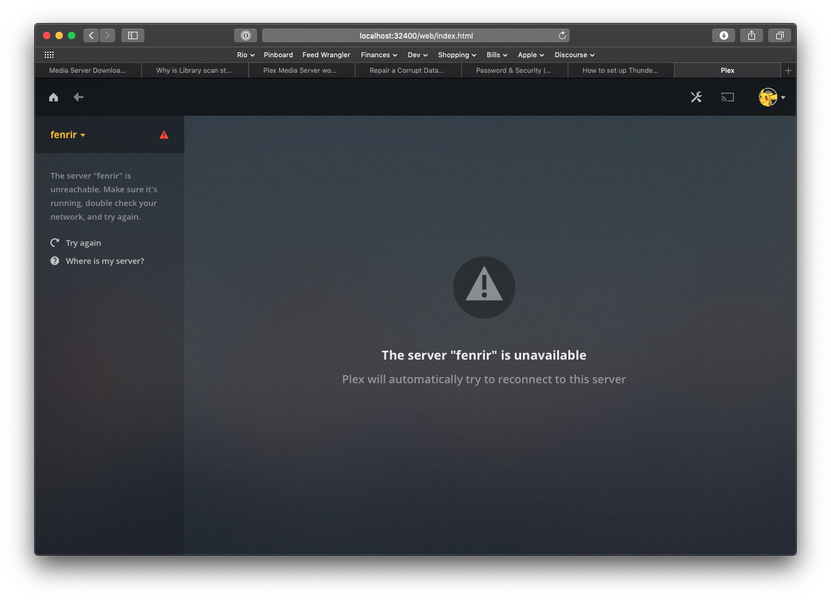
I’m having this issue where regardless of what I do, my Plex Media Server keeps disappearing from the web app (I’m using localhost:32400, not the hosted at app.plex.tv). Basically my screen typically ends up looking like so:
This is a clean install, all I’ve done is deleted the Photos and Music libraries and added a TV Shows library with a single TV Show (which is able to sync and show me metadata for a bit, before the issue you see above happens).
I’ve attached my logs, so if anyone can point me in some direction that might help, I’d really appreciate it.
EDIT: I should mention that I’ve tried some basic troubleshooting: reinstalling the Plex Media Server app, rebooting the PC with and without the app installed, purging all the cache files that Plex might leave behind when uninstalled, etc. Nothing seems to work so far.
Yours is not the recurring “Server not found” but an actual error…
From your logs it looks like your database is toast.
You can attempt repairing it using the instructions from this support article – however, please be aware this is some some advanced stuff and you should definitely make a backup of your current database (as well as all the still available backups). https://support.plex.tv/articles/201100678-repair-a-corrupt-database/
There’s some other error messages (e.g. network timeouts) – I’m not sure if those are the result of the database issues. Let’s try to get there one step at a time, starting with the database issues…
So I will say that initially it was the recurring “Server not found” error, and only more recently turned into this. I’ll try the database stuff first though.
@tom80H So I did what you said, and it seems to have fixed the database issue, but now I’m back at the “The server X is unavailable”. Here’s what that looks like:
Not that I know of? My setup is a little weird though.
I’ve got two routers on my network. One of them splits my ISP’s internet to the several Ethernet jacks around my house, and the other plugs into one of those Ethernet jacks and creates a wireless network. I realize I could simplify the setup by just making the second router an access point instead, but this is the equipment I have on hand.
Here’s the thing though, the computer running Plex is only connected to the first router. So here’s a basic topography:
ISP
 |
 V
Ethernet Router -> Mac Mini running Plex
 |
 V
Wireless Router -> Wireless devices
So I could understand a Double NAT issue if I were connecting the Mac mini to the wireless router, but it’s not. However, even then, I’m trying to connect to the Plex server on localhost from the Mac mini, so why would the topography of my network even matter in that case?
Double NAT issues are not restricted to your home network…
This can be about your ISP not providing an actual public IP to you but running his own “home network”.
So I purged everything Plex off of my Mac, reinstalled, and then set up my server, this time making sure to untick the box that says something along the lines of “access this server outside my home network” and sure enough everything started to work. I will look into requesting a static IP from my ISP and see if that fixes my issue.