ok it s upgraded now but i have an other problem unfortunately… i can t shared the server to other account. to other wifi except mine
indeed i make a shared account with a friend of mine , he can wacht film on computer but not on tv …
what can i do ?
If he can use the wqeb browser, it confirms that the sharing and remote access is usable, that’s good.
Why it doesn’t work on his TV, I cannot know. Let’s start with the brand and type of the TV.
his tv is a samsung smart tv 32"
Sorry, that doesn’t help much. Exact type or at least the year when this model came out is needed.
he said to me that it was a samsung 5 series (32) model ue32n5370au
If I’m not mistaken, that should be a 2018 LED model. There is a Plex app for this, but it is no longer updated.
Depending on his type of internet connection and router model there might be issues with it.
I’d recommend to use an external device to bring the internet capabilities of it up-to-date. e.g. Fire TV 4K, or nVidia Shield, Apple TV etc.
is it possible for ps4?
There is a plex app for that, but it may not be perfect – considering the limited capabilities available to 3rd party apps on it.
Worth a try, though.
ok on ps4 works. now there is only problem… the remote access it tells me that is not possible how can i fix it ?

What is the real plex account ou are using? (PM me, please)
I can’t see that you have actually shared your server with someone. So something is off.
i m using this , but i changed my email for security reasons.
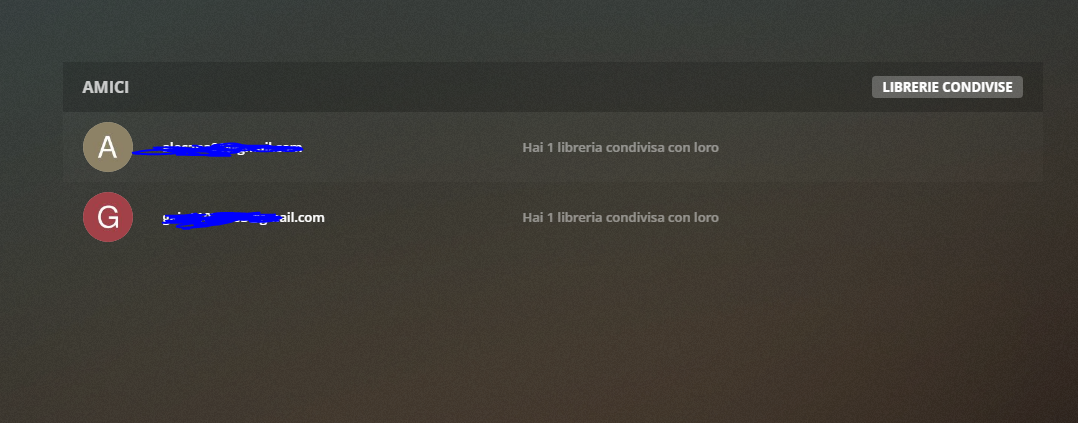

think*
i did everything , i ve also changed into static ip but nothing
what can i do ?’
