Ok, to be clear I am not experienced so if you are asking me to get info, I need some basic direction on where to get it!
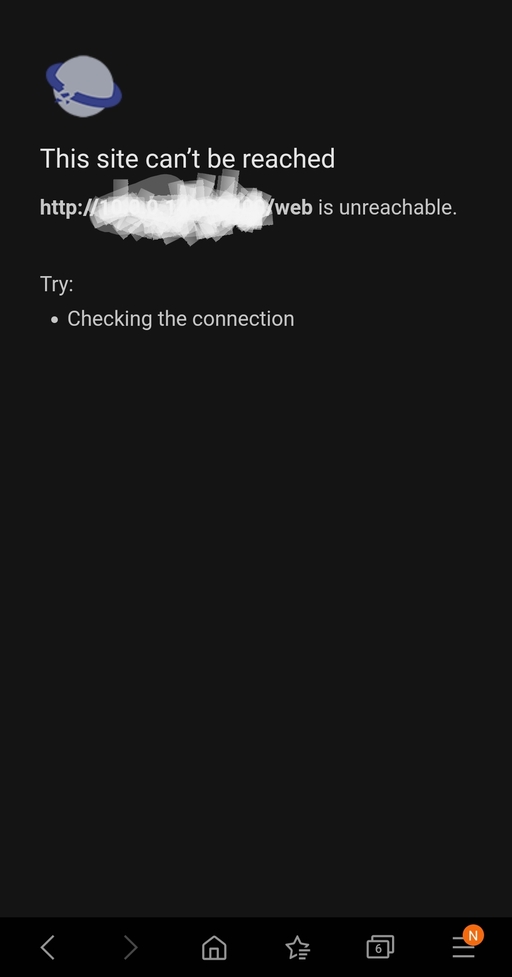
Plex was working well accessing my Synology 218+ NAS (which is up to date with the latest firmware). All of a sudden, I can’t access the Plex Media Server either on my desktop or smartphone, I get the error “XX.X.X.XXX refused to connect”.
Now, if I open DS file, I see all my photos and videos, and if I open the Synology moments app all my photos are there, so there doesn’t seem to be an overall connection issue, only trying to open my Plex Media Server.
Can anyone help here? I just bought the plex pass lifetime so I’m a bit dismayed that I’m getting such an issue where I can’t access what I’d like…
Ok, so when I started with step 1, I got the page I copied above, basically my IP address with the message next to it saying “refused to connect”. I proceeded to open plex on my phone and browser (which I can at least get in to), and signed out of those. I did step 4 successfully, when I restarted Plex on the NAS for step 5 (I’m doing this through my Chrome Browser where I access my NAS applications), I got the error described above, refused to connect.
So weird. so I went to the package center as suggested, and it had a button to “run”, so I guess it wasn’t running for some reason (even though I didn’t stop it and it was running before). I hit the run button, and it now works. It was as if it was starting over however, and showed me the following which shows my NAS offline and now a new one, which is what I picked as my server and it worked:
Wonder why this happened in the first place?? Regardless, thanks for your help, this thread I’m sure will help others as I’ve seen countless people with this same issue but never a detailed response on how to remedy as this.