Since today I’m having connection issue with Plex running on my Synology NAS device:
Plex was ruining fine on my Synology till yesterday, but today - for no obvious reason (at least as far I can see ) - I’m not able to connect to it anymore
What am I observing?
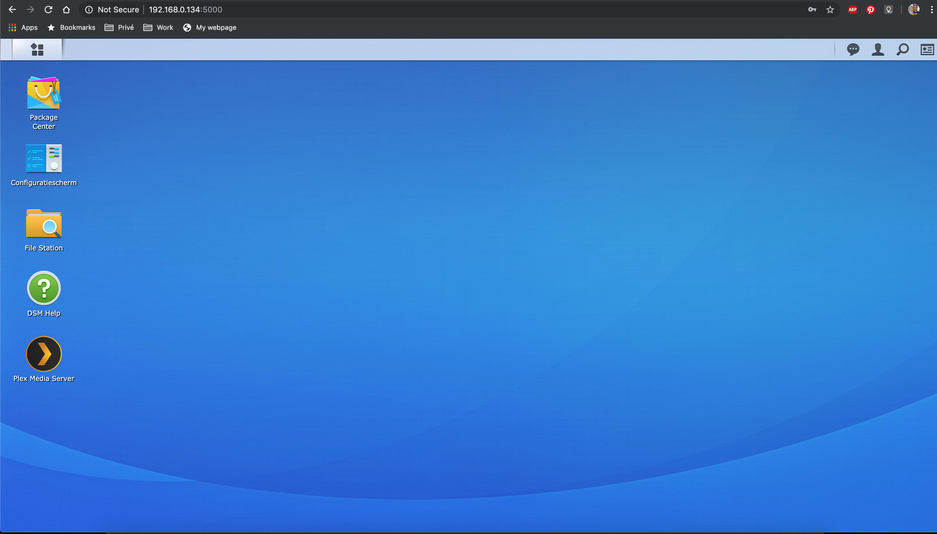
I can connect from my Mac (via Chrome) to the sinology itself on 192.168.0.134:5000
I cannot connect from my Mac (via Chrome) to Plex on 192.168.0.134:32400, I get following message in the browser “This site can’t be reached 192.168.0.134:refused to connect. Search Google for *192.168.0.134: web ERR_CONNECTION_REFUSED”
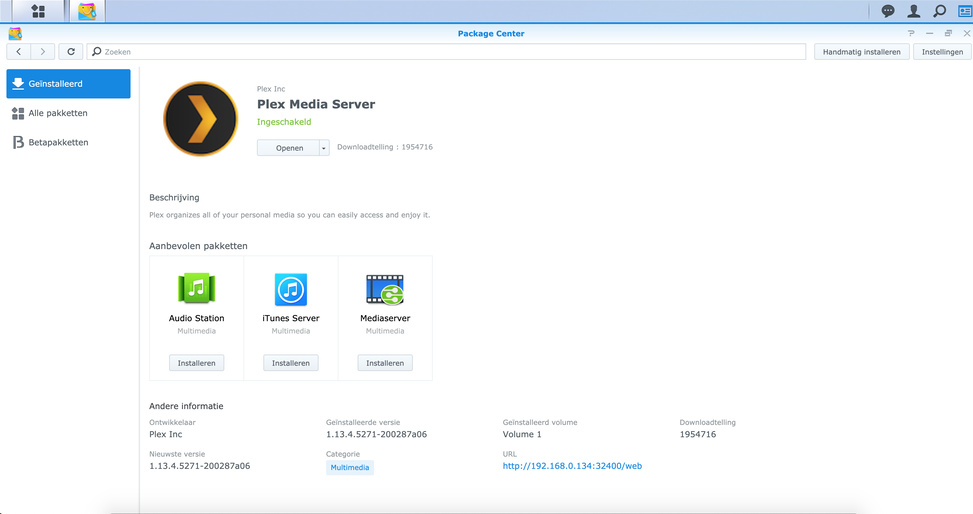
Latest Plex version is installed and Plex Media Server service is running
Plex clients on other devices, like my Apple TV 4K cannot connect neither, I get the message “The server xxxxx is unavailable”, same if I connect via Plex.tv
Port forwarding (TCP 32400) has been set on my modem/router, and this was working fine before.
I ran into something like that this week as well. Really was beating my head against the wall. After doing the sort of things you tried I discovered this post today. Doing these instructions seemed to resolve the final issues I was having (e.g. Plex worked fine on iOS but not AppleTV).
I don’t think this was the root cause - my issues happened right after installing the most recent DSM Update. Not sure though, at least it all seems to be working now.
Note: after uninstalling Plex I also had to follow the info in this post to get Plex going at all.
Permission wise, everything is set as described in the post, so that’s not it
Regarding uninstalling Plex completely from my Synology, If I do this, I assume I will loose all my configurations, right?
Yes taking that final step loses the PMS settings. At least in my case I did not lose any media nor any metadata. You could make a copy of everything before you delete. I didn’t have much to re-do other re-adding my libraries. There might have been another solution but I decided starting over would likely take less time than further troubleshooting.
Regarding Q16 in the FAQ, I went through that without success before. But YMMV of course.
Good luck! I’d be interesting in hearing what solution ends up working for you.
plex.tv Username: xxxxxxxxxxx plex.tv Password: plex.tv Password Repeated:
IP Address of PMS server: 192.168.0.134
Comparing entered passwords
Comparing entered passwords ok
Validating IP address
Getting PMS Server Identifier
******** ERROR ********
We failed to get the Plex Media Server ID
Please check server is up and running, as well as the IP address entered
sh-3.2#
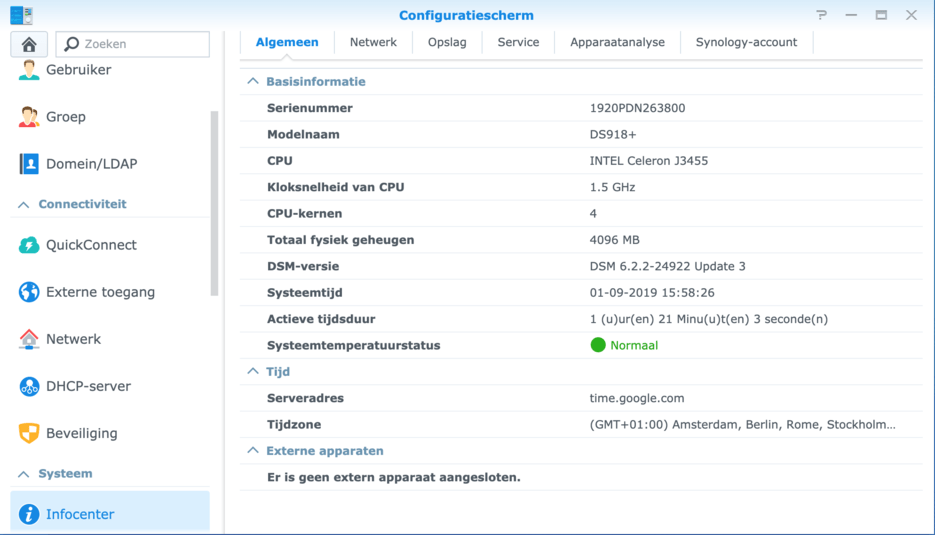
As you can see on the shared screenshots, the IP address is correct and the PMS is running. Am I missing something?
 ) - I’m not able to connect to it anymore




 ).
).
