Server Version#: 4.67.1
Player Version#:
Hello, for some reason my Windows 10 Plex Media server (latest version) freezes often and for no apparent reason. This has been happening for a month or so now.
Ending the Plex Server task through the Windows Task manager and relaunching it fixes the problem, but it’s obviously not an ideal solution. Also, and not sure if this is connected, but the sonic analysis for my music very often disappears and then reappears, also completely randomly (I’ve noticed the server very often rebuilds the sonic database).
Attached is the log.
Thanks
Plex Media Server Logs_2021-10-14_10-59-52.zip (4.6 MB)
I have had this happen with Windows 7…
No errors, Windows 7 sees it running but not able to access at all including locally
The process it there but no CPU being used.
Can stop it from the task bar icon.
And restarting PMS. goes with out a hitch. Send crash reports to Plex is marked.
I have a number of servers all clones…
They have all done this at one time or another, I find out a user cant access.
PMS Version 1.24.3.5033
Thanks for confirming. Hopefully the Plex tech people can chime in if there’s a solution?
Is anyone from the Plex team willing to take a look at this? This is a serious issue that wont go away.
Thanks
I really need assistance with this. Is there another way to get the Plex team to assist?
Bumping again in the hope someone from Plex sees this. Not really sure where else to ask, I thought this forum was created for users to get help…
You say that it’s freezing, what is it that you’re seeing? You cannot access the webserver from app.plex.tv or from localhost? No playback?
Can you run Optimize Database and Clean Bundles?
Are you using the DLNA functionality?
Thanks for the looking at this issue.
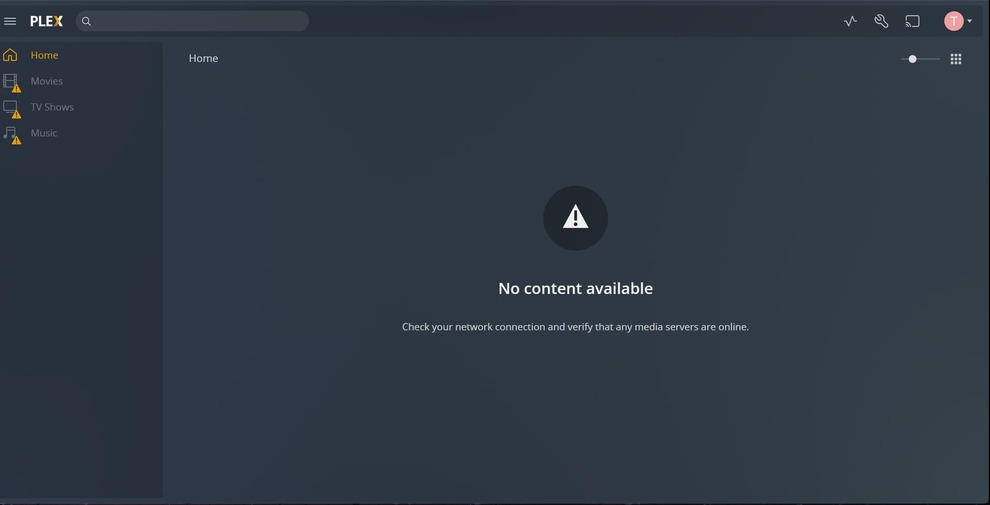
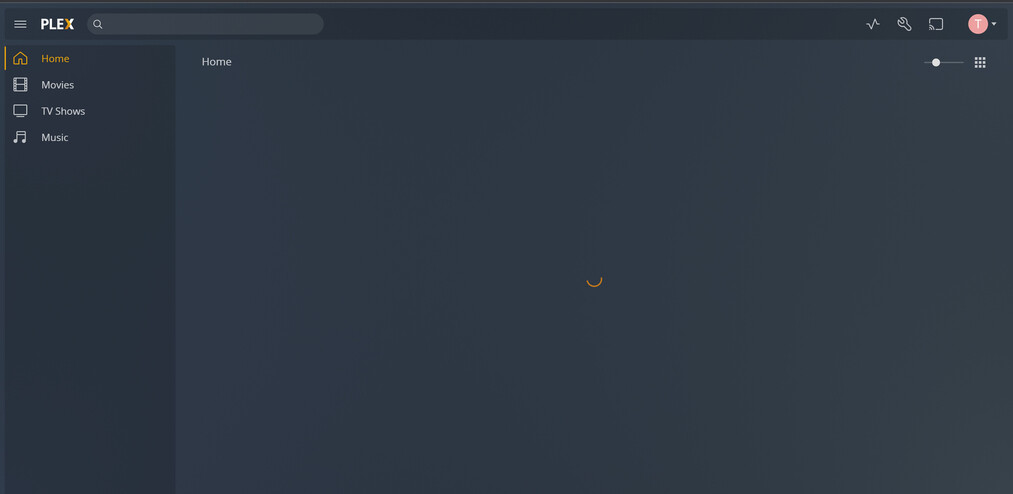
Basically the Plex server will run fine and then out of the blue will become unresponsive, no playback, library doesn’t show up. Killing Plex from the task manager and restarting always fixes it but is obviously not ideal.
I am running the optimize database and clean bundles and will see if that fixes it. I also disabled the DLNA server in case that causes the issue.
Do you see anything in the log that could point to what the issue is?
Thanks!
Do you use the DLNA functionality?
Can you provide a screenshot of what you’re seeing when it freezes? Is there a message or error on screen when you attempt to start playback? Capture and share your logs again immediately after, please.
It just happened so per your instructions I took screenshots and dloaded the log right after i force restarted Plex.
Plex Media Server Logs_2021-10-22_17-24-25.zip (6.0 MB)
Same here. Server 4.68 (before/after Optimie/CleanBundles)
I enclose a log archive where .log are dated upon after the last “block”, .1.log after the previous, 2.log after the ante-previous.
“block” here means that the web client nor apps can’t reach the server. I have to quit (menu in the menubar is functioning) and restart to access again.
Let me know if you want me to increase debug level.
Plex Media Server Logs_2021-10-23_19-36-26.zip (334.8 KB)
It happened again so here’s another log, as a different data point.
ThanksPlex Media Server Logs_2021-10-24_15-49-30.zip (4.9 MB)
Please enable debug mode. Do you have these settings enabled:
- Use hardware acceleration when available
- Use hardware-accelerated video encoding
@diligiant your issue and setup are different enough from OP, would you mind creating your own post and we can continue there?
@txenakis How are you attempting to access your Plex server, app.plex.tv or localhost:32400? Also I thought you disabled the DLNA Server?
Hi thanks for following up. To answer your questions:
- enabled debug mode do you want me to export another log?
- hardware acceleration when available: I use this
- hardware-accelerated video encoding: I use this too
- How are you attempting to access your Plex server, app.plex.tv or localhost:32400? localhost:32400
Also I thought you disabled the DLNA Server? I did
Thank you, let me know what else I can do.
When you disabled the DLNA Server did you save your changes? The DLNA Server is still generating logs and mentioned in the PMS logs as starting. It looks like something is scanning Plex via DLNA and maybe causing the issue.
YOu are correct the DLNA server was still active. Definitely disabled now, will let you know if that fixes the issue.
Thank you.
Unfortunately it happened again, twice in a few minutes. Here’s the latest copy of the logsPlex Media Server Logs_2021-10-26_07-55-54.zip (5.5 MB)
In Plex Settings > Library > Scan my library periodically - is this checked? If it is can you uncheck it?
Your logs show that the issue starts after your music library beings to scan. The setting I mentioned above should help reduce the amount of scans of your music library.
Based on your directory naming, I’m going to guess that your music lives on a Google Drive? Is this a new change or how you’ve had your setup for a while?
thanks. I will uncheck it and see if it fixes it. My music lives on a local drive that is backed up to google drive. So it’s basically local on my D drive, but is also backed up to Gdrive as a safety.