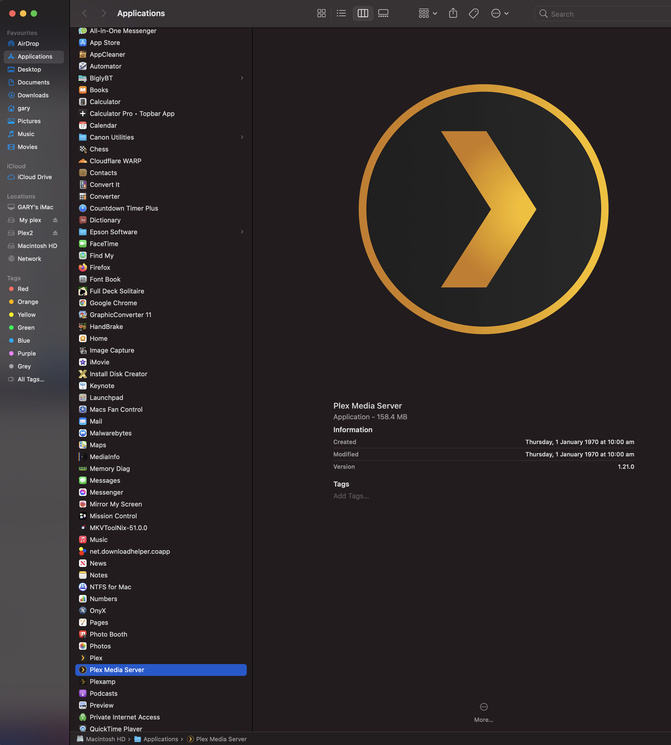
Plex Media Server not running on new Macbook Air (

Server Version#: 1.21.0.3608-f7262c352
Player Version#: Version 4.29.2
MacBook Air (M1, 2020)
macOS Big Sur 11.0.1.

I just bought a new Macbook Air and, when I click on the Plex Media Server application, it (the PMS icon) appears for a split-second in the top toolbar and then disappears. I’ve just installed the latest version of it and deleted the older one I had thinking that might have been the issue, but not luck. I just recently spent two (2) hours on the phone with Apple Support and ran through some troubleshooting (i.e. disk repair, fresh install of OS Big Sur), but to no avail. Can anyone offer any advice??? I’m not quite sure what my issue is as it appears that others aren’t having the same issue. Thanks.

Have you installed Rosetta 2, I don’t think Plex have a native app as yet

Yes. After setting up my new MBA from a Time Machine back-up, I was prompted with that message for both PMS and Backup & Sync from Google, which I’m having similar issues with. I’m not experiencing any other issues with third-party apps either. I really at a loss here.
Download a free copy of PMS and try swapping out the decompressed app to the applications folder. Choice replace.

I’m sorry. I’m not following. I’ve attempted multiple re-downloads of the app, but with no success.

1 Like

Then it’s a corrupted database.

If that fails it’s a Uninstall and start again.

Okay. I’ll give those steps a try. I appreciate your advice and will follow-up once I’ve had the time to do so.

I have successfully Installed Plex on MacOS 11.01 on a late 2020 iMac, you have a shinny M1. Don’t make me jealous now.

If I can’t get this to work, I’ll be the one jealous of you.

1 Like

With the uninstall follow exactly, ok.

Good Luck

1 Like

Terminal is telling me “command not found.”

I’m placing ’ ’ around the commands.

Ok, just uninstall then

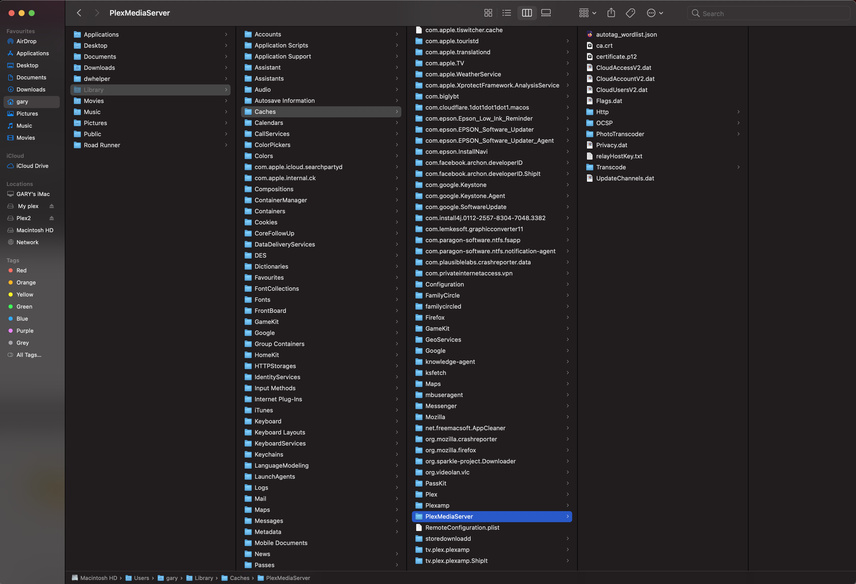
Holding down the option key navigate to Go menu at top of desktop.
Delete the following:

And the app in applications Folder

There’s nothing in my PlexMediaServer folder like there is yours.

Hold on. I followed the wrong filepath.
Trying now.

Get rid of those files, empty Trash and start again. Cache will start to be created after start up

No. I tried again and nothing there.

So I should delete the PlexMediaServer folder and then follow the second file path starting with Library->Application Support?

1 Like

Then