Server version: 1.40.5.8921-7000
Player version:
After a few months I reinstalled in my Synology NAS Plex Media Server.
Everything is fine, all permission settings are correct for my media folders.
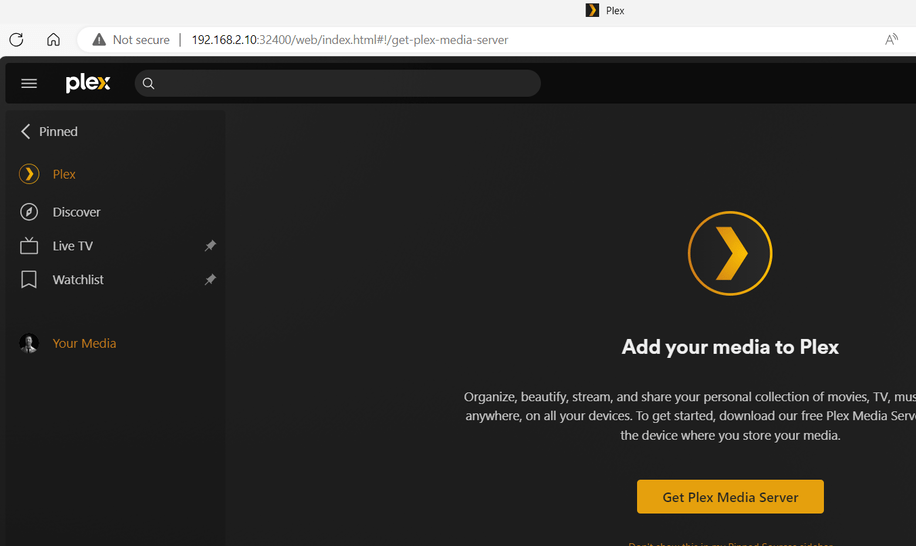
But I am not able to add a personal media library, there seems to be no way to add a personal folder as a media library and it also seems that I have not installed Plex Media Server at all.
This is a screenshot of my browser:
I have tried reinstalling Plex many times from the Synology repository and also directly from the Plex website but no way. Please can I get help in figuring out where the problem is?
If you are running a 1.40.x release, you need to stay on the 1.40.x releases.
You cannot directly downgrade from PMS v1.40.5 (via plex.tv) to PMS 1.29.2 (in Syno Package Center) due to database differences. If you do so, PMS will throw many errors and may refuse to run.
Please do the following.
In Synology Package Center, stop Plex Media Server.