Server Version#:1.41.0.9018
Player Version#:10.22.0.1579
It is the most unstable plex server. It started working after the latest Pex Server upgrade. I just did an upgrade to other apps and now is not starting again. I do not recommend using it. Maybe I can get some help with how to make it work.
I also started experiencing this after the latest Plex update yesterday with an Nvidia Shield.
The server disappeared from the settings. Usually if this happens I can uninstall the plex app and server updates and set up from scratch, but after the update even with a fresh install the server is missing and not working.
Thank you. Used Plex on NAS and other platforms in the past with great success. Nvidia is not on par with the others. I was hoping I could simplify my architecture.
My DS918+ also encountered a similar issue. I was using 1.40 and my PMS disappeared all of a sudden. I thought perhaps I need to upgrade and now I am on 1.41 but the server never boots up correctly after upgrade. It doesn’t allow me to downgrade to 1.40 either. And I am stuck.
Does plex actually do any testing? How is this supposed to happen? I have a kid who might want to access the content on my PMS everyday. Since this happened, I have no way to comfort the kid. Can someone from plex team take this more seriously?
I completely remove the PIN. Now the server does not show in my Web client and I can’t access it. Just so much headache for something that should be simple
I did re-install it four times. It runs for a day or so and then disappears, and only after re-installing does it come back. I wonder if there is a document to clean up the Shield fully.
Exactly the same issue. I was using the Beta version of the plex media server, but on the 9th October there was a Plex update and just like every single plex update that has ever been released, it broke plex. The server service was constantly stopping, or not reachable, a quick restart of the server (from plex settings) and you could few content, only for it to crash again. Annoying when even watching content on the Shield itself and would get network errors…
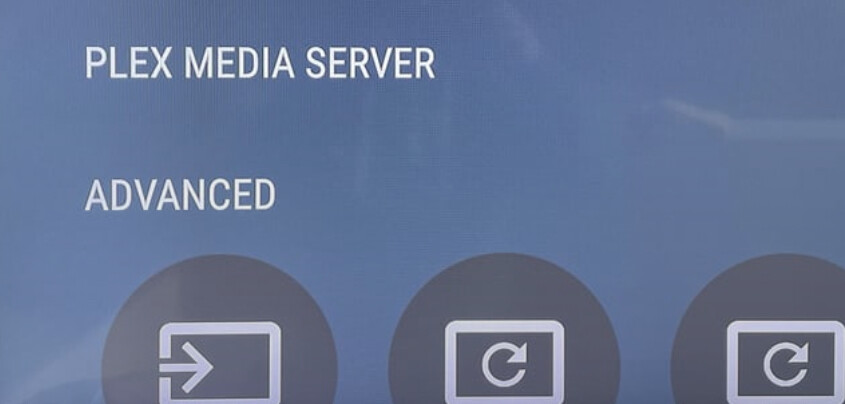
Anyways, uninstalled it all, plex and server, removed myself from the Beta. Waited over night and went to install again. All installed but like you the server heading “Plex Media Server” is there there the server certainly isn’t". I am sure you will get some rubbish about restarting the shield or some even stupider advice like “check you router or firewall” but no, quite frankly there is a reason Kodi exists…
Having messing around, try connecting to port 32400 on your server and complete the steps there. though the server isn’t still showing on the shield under settings. It does show on the pc one you have completed and clicked finish whilst connected directly to the server.
Another update, I got the plex media server option to randomly appear (until I rebooted the shield) by disconnecting the ethernet switch, the shield then connected to my wifi, and wfi the two options appeared.
I at that point decided to move the server to the user accessible storage to try and restore my database… lol what waste of time, kidding my self that the database restore was actually ever going to restore.
Using my database backups, the server never comes online, putting back the original db files and it comes online. What a mess this tosh is!