On my Windows 10 pc, where my external hard drive connects and is the server for Plex, Plex works fine all the time. On other tvs and such in the house, Plex works fine.
On my Samsung phone, it always says my server is offline 99% of the time.
Any idea why?
I uninstalled the app and re-installed, same issue.
Do you mean when on the local wifi or cellular or both? have you looked at the android logs for errors ( or searching for your servers name or local IP to find those log lines)
I have exactly the same problem.
On my iPad and iPhone the app doesn’t work. FireTV is fine, all browsers are fine (even works on the iPad and iPhone when using a browser) - It’s just the app.
I’ve uninstalled / reinstalled. Logged out/in. Rebooted… nothing.
First when I go to reconfigure the app it says there is more than one server available (which there isn’t). Then it says my server is offline (which it isn’t)
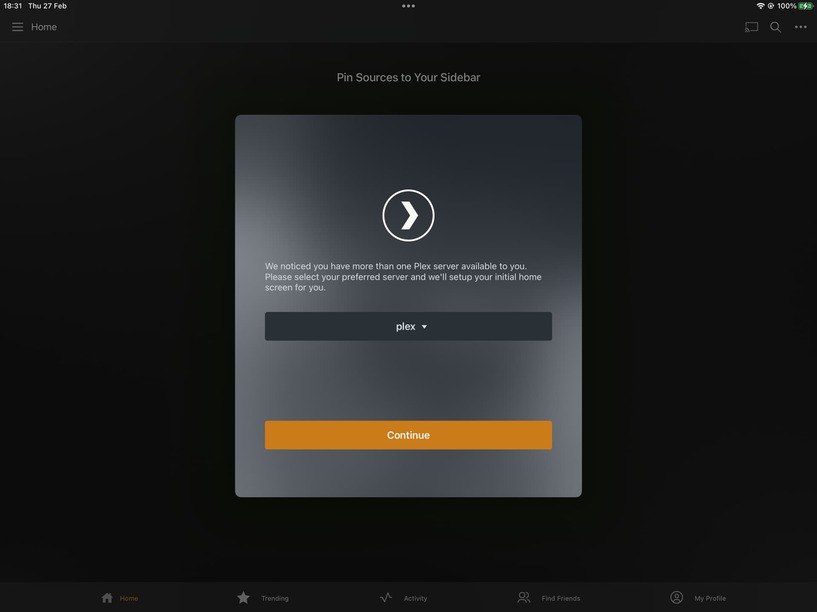
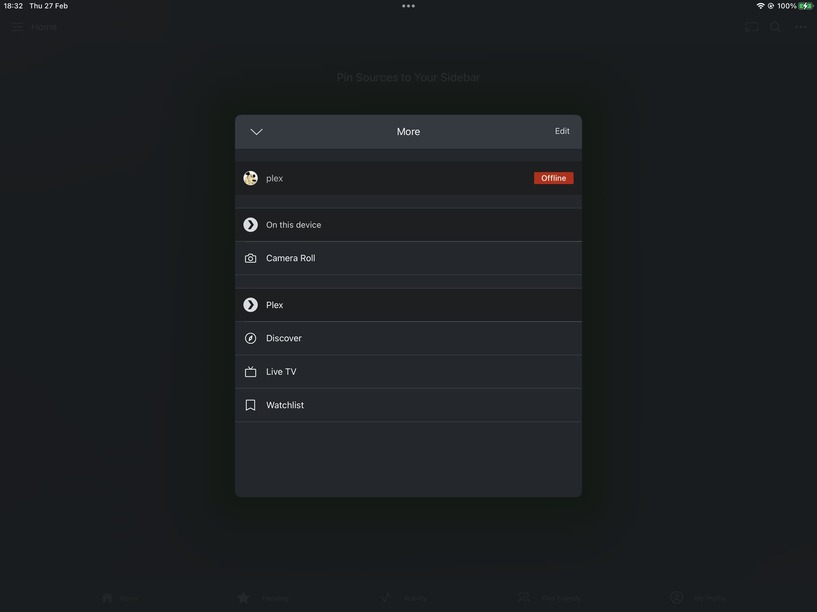
However on the very same iPad when I go through the web interface, there it is - no problem at all. So it’s just the app. Not that it makes any odds but the connection is via wifi.
I’m a little concerned, but at least it isn’t just me. Anyone know what’s going on?
It seems to me that the fact that it says: “We noticed you have more than one Plex server available to you…” but then when I click on the ‘drop down’ arrow there is only my one Plex server listed… This seems to be a problem. Where is it getting the idea that there is another Plex server? Old data? A cache somewhere? Surely that gets flushed when the app is uninstalled. Perhaps the app is using old data from a now invalid IP which is why it says it’s ‘offline’?
Sorry for replying to myself but I’ve just restored Plex from a week old backup and the apps are working just fine. Clearly, I think there must be something in the settings I changed that affects only the app and not the browser access.
I don’t know exactly what setting/s I changed in the past week so I’m sorry I can’t be more specific but at least there is hope. If I come across what it was I changed I’ll post back for the sake of the OP.
Regards,
Muttley
PS. POSSIBLE SOLUTION
@gmazza
On your plex server settings, have a look under Network and check and see if “Enable Relay” is checked. Make sure this is ticked and that might just fix your problem…
There is only one server in your screenshots
If enable relay fixed your problem then there is some issue with remote access. If it thinks it is remote when it is not then there is some network issue. I don’t mean to say there is not some bug in the app but that is why I asked the other user about logs in your case it would be iOS logs rather than android
Thanks for the reply @BigWheel,
“There is only one server in your screenshots”
Indeed, this is why I think something is amiss
“If enable relay fixed your problem then there is some issue with remote access”
I do not have remote access enabled as I am unwilling to open any ports on my firewall. If I want to use Plex outside my network I simply VPN into my system and use it from an exclusive subnet.
I could also make the Plex service available through an outbound Cloudflare tunnel connection, however the Plex server would still be unaware that this service is available.
Unfortunately to get you logs is not that easy as they’re not available unless the user is enrolled in the iOS developer program, and even enrolled, you only have access to certain kind of logs (energy, networking…) etc which would be of no use in this case.
Where are you seeing this second server then? I thought that is one of the things you were trying to show in your screenshots
Please have a look at the first image I posted. Here’s a zoomed-in version…
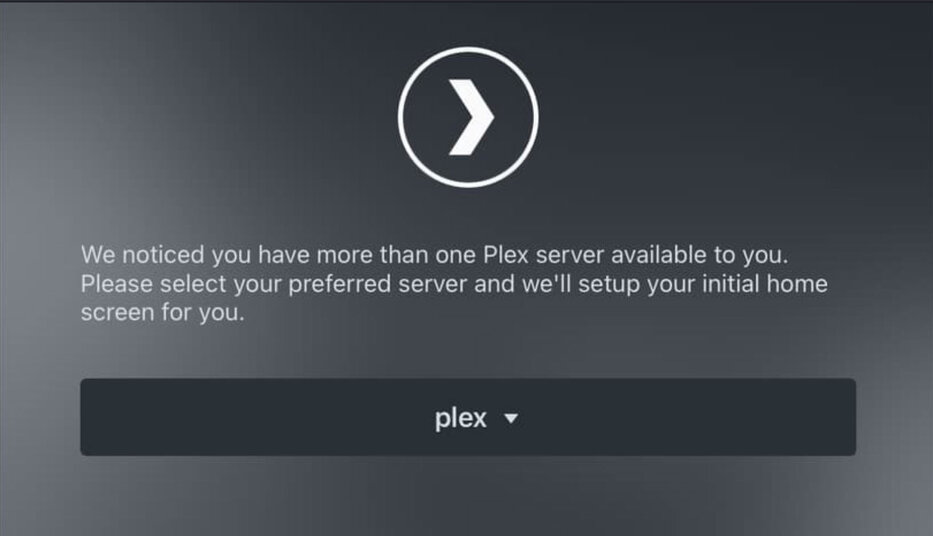
And here is a screenshot from the iPhone. I think what might be happening is that it’s not seeing ‘two servers’ but rather seeing the SAME server twice.
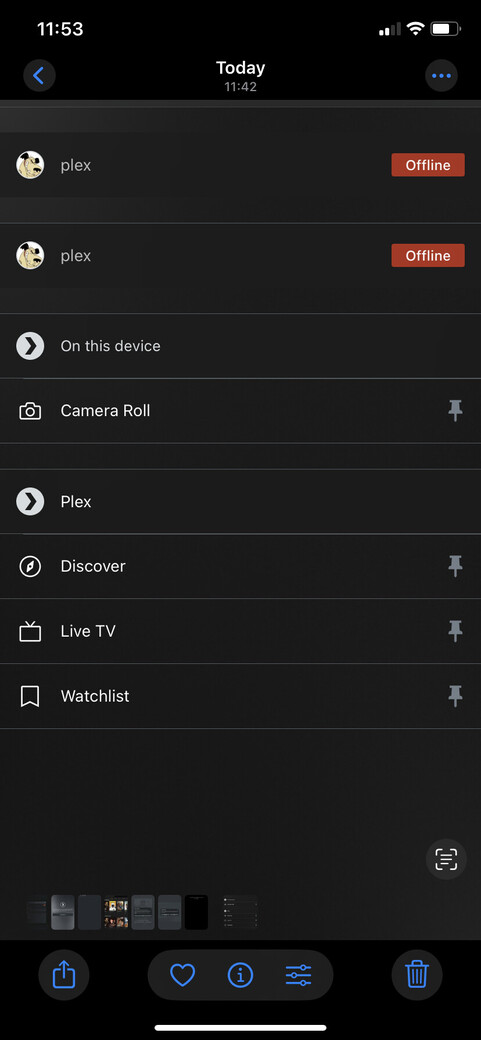
What do you think?
SOLUTION and summary
#1.Settings > Remote Access.
Make sure remote access is enabled (even if you don’t open a port in your router).
#2. Settings > Network
Make sure ‘Enable Relay’ is ticked
Please note that it’s ONLY the app that seems to need these settings and they’re certainly not what I would expect because every browser on every device including the devices where the Plex app is installed work just fine without these settings.
It would have been nice if Plex support had provided some… actual support. Still we have each other…


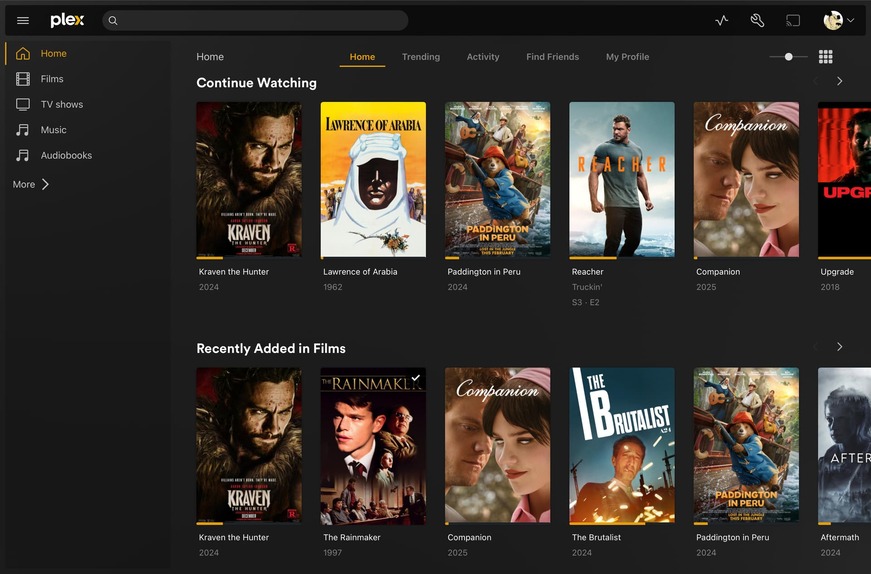
The app after these settings have been applied. You will need to sign out and then sign back in.
Account > Edit Profile > Account Settings > Sign-out (I know it’s stupid)

This topic was automatically closed 90 days after the last reply. New replies are no longer allowed.
