hi all.
i have been trying to get the pre roll to work with no luck.
my pre roll video is in a folder on my server. same folder plex is installed.
i have a nvidea shield pro and have it set to show one trailer.
i setup plex following this guide.
can someone help with getting the pre roll to work?
tnx
ok i moved my preroll to a new folder and gave plex access. it’s still not working. i’m sure its a permission issue.
here’s more info on my setup.
i’m running plex in open media vault with docker.
i moved my preroll into a new folder at
/srv/dev-disk-by-label-Media/AppData/Plex/Preroll/Preroll.mp4
i edited my acl to give plex permission to use folder
/srv/dev-disk-by-label-Media/AppData/Plex/Preroll/
I’m sure if i put my preroll into one of my movies folder it would work, but i don’t want plex adding my preroll as a movie and it showing up as a movie.
this question is for plex devs, why have you made such a neat feature so confusing? why not have preroll as it’s own option separate from trailers with a specific folder for the prerolls?
Well, that you’re using Docker might have been useful sooner. I’ve never used Docker, but I found another thread where someone was dealing with this. The last suggestion given is something we didn’t check, but they never reported whether it worked.
LOL, well if it worked there would be nothing confusing about the guide.
if it does not work, well then it’s confusing.
i’m sure the guide is for a windows client, problem for me is i’m not using windows.
I’m using a linux distro which is headless, which is fine as i can do what i need with ssh through a cli.
i get not everyone is running plex on the same platform. maybe the guide could include other options for different os’s.
considering i have been a plex pass user for about 7 years, one could think a paid user could possibly get support from plex. rather than posting in a forum and hoping someone has the same setup and has the correct way of setting up a simple feature.
The example in the guide appears to be from a macOS or Linux context (path pointing to a user’s home folder). The guide itself isn’t particularly confusing. The issue at hand appears to be that Plex seems not to be able to find or access that file of yours.
As you opted to run your Plex on a Docker setup, I hope you know how to deal with that kind of issues (e.g. how to map a certain path to the container, how to assign ownership/permissions).
If the Plex server is running in a container, the path you use needs to point to the path as it is mapped within that container. Have you confirmed the newly added preroll folder is visible and accessible from within the container?
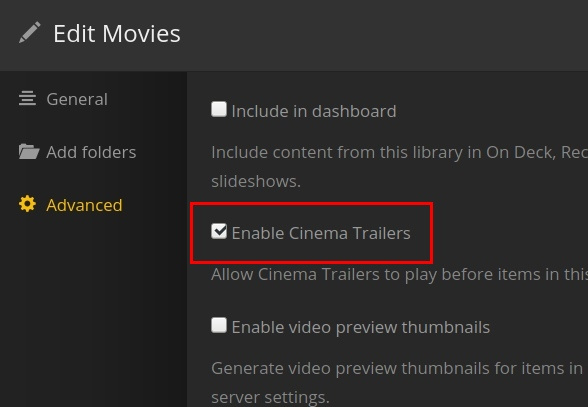
PS: if you only want to see the re-roll but no trailers you can set Cinema Trailers to Play Before Movies to None.
I’m aware there is no support, still does not change that maybe plex could offer some support.
for a moderator you don’t seem to be very helpful.
going around pointing out the obvious is not how to handle customers.
So i have the directories for plex setup to access the folder where plex is installed. thats why i put my preroll in that directory.
i have edited my acl list to allow plex to see other directories.
i do agree it seems i’m having a directory permission issue.
Think i’ll try the omv forums and see if someone has had any issues or using the preroll feature.
i’m sure it’s a small adjustment to fix the issue, but a quick google search points to several others having the same issue. what i don’t see is resolutions to users fixing it. this leads me to think it’s a simple fix.
Ok after trying several directories and giving plex access to the directory. nothing worked.
i then looked into plex and how i set it up in docker.
the problem was i was not using the same directory path as the one i used in the docker setup.
i figured this out by ssh and runnning:
docker exec Plex ls /media
this gave me the path plex was looking for, so the path i needed to use was.
/media/PlexPreroll/Preroll/Preroll.mp4.