Server Version#: 1.31.3.6868
Player Version#: 1.67.1.3665-771934d3
Plex Media Server Logs_2023-04-02_11-23-27.zip (5.0 MB)
Plex states that remote access is working but users can’t connect. They are reporting buffering issues and unable to connect to the server.
Windows 10
Storage for the server are local too.
Can i get some help please before i pull out all of my hair
@ChuckPa any chance of some assistance?
Not being able to connect and getting a buffering remote stream are generally two different issues
Remote access showing fully accessible outside your network, but not being able to connect at all is not impossible but is unusual for a Windows server.
Buffering means it’s working on some level, just not working well
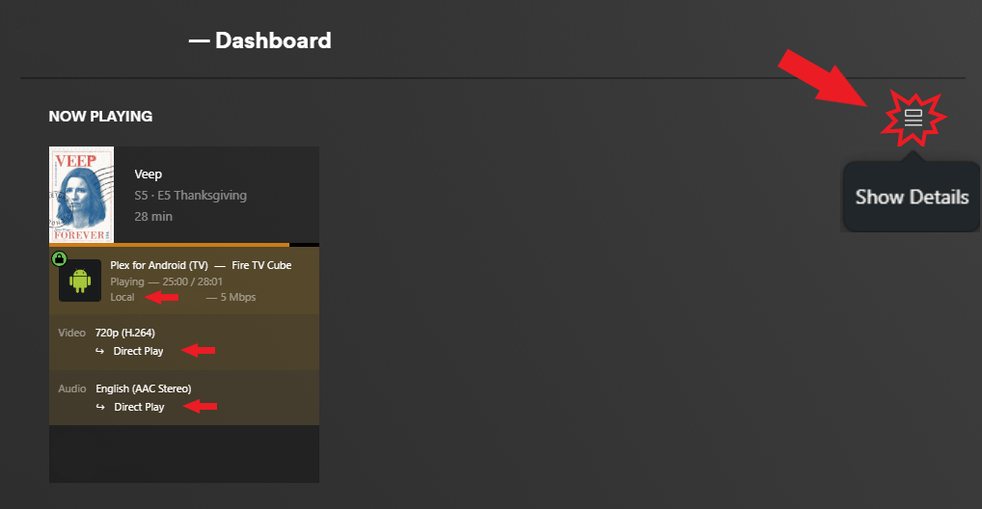
Look in the dashboard when a remote stream is playing. (test this with your phone with Wi-Fi turned off)
See if you can direct play anything and if the stream shows remote or indirect. Then lower the playback quality to force a transcode. See if (hw) acceleration is kicking in
Admittedly I’m not super helpful at reading logs. All I can really do is help you provide some additional details so Chuck or someone else can help you when they come by
Any additional details like the type of clients that are failing, video resolution, container, or subtitles may also be helpful
Not sure how much I an help.
At very minimum, I can offer  for your hair – less painful that way
Would you be able to restart the server and let it sit idle (as idle as possible) for 3 minutes so I can see it startup and perform all the hardware and remote access testing?
After those 3 minutes, and before the logs roll of the end, download the logs zip again and attach here.
thanks
Plex Media Server Logs_2023-04-04_17-50-02.zip (4.1 MB)
hopefully this log will be better. I have restarted the server and left it idle.
I am upgrading my internet package so may just be that I’m on a slow package but the remote access issues shouldn’t be happening due to the speed can it?