Stand by,
I will load up a server on my Synology
In the interim,
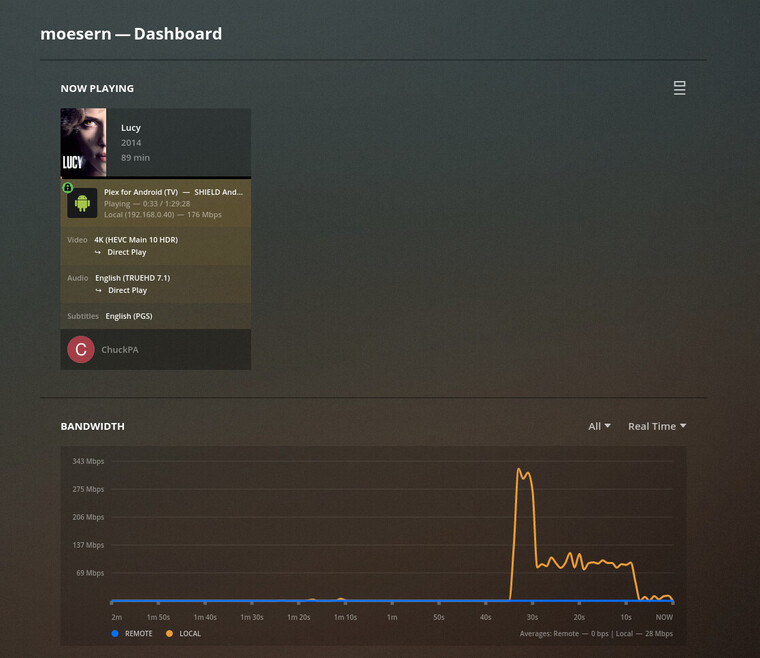
Server: Synology DS1815+ (NO HW capability – effectively NO capability of any kind)
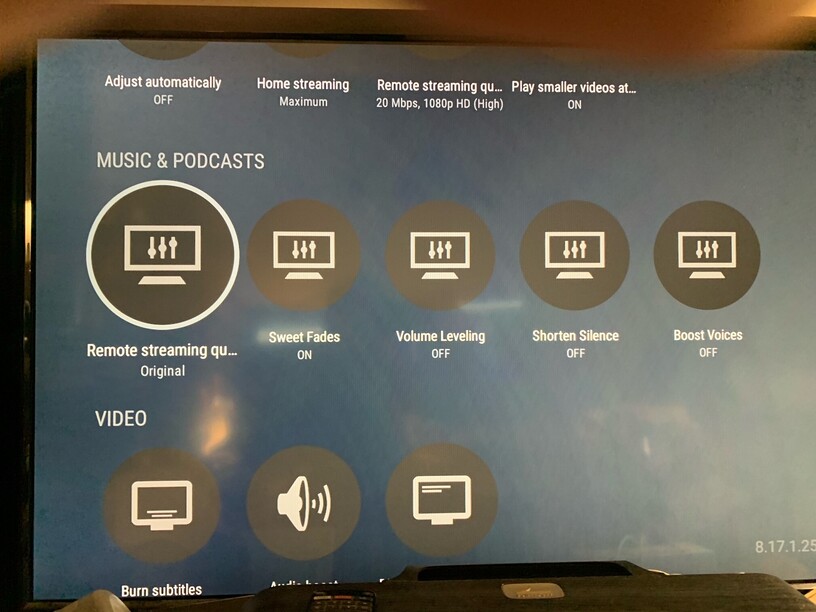
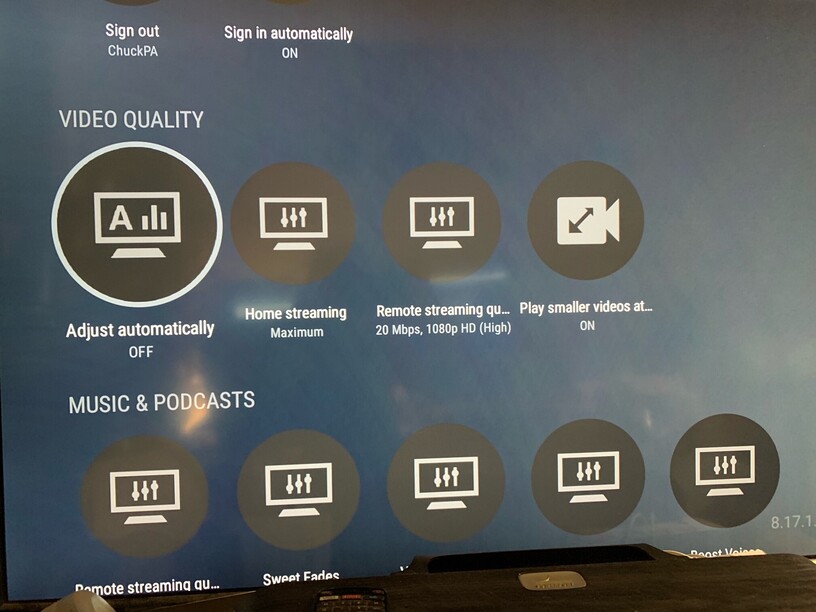
Player: Nvidia Shield Pro 2019
Settings : As shown above.
Thanks for replying. Are you saying all Synology’s have no HW transcoding, or just your own? Because HW transcode is an option for my Plex server running on my DS920+ (Intel Celeron J4125). When HW acceleration is enabled on it, any subtitle burn-in causes massive performance drop. Disabling HW acceleration the same video performs fine when burning in a sub.
NOTE: I am going off of memory for this. I will check some things out.
If the option I see in [Transcoder] In Plex for using HW accelerating (if available) isn’t actually enabling HW acceleration, then that is something I’d need to experiment with as well.
I don’t think it’s off-topic since this is basically the exact issue that I’m having and is what my original post is based on.
Speaking of, @ChuckPa it’s been apparently 18 days since I last received a response from you when you said that you were going to ask the android team about this. So, what’s going on? What have they said? How is this going to be resolved?
Furthermore, I take issue with this sentence:
@Divideby0 & I have both stated that the synology, in software only mode, can in-fact handle this fine (albeit with v. high cpu usage). When I say fine, I mean it totally works. Playback is smooth, there’s no buffering apart from the inital one when starting the video and seeking works relatively well. I don’t think this kind of performance (in software only) meets the definition of “not up to the task for” even if it’s pushing the system.
What we’re complaining about here is the performance in the hardware-accelerated mode which is basically unusable when burning subs and so would appreciate if you could help us understand WHY hardware-acceleration falls short of software-only.
I don’t think using PGS subs here is the best way to prove your point since PGS subs are supported pretty well by Plex Android TV. PGS subs direct-play on both my Sony Android TV and my Android phone.
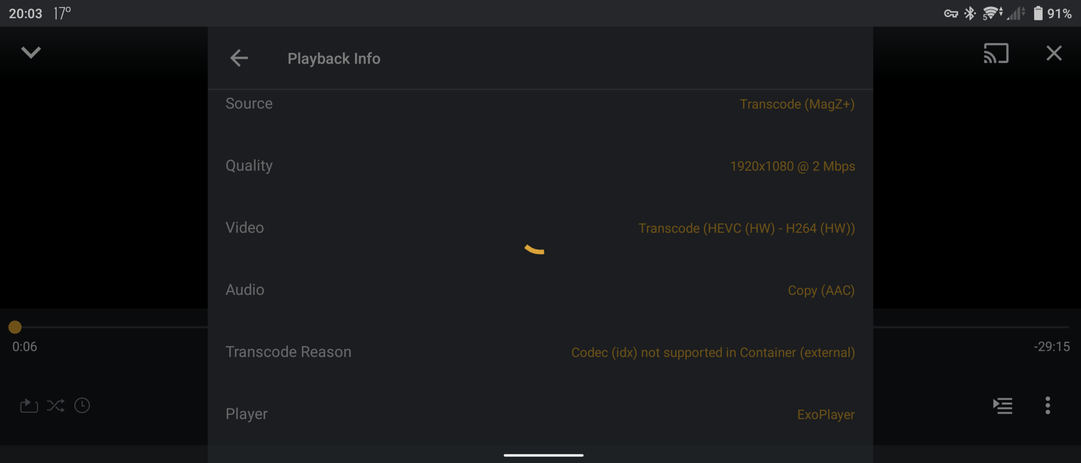
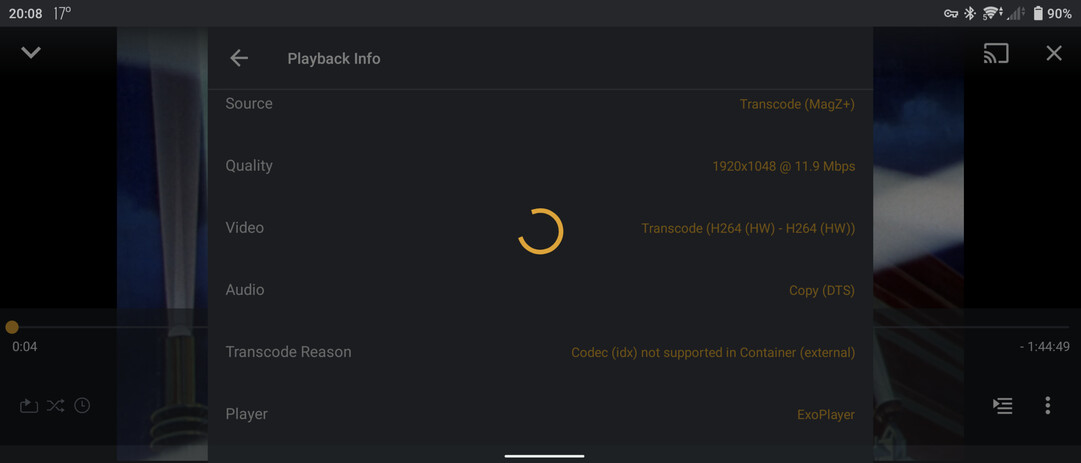
I think something more challenging would’ve been external VOBSUBs since exoplayer doesn’t support the IDX codec and so would’ve forced transcoding.
My DS1815+ , being an ATOM CPU, has no hardware transcoding capability. It predates such capability in NAS CPUs.
Beginning with the “N” series and then fully realized in the “J” series CPUs, Intel gave us fully hardware HEVC HDR capability. The J3355 CPU does not have HDR but the J3455 CPU does.
The next generation (ApolloLake), J4xxx, gives us the equivalent of the Intel -8xxx desktop processors.
Now of course in my wildly inaccurate testing, I cannot seem to replicate the issue I recalled from memory that happened months ago. Possibly because I am using the FireTV android client to test on instead of a Shield, but the options are the same. But telling my client to force burn-in of subs (and HW transcoding enabled on server-wise) I am not getting the slow-down I encountered before.
Ok, perhaps it was VOBSub I had the issue with before, and PGS subs don’t cause this issue? In my limited research I thought I’d heard they were both image subs and just lumped them together as problematic. I’ll look to see if I have any VOB subs.
BTW, I only use internal, not external subs.
Thank you. Now we’re getting to the level of detail I need which I can take back to the team.
This isn’t a server issue at all. It’ a player issue
Yes it does. The app should be able to direct play these. If not, then there’s a bug somewhere we would need to investigate.
I read through this thread and I think I see the problem. I’m pretty sure you cant use vobsub with hevc content. That’s not a thing. vobsub was meant for dvd’s which only have h264. I’ll need to test, but I’m pretty sure this is the case.
Okay, but just fyi, embedded VOBSUBs work fine with a h265 video.
Ok, it could be limited to not working with external vobsub and hevc. Internl and external subs are handled slightly differently by the clients.
Ok, that definitely says not supported due to it being external. My guess is that since vobsub are actually 2 files, the .sub and the .idx, the client is probably only able to accept 1 external file so has to have them burned in instead.
Edit - I am trying to confirm with the team.
Yeah, just to avoid those headaches all together, I’ve gone ahead and just muxed all my external vobsubs into my videos so that isn’t a problem anymore. (also, just a random thought here, couldn’t PMS mux the file on the fly before serving it to the client?)
Regardless, I think the transcoding performance under hardware acceleration (for syno nas’) is unacceptable if subs do need to burnt-in (for example ASS/SSA subs) and I disagree with @ChuckPa when they say: “This isn’t a server issue at all”. What would a client do/request that would make it so that software transcoding works substantially better than hardware transcoding in this scenario?
Interesting discussion. Certainly a much more complex topic that I feel now I had no business getting involved in. I’m confident I need to go back and edit (I won’t actually edit them) all my statements to include more “I THINK it is this way” comments rather than matter-of-fact statements they read as.
So ok, I would like to look into why - at any time - if a Synology NAS is using HW encoding and has to burn in a sub, why does it perform so badly?
I managed to force this in my FireTV player. I turned on [ALWAYS] on [Burn subtitles] in the andoid player’s setting, and it took 20 seconds for it to even play 2 seconds of video before buffering again.
It would need to complete the entire mux process before it could start streaming. This could take a while for some server and most clients would assume the stream is broken after taking this long.
There is no way around this. If a client can’t support the subtitle, it has to be burned in. And the issue with hardware transcoding (not just for syno) is that they don’t support subtitles. That’s not what they were designed to do. The burning of subtitles has to be sent back to the cpu.
Ok. So why does this process of being sent back to the CPU for reprocessing causing it to perform worse than if you used software transcoding in the first place? Like, probably 100x worse performance, since It takes 20 seconds of buffering to play 2 seconds of video? Software can run at real time and still have some CPU left for other tasks.
That’s exactly the explanation I’m after too.
I’m not arguing with the fact it has to transcode if the client doesn’t support a particular sub format or that hardware transcoding doesn’t support subtitles.