Server Version#:1.32.8.7639 ( SMB )
Player Version#: 10.11.0.183
<If providing server logs please do NOT turn on verbose logging, only debug logging should be enabled>
so after a crash on my plex server andoid shield tv 2019 , i had to redo the library , but i noticed that my server was not available in the setting so i decided to reformat my HD and start fresh , after reinstalling plex and it’s server everything went good but it never asked me to ADD plex to my external HD so when i went to the settings on shield i cant see any server , but it’s runing completely fine, i created all sections i had to and plex works only problem is after redoing everything well i RAN out of space 500 MB left so plex keeps crashing .
i reformated AGAIN and i erased the whole shield to factory and resintalled plex and STILL NOTHING , no SERVER in plex SETTING i said Holy ■■■■ , I downgraded from Shield V9.1 or watever it was to the old one 8.2.3 , so Finally this should work.
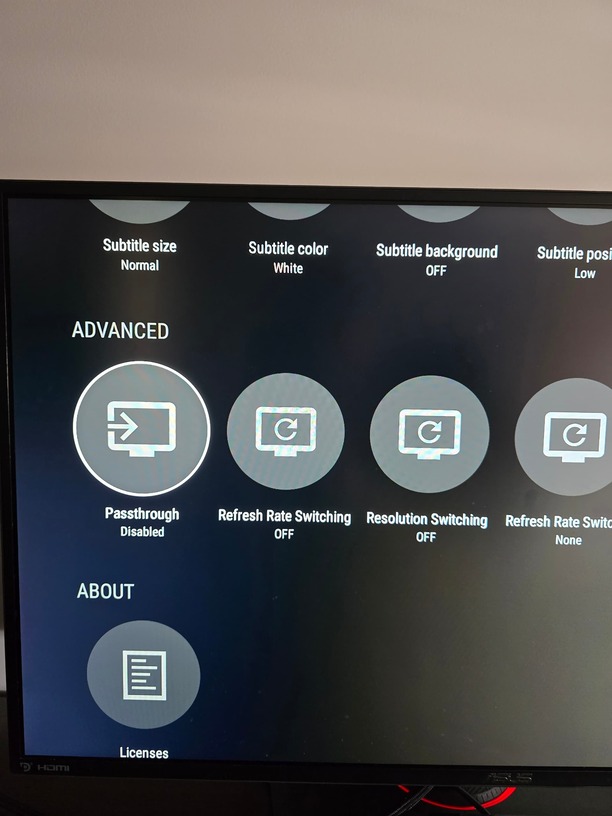
well it didnt i have the same issue after installing plex server i cant get to see the server option in the settings , so i cant choose external HD for metadata so basically im screwed ? i cant see where it sasy server is running but it is Running fine i can connect to it. i’ve had that option vanished before but a reboot fixed it .. now it looks like the plex server itself is screwed up or what ?
im lost here.
since i cant choose where to add the metadata from the plex setting is there anyother way to transfer the metadata to the external drive?
I had a similar problem where my server option showed up in settings but I couldn’t see or touch any of the settings.
I bought the Shield TV Pro last fall intending for it to be my second house OTA DVR. I had significant difficulties in keeping it running then and had to reinstall the server and rebuild it from scratch several times. This month, I reinstalled the server again and it worked for a couple of days. But when I loaded up the recording schedule it decided it was time to lock up again.
My approach has been to go into the apps settings and delete the Plex app. Then go into the system apps and delete the Plex media server. Then reinstall the media server and then reinstall the Plex app. Interestingly the Plex media server app showed up this spring in the GOOGLE PLAY STORE when it wasn’t there last fall. So I was hopeful that some improvements had been made.
I’m done with it as it won’t reliably run on the (18 MB/S) WiFi I have and I’m tired of wasting my time with such a poor design. It appears to be a great product for NAS installations but I believe the Shield may not be robust enough to handle it.
yeah it happend to me in the past and deleting the Database recovered it but this time its different
it’s a brand new created plex 3 times with no option at all it’s either the server file is screwed up or my plex is bricked for some odd reason , but the server works fine , it’s just the options are not there the UI as nothing , so the option to Adapt storage is missing also since its on the same line… so ■■■■■■■ weird i aint seen anything like it. especially when i even downgraded the firmware and still cant get that option to show up in plex…
Was going to ask if you moved server data but since you completely wiped it then not that.
Is the server even showing up as installed in the device system settings under apps? Does the Google Play store show if there are updates to the server?
unfortunately not.
it started with the shield asking me to login google again and it was stuck in a loop so play store didnt work anymore , i tried many things it didnt work but plex was also freezing a lot , thats when i reformated and reinstalled many times . plex server is in apps , it’s also working right now but i cant add anything else the metadata is filling up me 16gig , as soon as one of the plex DB fails because of electricity loose or watever happens then im ■■■■■■ cuse i cant see the server so i cant stop it or resume it… i dont know i posted this in redit and no one as ever seen this before … my other shield is working good this one is massivly screwed… i was waiting for an update on the APK but it says it’s not released yet because some packing with google play ? do you have the newest 1.40 or something like that
I bought a new shield and it was the same exact thing ,but i figured how to move the metadata , and the whole plex on external without the option , first plugg in HDD make sure it’s set to INTERNAL not external , go to developers option and make sure the setting Force apps on external drive is ON reboot then go to APPS - System Apps . go to plex server click on storage and choose switch to " YOUR EXTERNAL " took about 10 min to transfer 10 gig now my shield intenal HDD is free and everything is on the external … something is broken somewhere that there is no option …