Server Version#: PlexMediaServer-1.23.1.4571-6119e8eed
Server Version#: PlexMediaServer-1.18.5.2309-f5213a238
I have multiple Synology NAS devices (DS918+ DS920+), and Plex refuses to run on either. Either manually downloading the spk and installing, or by installing from the synology repo, the result is the same.
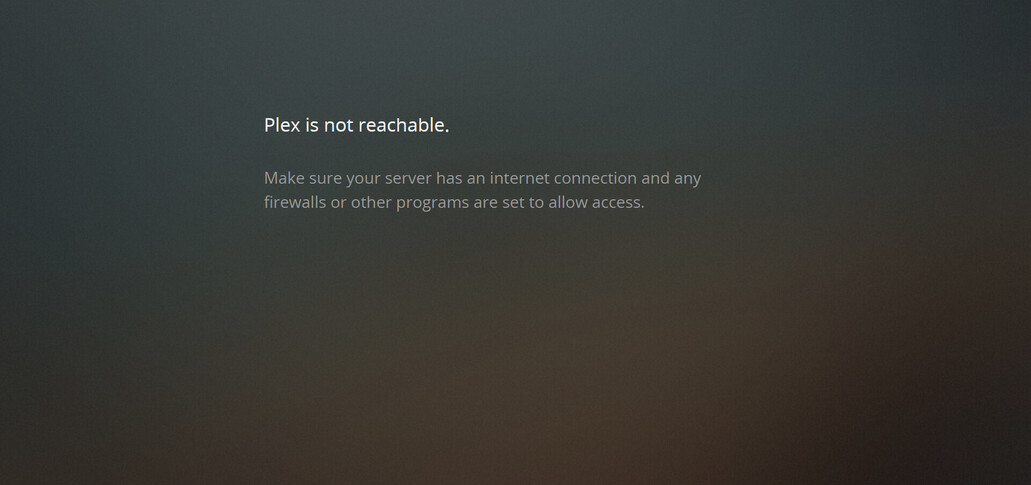
“Plex is not reachable.”
" Make sure your server has an internet connection and any firewalls or other programs are set to allow access."
The server has an internet connection. Synology firewall is off.
What’s especially annoying is I have plex server running perfectly well on an old windows server on the same network. I was hoping to retire it by migrating plex to the Synology.
I tried connecting directly via local ip. No difference. (Yes I’ve tried restarting them)
Any help would be appreciated. Would be sad if I can’t get this to work as I bought the DS920+ especially for this. So will have to return it and just keep my nearly ten years old windows server instead.
Thanks for the response. I’ve done as requested. (I didn’t know the logs were there ( I was originally looking in the Log Center).
I’ve tried to skim them now, and there’s a lot in there, I noticed there’s some sort of xml parsing issue when it scans my Nvidia Shield, so I’ve turned my shield off and tested again, but sadly that hasn’t resolved the issue I’m having.
I’m not yet seeing anything obvious related to the issue, there’s a number of http gets to the internet that successfully download, so plex clearly has internet access.
Oh My God. it was my browser the whole time! I spent so long redoing everything about my network, and rebuilding the synology, and it was just my laptop’s browser!
(I use umatrix and plex.tv was listed as a 3rd party domain and wasn’t whitelisted for that domain (the local ip address))