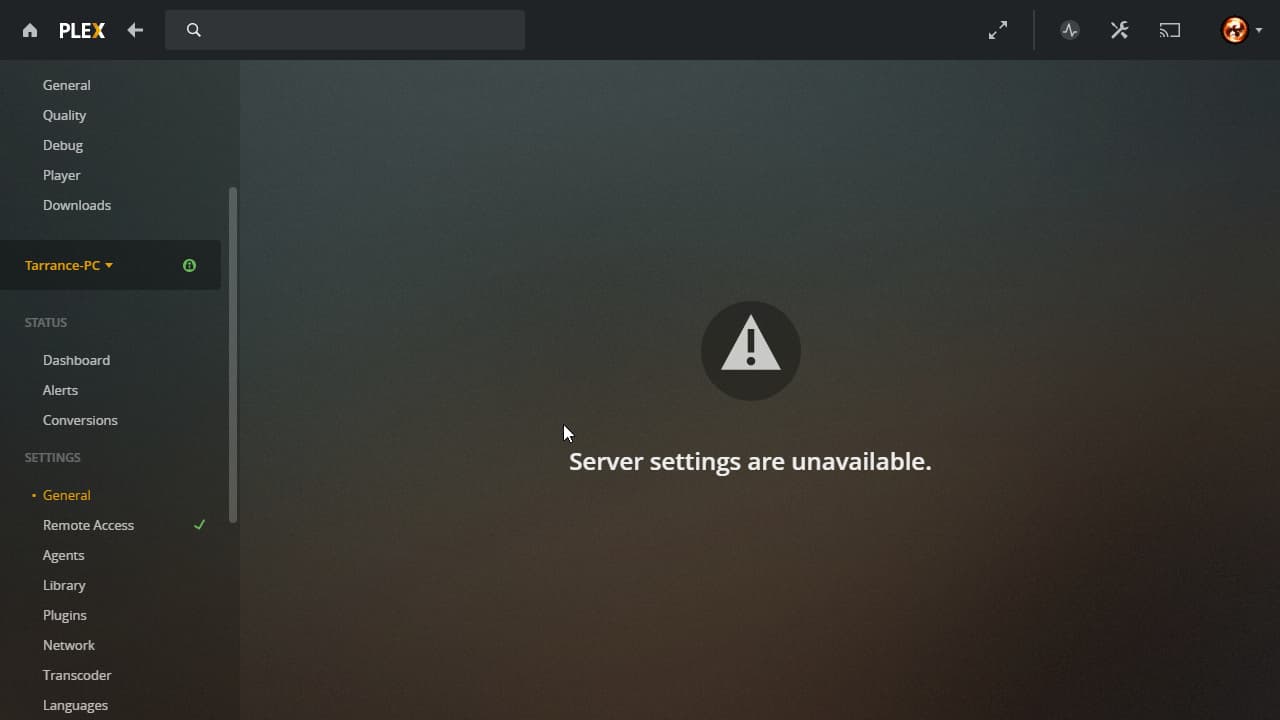
Server Version#: 1.23.6.4881-e2e58f321
Player Version#:
I recently imported a database from a couple of months ago, and now I can no longer access my server settings. Everything else works, however. Everything was working fine before the import as well, it’s only after that I can no longer access it.
I’m also having this issue, happened after updating to the latest version. I’ve tried rolling back to my original, and to other previous version but no luck so far
Shut down everything making sure absolutely nothing is running.
Make a backup of the current AppData folder. (the one with all of the databases and metadata)
Delete and uninstall Plex completely, including its registry data.
To move the AppData location, make a symlink from the folder you want it to be, to the AppData folder. (this is where I screwed up last time and caused me to get the error you see above. I edited the registry data last time, and it only half worked and resulted in the error above.)
Reinstall Plex.
Confirm you have a working server and go through the basic setup.
Shut down plex completely again.
Restore the backup of the old AppData folder into the new location.
Restart the computer.
Open plex and make sure everything is where it was before you started. (Library folders are located and found, Metadata is the same, watch history is also the same.)
Restart your computer several times if something is odd, like you are unable to add a library. Confirm working after every restart.
Give users access to the new server.
Delete/Remove old server if you haven’t already done so.
Port Forward your server for proper connection outside your home network.
I will reiterate, these are the steps (roughly) that I took to solve my specific issue that I was having when I made this thread. I also did a lot more things that got me nowhere, like trying to see if I could repair my database using plex’s SQLite cmd exe. These steps will most likely not work for you unless you were like me and were trying to import an old database after an OS reinstall, with an AppData folder that is on a separate dedicated drive. (that folder is already 100GB for me, which is much larger than my C drive with windows on it.) I did however learn a lot about how plex actually works in this whole process so it wasn’t a complete time loss once I figured out what I needed to do.