im aware. I turn it on to download stuff to it but turn it off to view things with people online.
hoever its never not full of problems. I just tested it on my phone yesterday and it was perfect. then today it said saying something is wrong, and wouldnt see anything untill i turned my PC on. then it appeared. but it should be fine with just my NAS on.
i am sharing from my NAS yet it needed my PC on to look and play them on my tablet and phone. otherwise they vanish. on my phone it even asked me to claim my server. It couldn’t when i told it to do that. timed out. i dont see options to tell it to BE on my NAS just to look for media on my NAS. why is it always a struggle?
also when i was having problems, i removed my OLD server and made a new one. now it’s connected to BOTH, and i don’t know why. Also one server seems to have 157 seasons of Batman beyond ( i do not HAVE batman beyond on my drive) which is just insane and seems to be just a bunch of different shows all tucked away under a false name of a series i do NOT have anything even close to named that.
its liek whackamole with stress. i club one down and its 3 more popping up.
so turns out the old server i deleted is back. and it works. HOWEVER the new server shows as offline (how?) and i don’t know how to remove that since it didn’t remove the old one. Any help?
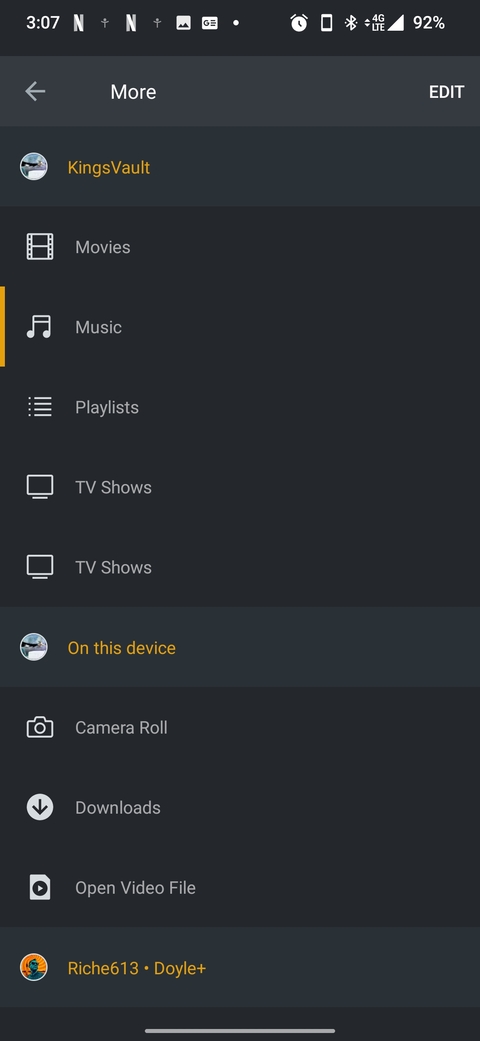
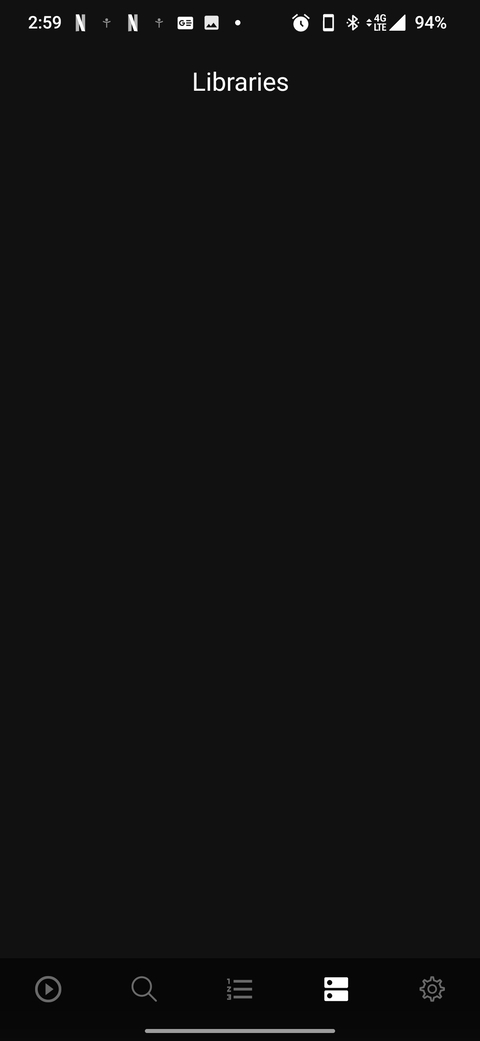
I am so furious with this. It shows my tv shows but not music. Plex dash won’t show my libraries anymore but it does show my server. It’s finding dozens of ways to work and fail at the same time
here it is. Problems connecting as is usual for me. my VPN is still disconnected so this is my natural LAN connection on my NAS drive and the internet.
i was sure i told it to remove that 1 word server. we don’t even see plexy show up
i think i tried to get plex a few years back and couldn’t make it work so i gave up. I have not seen this pop up in ANYTHING over the last few months. i have no idea how to make it appear, or how to ensure it dies the true death.
Right now servers aren’t even showing up at all in settings. just my Account name, and the Plex For Windows.
TV Shows aren’t Authorized. It’s like i have the complete pokedex of problems. It’s always vaguely different ways of telling me how busted everything.
ok as of this day, it seems to work. I updated my NAS, and plex, and somehow the server permissions were changed to read only, and i made them read write and they all just seem to work now. Might be some missing files with names and such but i’ll have to call this solved for the time being.