Server Version#: 1.32.8.7639-fb6452ebf
Player Version#:
QNAP Firmware# QTS 5.1.2.2533
Had been running PMS v1.30 on QNAP happily since May. Last QNAP firmware update was early October; PMS was happy. Last night I upgraded PMS to the lastest release. Following the upgrade, I initially got a 505 error “Maintenance” saying it was doing a db migration. I let it be overnight. Today I get nothing. I tried stopping / starting the app… I tried rebooting the QNAP. Nothing. I appreciate help getting this back online. Thanks
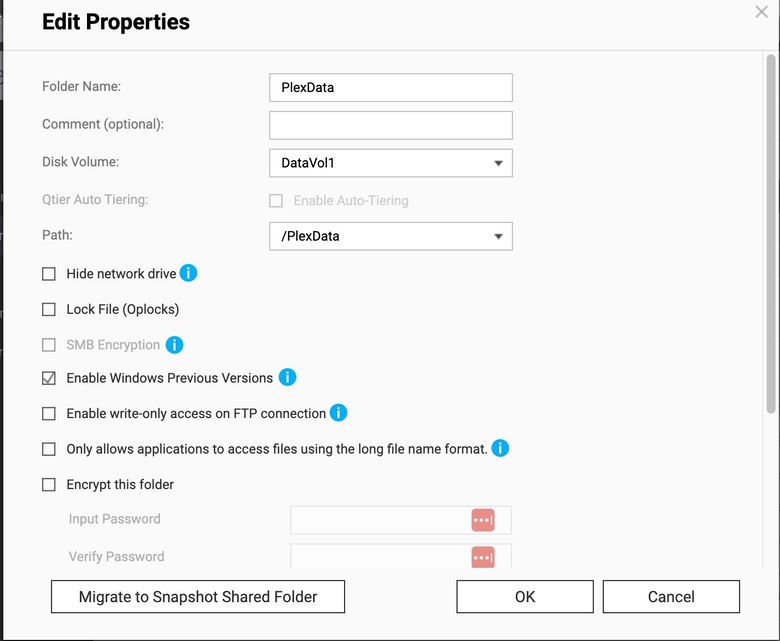
Thanks Chuck. I wish I had never run the PMS update. The /PlexData shared folder was already there and populated with Logs, but for the life of me I couldn’t get the data out. Despite full permissions to the folder and children, I kept getting the attached error. Compressing Logs didn’t work, nor did downloading the logs individually through both FileStation and FileZilla. SCP didn’t work. Not even copying the logs to a different shared folder in FileStation. All of these worked in other shared folders; I tested. It seems your team applied some voodoo on the ‘PlexData/Plex Media Server’ directory object; even as admin, FileZilla couldn’t open the directory…despite the QNAP saying admin has full rights on the object and its children. Very frustrating. Tonight I’ll uninstall PMS and attempt to install the one released Oct 24th v1.32.7.