Plexamp - audio won't play

Hi,

Iphone 13

plexamp v4.12.4

plex server Version 1.43.0.10467 (unraid docker)

I have had an issue for a while where plexamp, when newly logged in, will work great for a while (couple of days perhaps) and then, when resuming/reopening the app, no music will play. the UI will briefly display the pause icon, and the play time indication remains static.

I can’t then play any audio until I log out of plexamp and log back in again, whereupon playback can be resumed.

This happens with all of my 3 music libraries. Cache settings seem to be minimal (10-15 tracks)

I’m quite often listening via airpods pro 2 (bluetooth)

Plexamp logs attached. Any suggestions welcome!

Cheers.

Plexamp-Logs-2026-01-26-1.zip (110.6 KB)

I am seeing some 404 errors coming back from the server:

Jan 11, 2026 14:18:22.579 [0x701b7000] INFO - Cache: Opened file at offset 0: https://192-168-178-35.bd7645e012a04d46876a32375e00ff2c.plex.direct:32400/library/parts/33548/1721251634/file.aiff?download=1&X-Plex-Client-Identifier=753ebd12-be98-46da-a06d-17ec63aff381&X-Plex-Device=iOS&X-Plex-Device-Name=iPhone&X-Plex-Platform=Generic&X-Plex-Platform-Version=18%2E6%2E2&X-Plex-Product=Plexamp&X-Plex-Token=<token>&X-Plex-Version=4%2E12%2E4
Jan 11, 2026 14:18:22.594 [0x7009f000] INFO - Cache: Network error (404) occurred (retry: 0), we might want to kick off recovery (still 0 bytes in network buffer).

Most recent log shows an example of this.

I honestly haven’t heard of an issue like this, I use iOS / AirPods all the time.

If you can reproduce it:

  • Hold down play/pause button to completely clear the play queue
  • Force quite the app
  • Start the app
  • Try to play something
  • If that doesn’t work upload logs

Thanks for the response Elan.

I can confirm that I can clear the issue with the steps listed above.

I can reproduce the issue by pausing the playing track. then going about my business for a while (usually hours). And then when I reopen the app and try to resume where I left off, then it happens (sorry not very precise)

on the 404s - I realised today that I have removed a bunch of music files without clearing the trash, that could explain that? In terms of playback, plexamp will skip over the missing track successfully.

I have attached fresh plexamp logs, and server logs too.

Plexamp-Logs-2026-01-28-1.zip (113.7 KB)

Plex Media Server Logs_2026-01-28_19-06-47.zip (1.6 MB)

Thanks.

It’s still very confusing.

In the most recent log, the app starts up, tries to resume what looks like a fairly massive AIFF file (Armand Van Helden - The Funk Phenomena), and then it gets paused for some reason I can’t really tell. It doesn’t look like you try to resume it after that. I assume if you tap on the play button it doesn’t do anything?
Is this only an issue with AIFF files by chance?

OK apologies - I should have reproduced this more reliably before posting logs.

AIFF files usually work great (they are from my DJ record box, hence file size)

I have tested with an MP3 file… I have had 2 instances of this to share today.

Steps to reproduce

  • Open plexamp

    Play file

    Pause file

    Leave, but don’t force close app - for approx 30 minute period.

    Re-open app later

    File should now be stuck.

Timestamps to go with logs

  • File tested - Craig Richards Resident Advisor DJ mix (long MP3)

    Craig Richards file started - on-site (at home) approx 7:40am

    Paused

    Moved off-site

    Airpods Connected

    App re-opened

    Craig Richards file stuck at 7:59am - 29th January 26

    Followed steps to clear at 8:13am

    Playback resumes OK at 8:14am

    Force close, re-open (bluetooth connected)

    8:14am-8:31am on-site, unable to reproduce

Working throughout the day, unable to reproduce

(I think I was force closing the app throughout the day in error of my own steps)

2nd instance

  • Started Bill Withers - Kissing My Love leaving work approx 5:00pm

    Transcoded OPUS

    Left app open, didn’t force close

    Came back home (on-site)

    Opened app

    No airpods

    Playback stuck on Bill Withers - 17:49pm - 29th January 26

    logs attached. Thanks for bearing with!

plex-media-server-logs-2026-01-29-1769709473652.zip (1.4 MB)

Plexamp-Logs-2026-01-29-1.zip (94.6 KB)

I’m afraid there aren’t really any more clues in here.

When it manifests as stuck/paused, I don’t see indication in the logs that you’re hitting the play button at all in an attempt resume it.

Can you hit play button a few times so I can see what that looks like in the logs?

Can you try just force quitting and restarting the app? It should leave you exactly where you were left off, with just hitting play button to resume.

I continue to be quite confused.

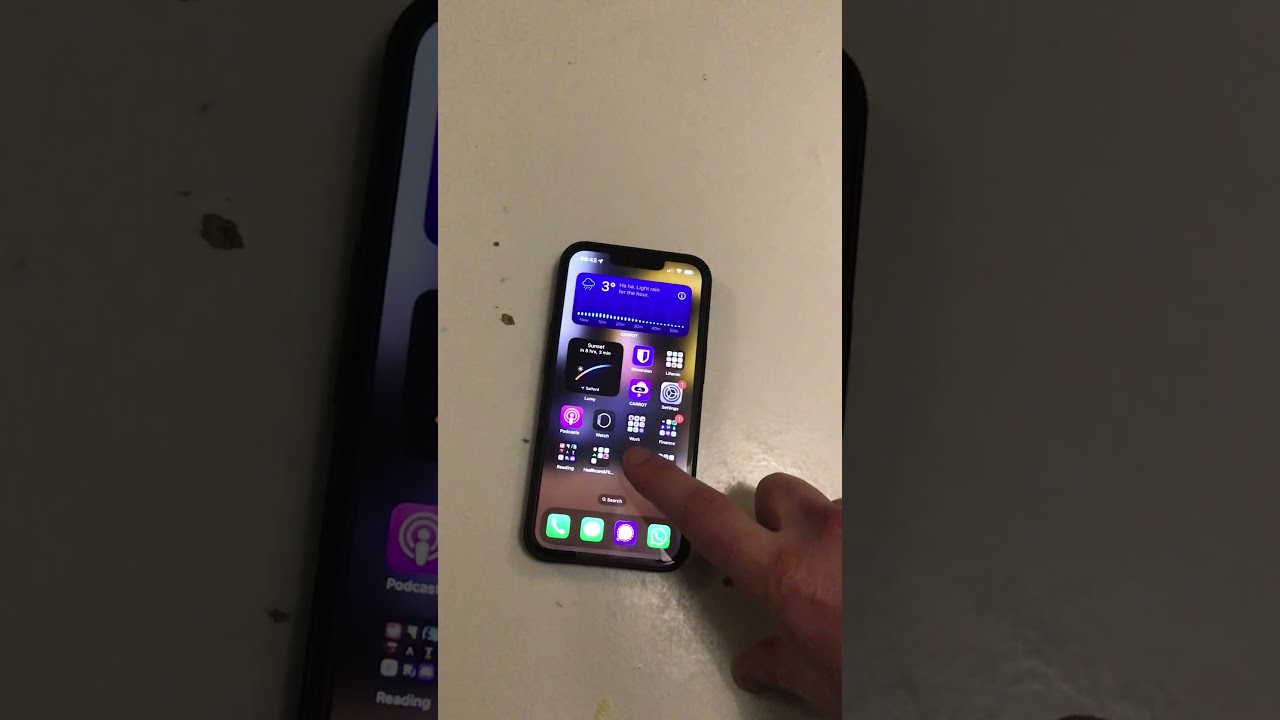
Thanks Elan, I share your confusion! I have posted a video of it happening, in the hope that I’m doing something ridiculous as a user.

Plexamp test 1

Plexamp-Logs-2026-01-30-1.zip (108.5 KB)

plex-media-server-logs-2026-01-30-1769763014636.zip (3.2 MB)

Plexamp test 2

plex-media-server-logs-2026-01-30-1769795333538.zip (3.2 MB)

Plexamp-Logs-2026-01-30-2.zip (97.9 KB)

Cheers.
