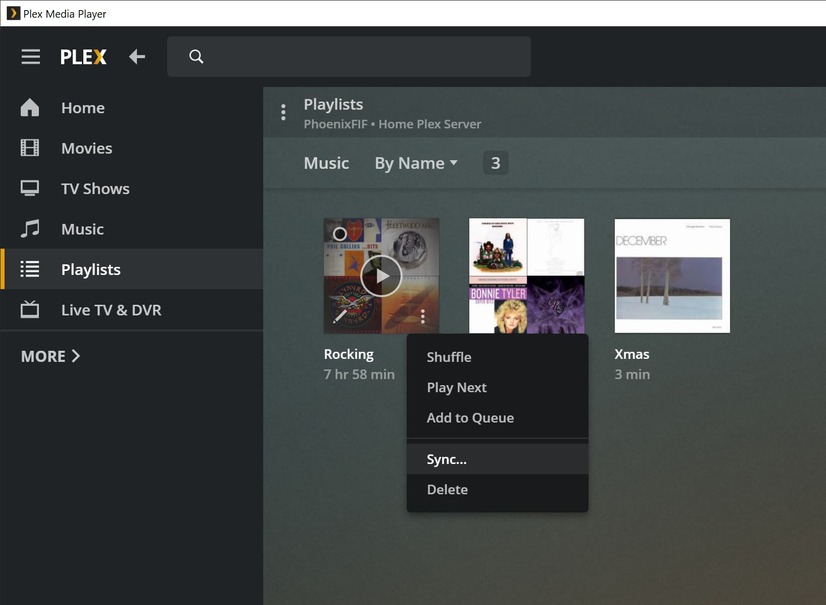
Server Version#: 1.41.6.9685 Windows
Player Version#:4.12.2 Android
On the Plex app I had music and playlists downloaded to my phone. After being forced to change to Plexamp, all is missing. Plexamp is not showing my playlists and when I attempt to sync from the server I get the error " You are not signed in to any sync capable devices.". I checked authorizes devices on the server and both my phone and Plexamp are there. Am I doing something wrong, or is this the same old bug ridden Plex android apps?
Did you shut down and restart your server withon the last 3 days?
If not, do it now please.
Then wait a few minutes.
Try to download an item, then fetch the Plexamp logs and post them here.
That is the old school way. Part of the problem is that my play lists are not showing up in the app so I have nothing to select to download. From the app I can download albums. I just need to find the playlists.
I’m not sure why they wouldn’t show up, are you logged in as the same user and have selected the correct library? What do you see on the libraries tab? Note also Plexamp setting Experience > Show Playlists from All Libraries.
I am logged in same user as always. Show playlists from all libraries is selected. The libraries tab shows all my music except my playlists. It shows 4 lists it created (Tracks, All Music, Fresh, and Recently. Everything was working on the Plex app until it was upgraded and I had to start using Plexamp. If it was possible, I would be happy to go back to the old Plex app were everything worked.
Odd thing. When I installed Plexamp it selected the admin user by default and allowed access without asking for the pin. It was set to the wrong user and that fixed my problem. Thanks for your help.
When Plexamp was installed it created new playlists Tracks, Fresh, Recently Added, and Recently Played to the admin user only. Is there a way to add the lists to other users?
When other users sign in, they should get the same option to create them. There’s no support right now for creating them for managed users when switching.