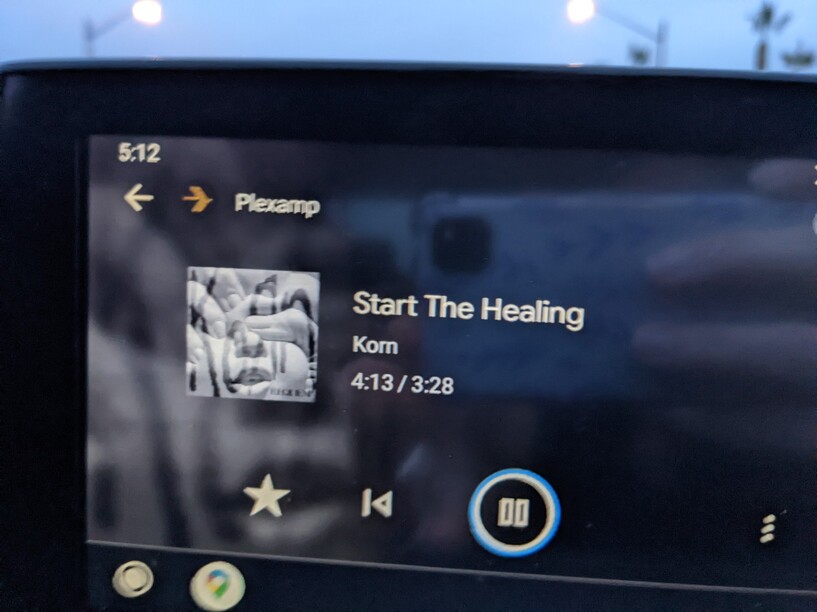
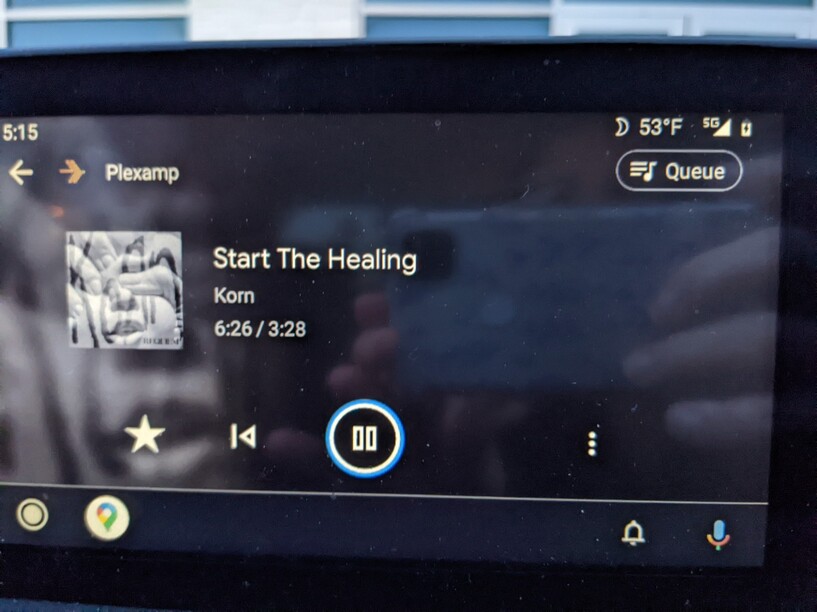
I’ve noticed that with the latest versions of Plexamp on Synology (both 1.25.2.5319 and 1.25.3.5409), that when a song ends, it will infinitely continue to count up time even though the song has ended. Doesn’t matter if it’s a single play or the last song in the playlist, the last song will always keep going with new stop in sight.
Example: If you play a song (song legnth is 3:40. At 3:40, the song will when but Plexamp on PC/Android Auto will continue to advance into an infinite time length. I’ve got it up to 17:21 at one point just to see. I’ve also replicated this for Android Auto.
@elan I can grab the server logs when this happens; currently not in a position to get to them. Also, once I download the server logs, do you need a certain file from them?
@elan Here is the attached zip you were requesting. Prior to preparing the zip, I had made sure to repeat the issue twice and made sure not to play anything after the fact. I also wanted to share 2 photos that show the issue too. I hope these are helpful.
There’s nothing really suspicious in the logs. I don’t see any audio transcodes, which implies the playback is not doing conversions, which makes me even more confused.
I assume there’s no reverse proxy or anything like that involved?
If not, and if you can reproduce the issue easily, play it on your phone, wait until it’s a minute or so over, and then send both server and Plexamp logs over.
Sorry I don’t have anything better to advise, you’re literally the only person who’s ever reported this.
I’ll just drop in and say I have had this issue as well. I want to say I’ve only experienced this on Android Auto and it was a only a handful of times. If it happens again I’ll grab the logs in case anything useful is in there.
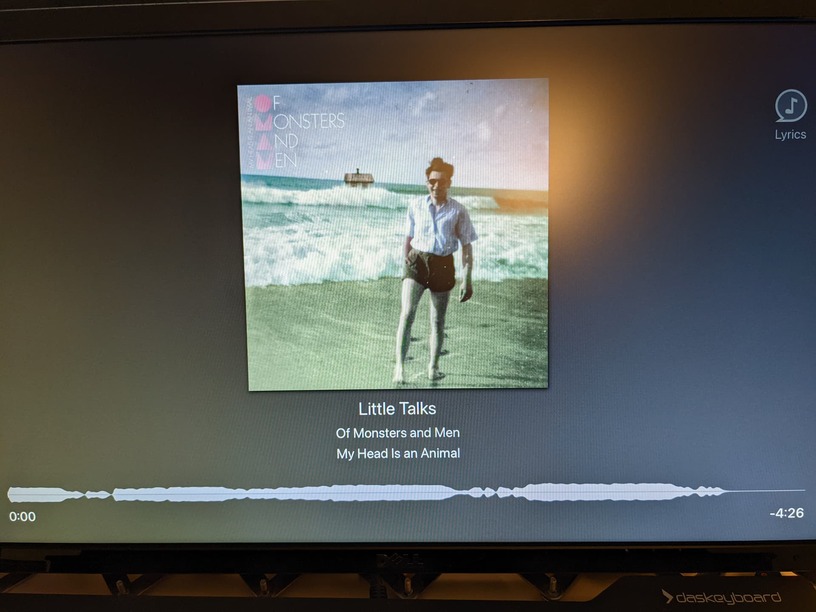
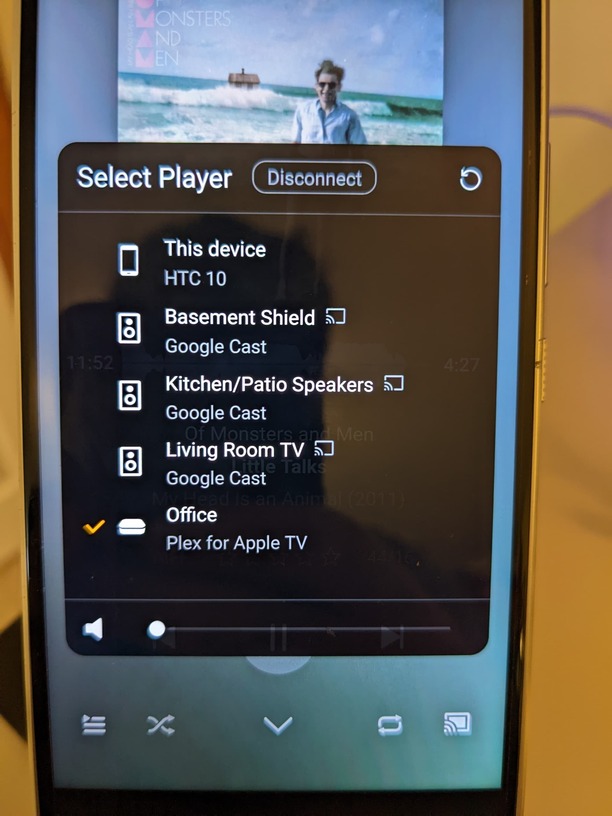
@elan I am having the same issue but for me its from android phone to an apple TV 4k. I have a android phone with Plexamp I am using as my controller device connecting to my appletv 4k running Plex same network at home max quality no transcoding. It is random when it happens. But I am listening to Library Radio, and it has happened three times over the last couple hours. I was able to grab logs for AppleTV, Server, and Android Phone. I labelled them based on the song that had the infinite time happen. I will send you the sample songs over a DM along with my logs just in case its the song files.
In the logs look for some time between 12 noon to about 2pm for the song Little Talks, a ColdPlay song called O, and another Called Dominos. In my case it happened on the song Little Talks first, and then on ColdPlay Zero and then on Dominos in that order. Little Talks and Coldplay were back to back in the playlist, and Dominos was about 5 tracks down in the up next list. The fourth track was Shostakovich but I was not able to grab the logs on that one.
Lastly behavior on the phone was weird, during infinite time play, on the phone if I tried skip to next track it won’t let me, if I hit play pause it does nothing. If I go to the up next section and select a song I can’t. The only way to get control again is to disconnect the phone from the appletv by selecting playback on this device then select appletv from the list and it will start playing the same song, in my case Little Talks from the beginning, working again normally. Then I hit skip track and the next track by ColdPlay did an infinite play again. I had to disconnect skip the coldplay track and start playback on the next track, and then after playback was started I connect to appletv and it was normal again until a few more tracks down it did it again at random. From appletv side if I tried anything play/pause, next, etc. Plex would restart or crash.
While typing this message it happened again for a fourth time now.
See my screen shots below.
This is a picture of the Phone that I am using as the controller/playing device. Notice the 11 minutes on a 4 minute song
The latest version has fixed this problem (although it is bizarre that the timer remains at 0:00 when the last track finishes).
However, I report a new strange behaviour always on Android Auto: if from Plexamp while the track is playing you switch to another music app and then, after 5/10 minutes back to Plexamp, only the home screen appears without the possibility to resume the paused track. On the phone, the track appears regularly paused.
Attach log Plexamp log.txt (15.0 KB)