Question - So it sounds like there are some differences. I don’t know where i originally installed from but i have been using the orange banner link in plex web to download update up till now. I don’t want to lose metadata and such.
Is there a place I should stick to or stay away from when it comes time to update? (orange banner notice in plex web)
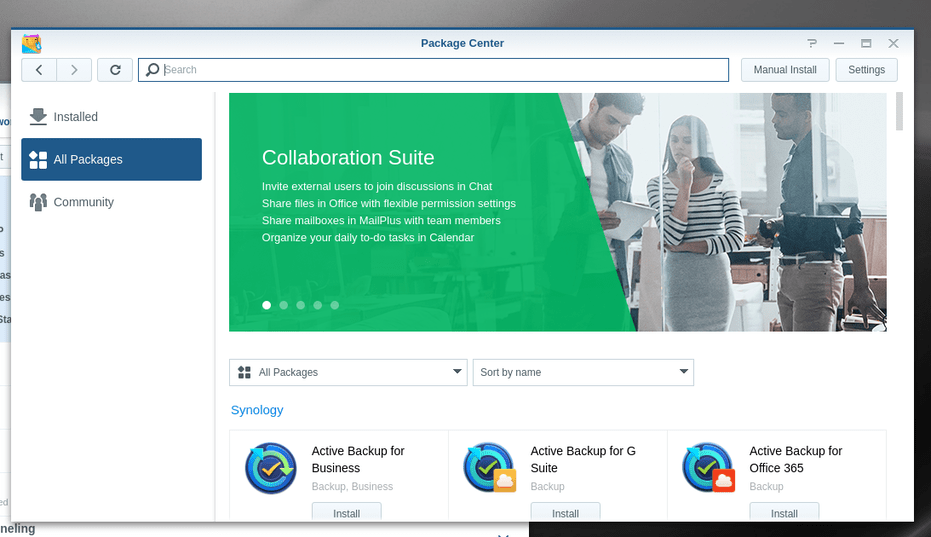
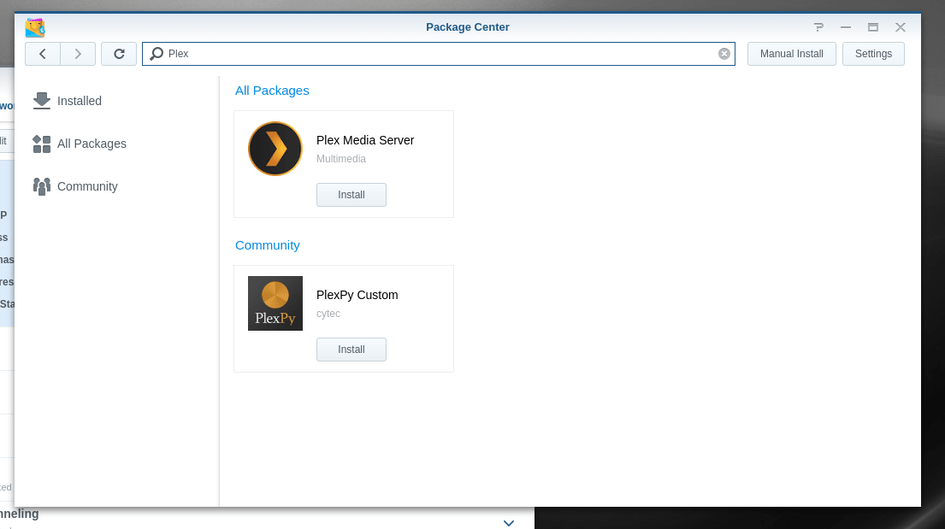
I.e. do I click that web link and download from there or no? Should I go to Synology package centre to download?
FYI - I went to go look in file station and I could not see the Plex share again. I set my admin user permission to read and write again on Plex share. I hope that is OK.
The version you were running was 0.9.15.6. That version is, frankly, too old to ever connect with Plex.tv
When you went to update, with all the database changes, it probably had ‘kittens’ (highly technical term to describe database losing its marbles – haha)
what I’m trying to do now is, instead of bringing you the FULL step from that database to current, bring you part of the way.
If we can’t make it, I know we can at least preserve your “Watched” status. that’s pretty easy but still I’d like to preserve everything.
Having permission to the Plex share is fine. All I ask is you don’t store media in there. The syno will melt down (plex will end up monitoring itself and never work right)
The most recent version I was on was 1.18.2.2058 and I update quite regularly. At least that is the version I though I put on a couple weeks ago. Unless there was some sort of weird leftovers in the database?
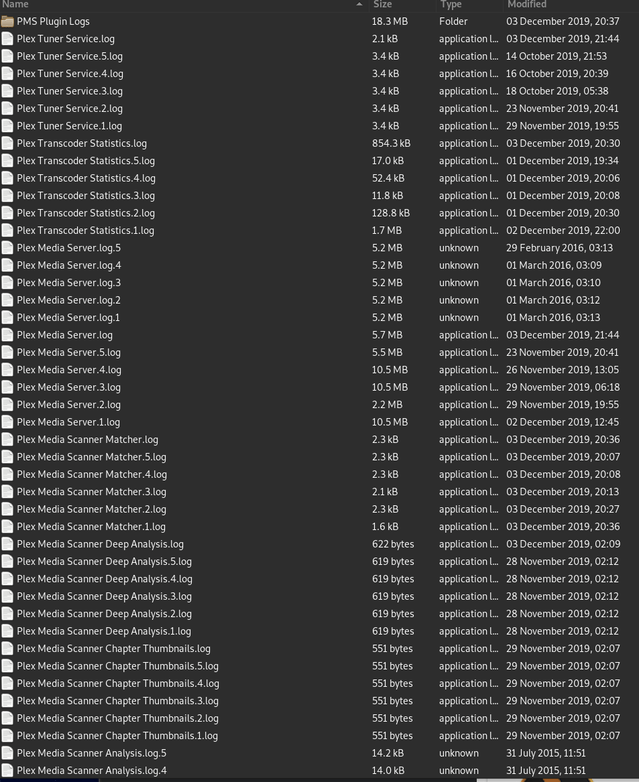
The logging was turned off so those old entries dated back to 2016. That was probably the last time logs were taken perhaps?
Sorry, I meant that you mentioned earlier that [correction - not running] 0.9.15.6 was installed. Do you think there was still some part [correction - not running] installed of that old version, after all these updates over the years?
It looks like it pulled down 1.16.5 and that is what is getting installed? Will that be OK with the plex metadata and plays etc. I had in there from 1.18.2.2058 (before I attempted the most recent update to 1.18.3.2111)
I just checked that and the system clock on NAS is OK and synced to gov. time server
Logging was turned off though when I pulled those first requested logs you wanted. Those old logs may indeed be from 2016. You noticed and so you told me to turn logging on.
Maybe 2016 is the last time that log setting was set to On?
OK - So debug is only errors - got it.
Ya I poked in log zip, just to see - all 'Greek
I have been updating all along and here I thought I was on 1.18.2.2058. Before that I was on 1.18.2.2015 (I think). I even did some posts at some plex forums with 1.18.2.2015 in the content of the posting.
What the heck happened to the version values?
Plex still says installing. Holy kittens what is it doing? CPU in the 40s to 50’s with odd spike to 80% so certainly not pinned. RAM 18%
After reboot PMS app says stopped but ‘Run’ is now an option on the button. You want me to try that or follow the 10 hail Mary steps above?
Text editor is already installed and I have access to plex share already so that is also ready.
Update - I clicked Run, just for kicks, and PMS 1.16.5. seemed to start. To be frank it makes me nervous that it ‘happened to start’ I would rather not wait for a shoe to drop and do whatever ‘fixing’ is needed. This is WAY sketchy. Let me know/PM