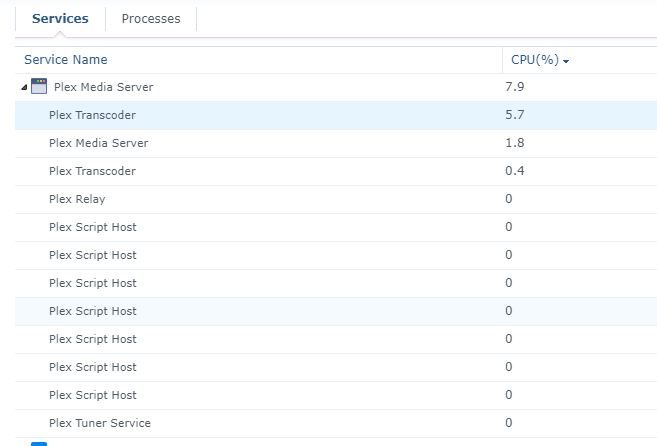
Just installed this and wasn’t expecting anything wild but I am tempted to go back down a version just to do some benchmarking as the gains look impressive.
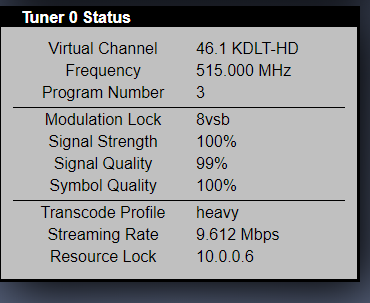
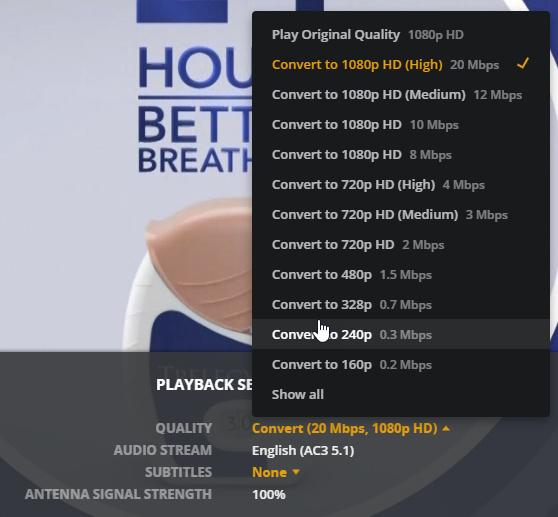
Hardware transcoding enabled obviously, I picked a 1080i channel from my HDHR Extend (transcode on it set to “Highest Quality”) and have been trying every different transcode setting available.
This is great news. I noticed a marked improvement in Live TV on .1944 using the Connect (mpeg2ts), and I’m hoping it looks even better with .1966.
I was actually considering returning the Synology 918+ after having a number of problems with Live TV streaming. It does well with other media (with no image subtitles) but it just choked on Live TV with buffering every 30s or so.
I’ll give .1966 a shot tonight and see how it looks.
Well, first pass on .1966 looks good, unless I have subtitles enabled. The stream starts, but it looks like a garbled mess, at least on OTA with an HDHomerun Connect.
Playing 4K content transcoded to 1080p looks good, with or without subtitles (SRT).
Of course, the problem I have with Live TV on the Android (phone) client is I can’t disable subtitles … So I end up using the HDHomeRun app to watch OTA instead, which is pretty lame.
I forgot to add subtitles to the last statement… my bad!
I’m a little confused by the last part of the statement, my android client is displaying live TV fine as long as it’s not interlaced or I force it to transcode interlaced content to progressive…
I haven’t tested other methods yet, but yes, I was testing Live TV with the Web Client and subtitles were giving the stream fits.
In my last statement I was saying I don’t know how to disable subtitles in the Android (phone) client. I’d expect an option in the Playback settings (gear) but I don’t see one there, or any other menu in Live TV.
If I playback something from my library I have a nice view of Quality, Audio, Subtitles options under Playback settings.
I agree about not having any option to turn it on/off but appears mine is off by default. In the app settings -> Subtitles I have “Burn subtitles” set to “Automatic” but don’t see a way to disable or enable them by default…
Have you posted in the Android client area asking about it?