Sure! There’s really nothing to it but I can understand the trepidation.
Download the version for your QNAP (likely be the intel\amd 64-bit one but double check).
In your QNAP go to the App Center.
Click the “Install” button:

Follow the prompts to point at the Plex Server file you downloaded and install it manually. You don’t even have to stop Plex Server to do it but you can if you wanna. You don’t have to remove the old one and it’ll just pick up the setting and everything from your current install.
You may need to make this setting change in the App Center if it won’t let you install but I think it has a valid signature so shouldn’t be a problem:

All done! You have now upgraded your plex install and switched from QNAP App Store version to Plex direct download version.
On QNAP it can also be helpful to create a PlexData alias to backup\manage your Plex install (you don’t have to do this but it can be helpful for some things). Plex will do this for you automatically as long as you name the folder\share correctly: PlexData share for QNAP systems
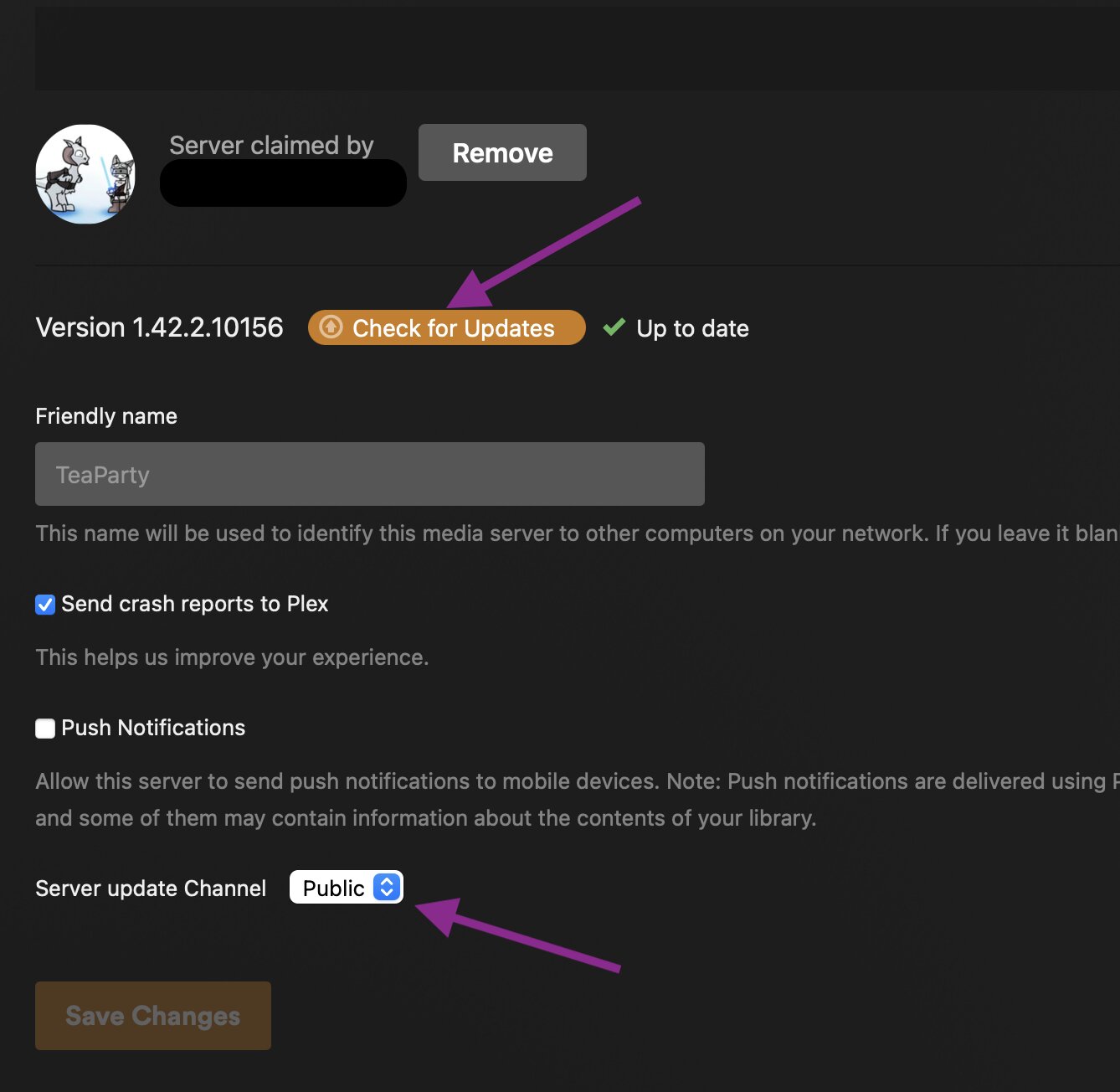
When you sign into Plex WebUI in the future you’ll get an icon in the upper right near your dashboard and settings icons showing when a new version is available. When that pops up, just click it and you’ll have the option to download the correct updated file right there. You can also manually check for updates and select if you want the Public or Beta updates in the Plex Server Settings→General page: