Server Version#: : 1.21.1
Player Version#: Qnap TS453D, firmware version 4.5.2.1594
:
- Go to Settings > Manage > Troubleshooting in Plex Web App. I could not find Manager on my PLex instalation at all.
Server Version#: : 1.21.1
Player Version#: Qnap TS453D, firmware version 4.5.2.1594
:
What will I do to make it work my friends, thank you
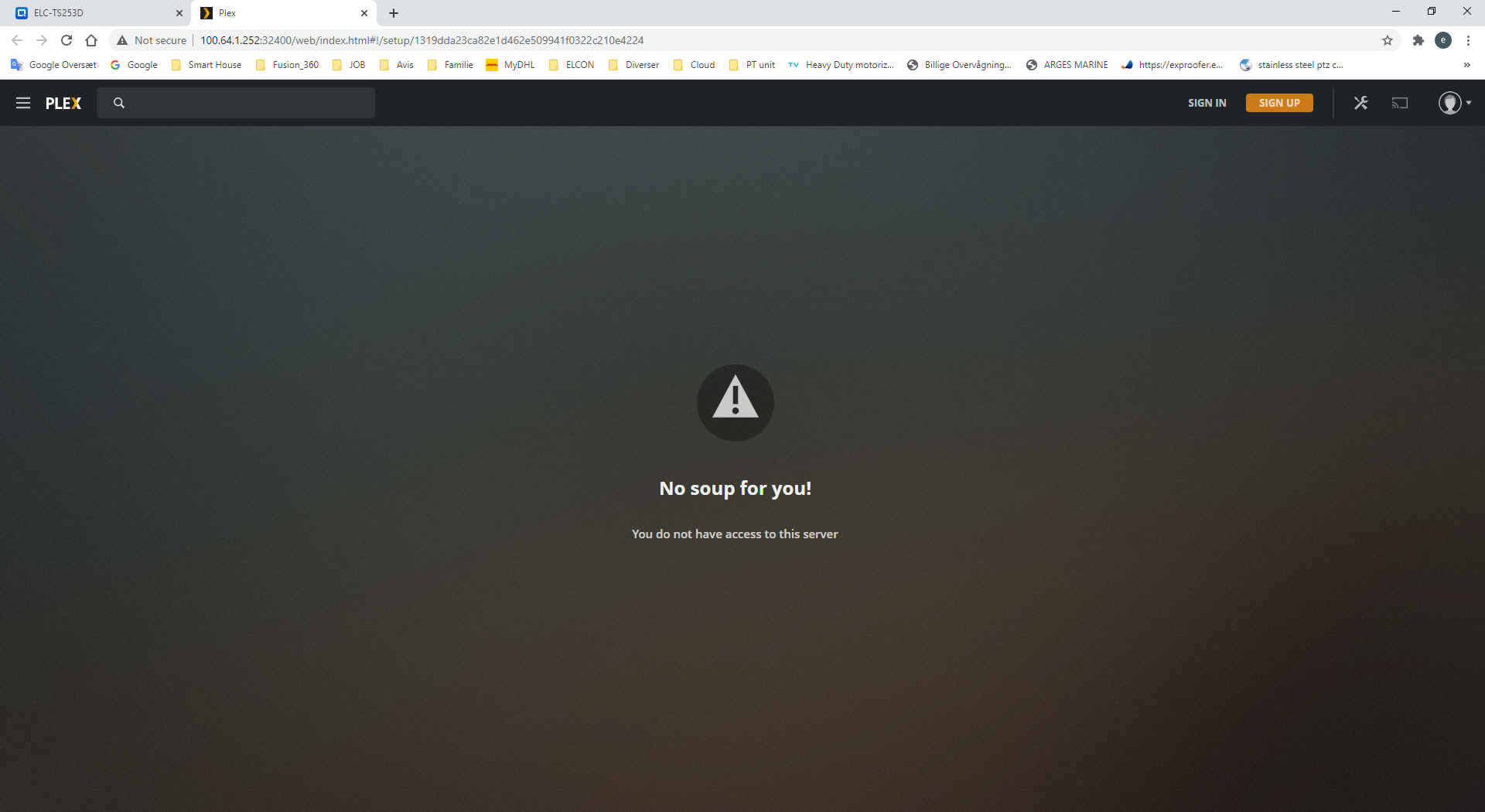
Look at the IP address you’re accessing it as.
This is not compatible. it’s a Public IP.
You must configure your QNAP and access it from the local LAN addresses during the initial setup (per RFC-1918 rules: Private network - Wikipedia )
Dear ChuckPa, Thank you for reply.
Under is the link to Plex on the Qnap
http://100.64.1.252:32400/web/index.html#!/setup/26edaea9ef7b41436ceff15f69aad694f0a1d7a9
I think It is LAN address with the gate way 100.64.1.1.
Would you please advise me how to do the initial setup from the local LAN only., example interrupting internet ? or how can I do that ?. Thank you
You can also use this tool, created by a Plex Ninja to claim your server.
It should make this easier for you given your LAN isn’t compliant with how Plex is written to work.
Dear ChuckPa,
Thank you. I will try it in this afternoon.
I will write the status to morrow.
Regards, Bon
Dear ChuckPa,
I thought I understand now when you wrote to me on the first time
about bellow
Look at the IP address you’re accessing it as.
This is not compatible. it’s a Public IP.
You must configure your QNAP and access it from the local LAN addresses during the initial setup (per RFC-1918 rules: Private network - Wikipedia )
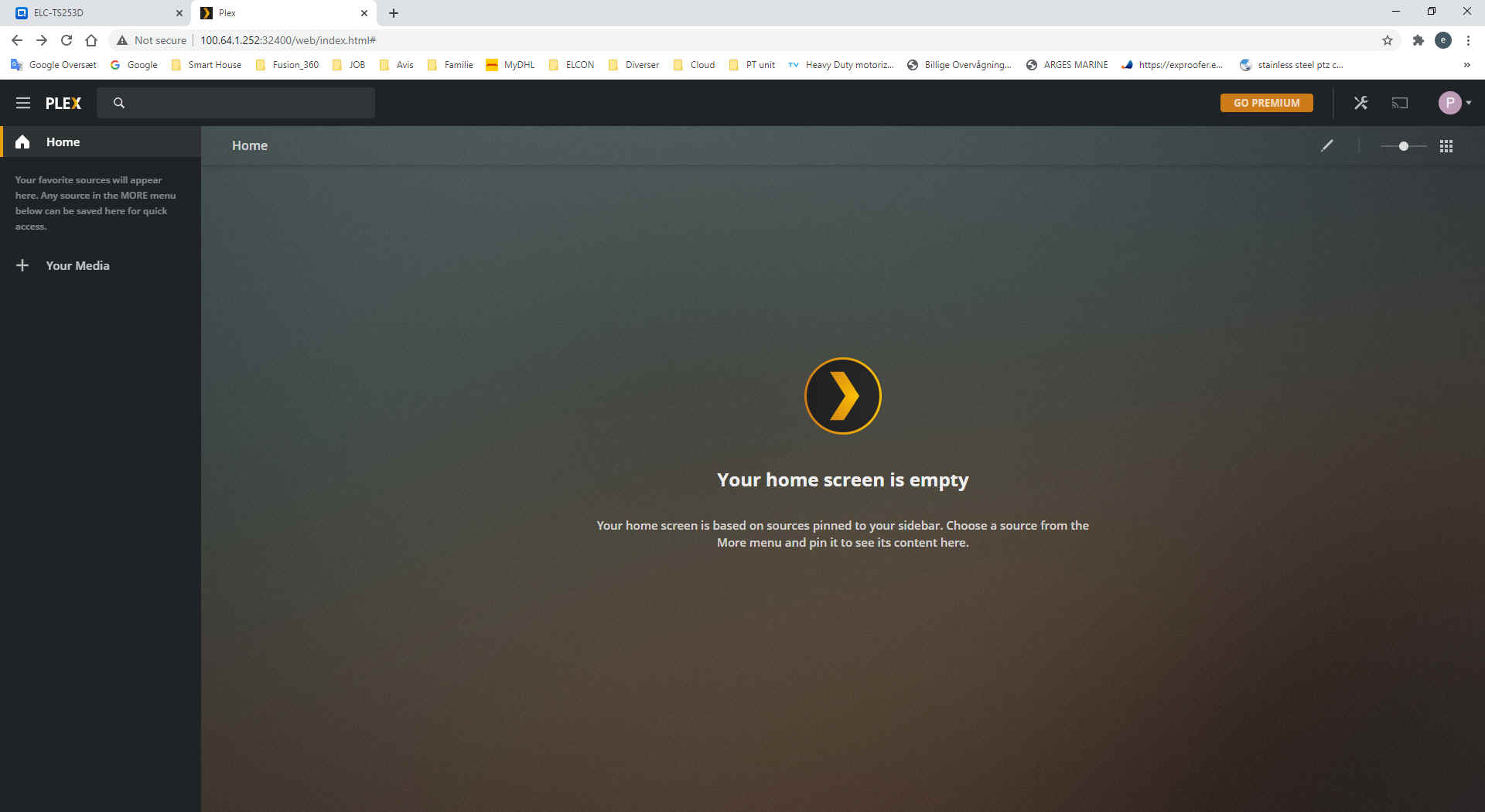
Then I changed IP address on QNAP together with a computer with new address as 192.168.123.x then Plex worked well and I can make my own library.
Thank you very much for help and nice day to you.
Regards, Bon