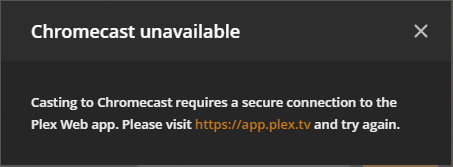
Server Version#: 1.19.1.2645
Player Version#: 4.22.3 (web on chrome)
I am aware streaming to Chrome cast hadn’t worked for a long time now but, I just got prompted that if I turn on external secure streaming that it would work and then it worked anyway.
Can someone make me understand why my local chrome cast devices need external steaming access to my local Plex server? Is it something to do with the way google have got the chrome casts set up?
I literally haven’t used my chrome casts at all since they stopped working with Plex. Plex was why I bought the chrome casts in the first place.
I think there’s a known defect that doesn’t show Plex for Android clients as casting targets (which is addressed in the current Plex for Android beta) – but that has nothing to do with casting suddenly requiring remote access.
What’s the exact message you get and where do you get that?