Hello guys,
I am trying to contect someone from Plex.
I am a Lifetime Plex Pass member and I have been using Plex for years without any major issues. However, recent updates have made the service completely unusable on my newer devices (iPhone 16 Pro, latest Fire TV Stick, and Tablet), while my older clients (like an older Google TV version) still work perfectly.
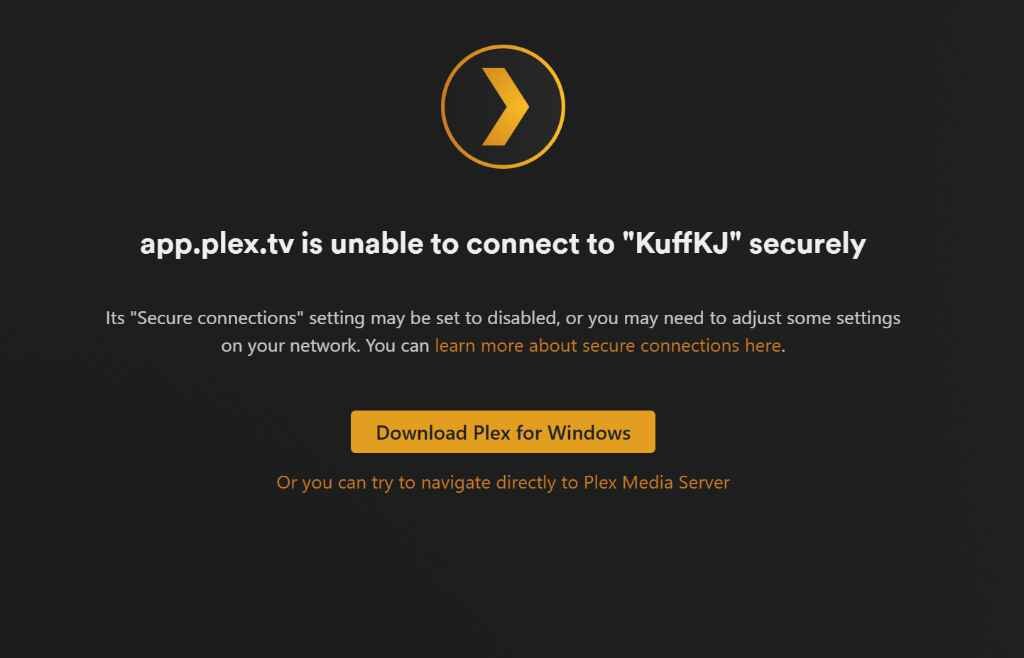
The problem is clear: My ISP-provided router (Sagemcom F@st 5670) has mandatory DNS Rebinding Protection that cannot be disabled. In the past, I solved this by using Manual Connections or setting Secure Connections to “Disabled”. Since they have removed these essential troubleshooting options from the new app versions and the server settings, I am now locked out of my own media.
Current status:
- Server side: Remote Access is Green/Active.
- Port 32400 is manually forwarded and open.
- Older apps: Work fine (Direct Connection).
- New apps (iOS/FireOS): Report the server as Offline or only connect via the 2Mbps Relay, which is unacceptable for a Lifetime member.
By removing the ability to manually specify an IP address or allow insecure connections on the local/remote network, they have rendered my Lifetime subscription useless on modern hardware. I am not behind a CGNAT, the issue is strictly their new authentication protocol clashing with my router’s security.
As a paying customer, I expect a solution that doesn’t involve me being forced into their 2Mbps Relay. Why were these manual override features removed? How am I supposed to connect my iPhone to my server when their cloud-based SSL handshake is blocked by my ISP’s hardware?
I look forward to a technical solution rather than a generic troubleshooting guide.
Please see attached below:
Plex Media Server Logs_2026-05-05_22-57-06.zip (4.1 MB)
Best regards,
Kuffka
