Server Version#: 1.18.2.2029
Player Version#:
Hi I have this issue I rebooted my modem my PMS and my PC but Remote Access not working
and it was working before.
Did you setup a port forward?
No I dont want to change anything because I dont nkow how to and I saw other people posting the same issue
Remote access works in 2 ways, upnp which is unstable and requires no user configuration and port forwarding which is stable but requires user configuration.
Post your router info and we can walk you through setting up a port forward.
I setup a port forward but when I check the port 32400 on canyouseeme.org I get the message no service I turn off the firewall and the Norton I dont have an estatic IP,and I dont know how to get it I roll back the PMS but and I saw people with the same issue whats going on
Please post your router vendor and model as well as screen shots of your port forwarding setup.
Also can you confirm your wan IP or internet ip on your router matches the IP that canyouseeme.org shows?
My modem is UPC Connect Box and I check and my WAN IP is not the same than canyouseeme.org shows

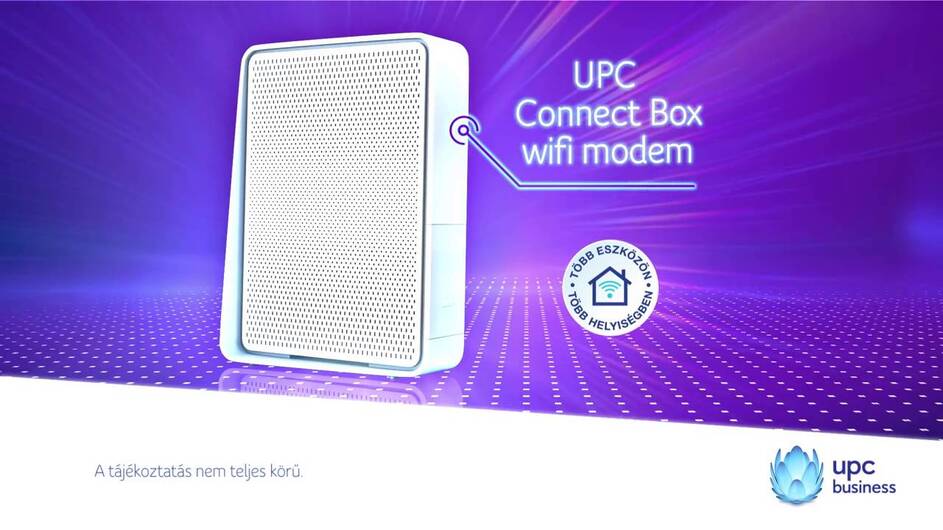
that is my port forwarding setup and my modem

that is my modem option to set a static ip what can I do?
I have to shut off the upnp?
Since your IPs do not match and the fact that your system shows domain name cgnat.libertypr.net I will assume you are in a CGNat setup.
CGNat is defined as 100.64.0.0/10 which covers 100.64.0.0 - 100.127.255.255 so I would assume your Modem IP falls in that space if not your ISP is doing CGNat with their own space.
your only option would be to contact your ISP and request a static public IP and to be take off CGNat. this might cost you a few dollars a month.
